Questions with sample solutions2 min read
Create Questions with Sample Solutions from a PDF
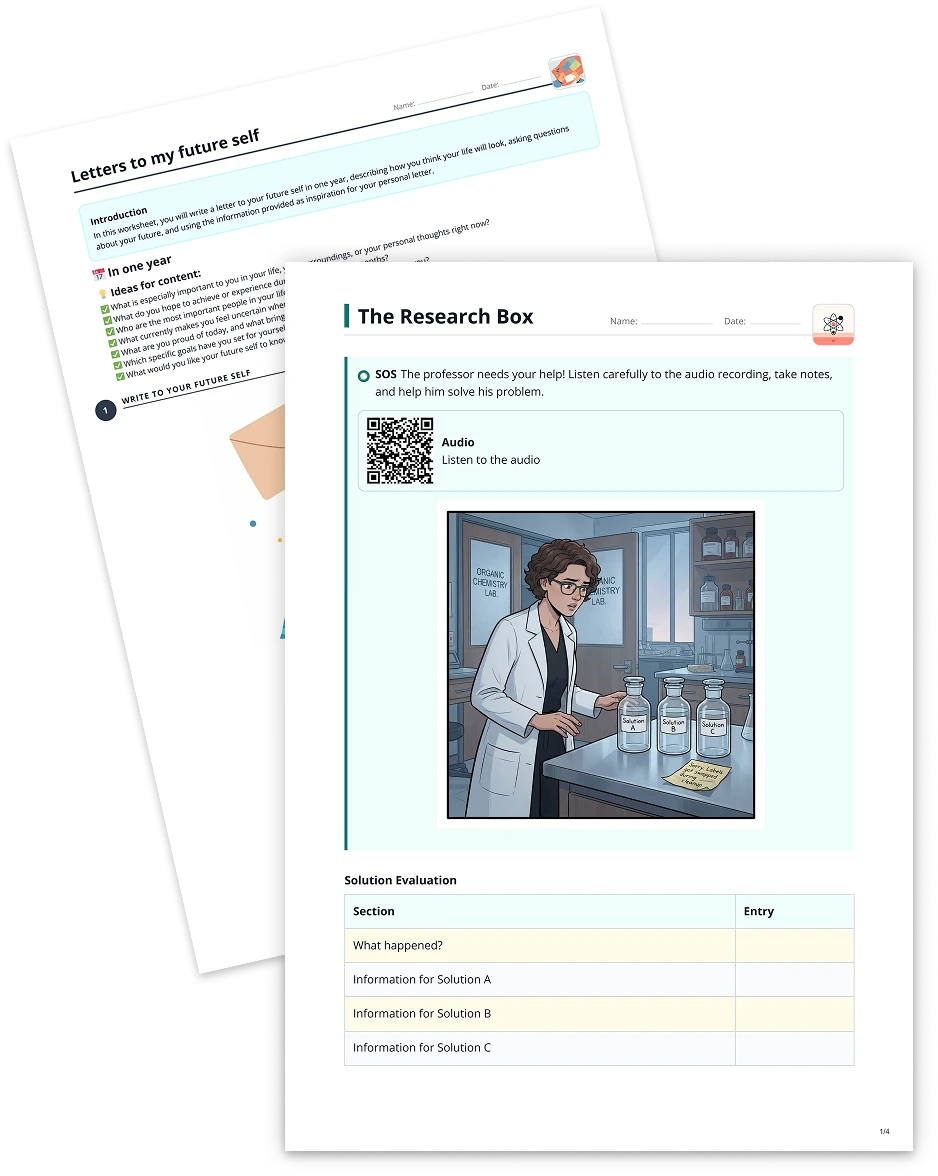
Transform any PDF into a set of questions with sample solutions, making it easier and faster to check comprehension and reinforce key concepts.
Create it with to teach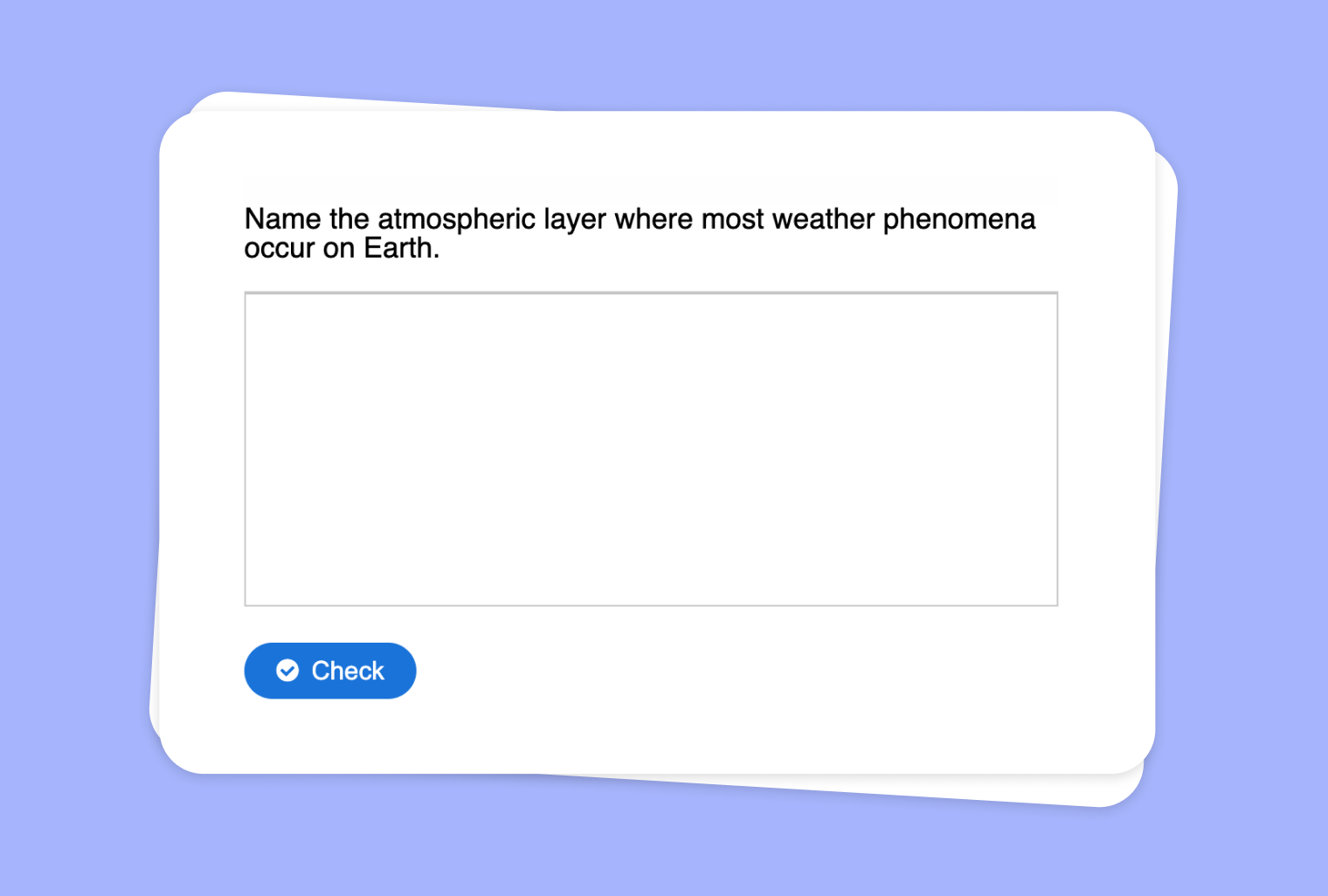
In this article
Are you looking for a quick and efficient way to test your students’ comprehension of a PDF document? With to-teach.ai, you can effortlessly convert any PDF into a series of questions complete with sample solutions. This helps teachers assess understanding, clarify doubts, and ensure that students are truly grasping the material.
Why Create Questions with Sample Solutions from a PDF?
Accelerate Assessment
Quickly generate targeted questions to gauge how well students understand specific topics or chapters.Instant, Structured Feedback
Provide students with sample solutions, offering immediate clarity about the learning objectives.Versatile Question Types
Craft multiple-choice, short-answer, or open-ended questions to address various learning styles and depths of knowledge.In-depth Understanding
Encourage deeper engagement with the text by asking higher-order thinking questions that push students to analyze and synthesize information.Time-Saving for Teachers
Focus on teaching and guiding students instead of manually creating, organizing, and assessing questions.
Getting Started
It’s easy to begin using this feature on to-teach.ai. Simply upload your PDF, configure the type and difficulty of questions, and watch the AI generate a comprehensive set of questions along with sample solutions. Perfect for quizzes, homework assignments, or guided reading.
Frequently Asked Questions (FAQ)
How do I create questions from my PDF using to-teach.ai?
Upload or import your PDF into the platform, specify the question types (multiple-choice, short answer, etc.), and let our AI generate questions with ready-made solutions.Can I choose the difficulty level of the questions?
Absolutely. Whether your students are newcomers to a topic or more advanced learners, you can set varying levels of complexity.What if my PDF contains charts and images?
to-teach.ai can handle textual data from PDF documents and can even generate questions referencing images or charts. Just highlight the essential sections for the AI to focus on.Are the sample solutions customizable?
Yes. After the initial AI-generated solutions, you can refine them to match your preferred teaching style or instructional goals.Can I share these questions and solutions directly with my students?
Absolutely. You can export or integrate the completed question set into your LMS, share them via a link, or present them in class.
Questions with sample solutions
From your own text, a PDF, a YouTube video, a website or an image.
Create it with to teachMore guides
Create classroom questions from an image: read a table, compare, explain
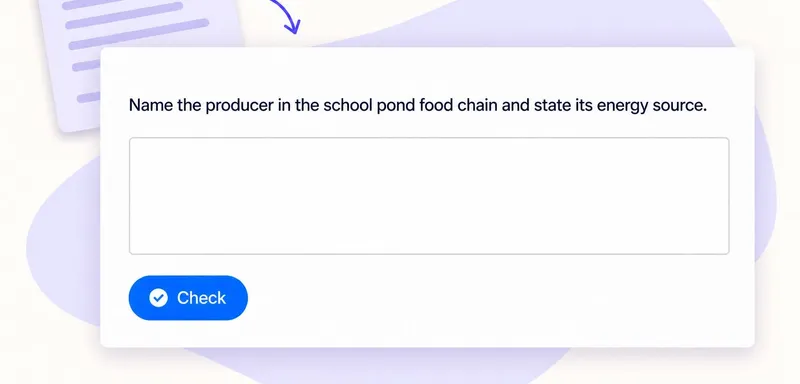
Upload an image to to teach and choose Questions with sample solutions to build a short activity around what pupils can find in it. With a table, the important step is connecting each answer to the right row and column.
Questions with sample solutions
Turn Your Audio into Questions with Sample Solutions
Transform any audio file into an interactive set of questions with sample solutions, offering an effortless way to reinforce key concepts or assess understanding.
Questions with sample solutionsTransform Your Text into Questions with Sample Solutions
Leverage to-teach.ai to convert your existing text into engaging questions complete with sample solutions, helping you assess comprehension and nurture deeper learning.
Questions with sample solutions