Multiple choice quiz2 min read
Extract Text from Websites and Turn It into a Multiple Choice Quiz
Use to-teach.ai’s web scraping feature to extract text from websites and instantly transform it into a multiple choice quiz, maximizing comprehension and engagement in the classroom.
Create it with to teach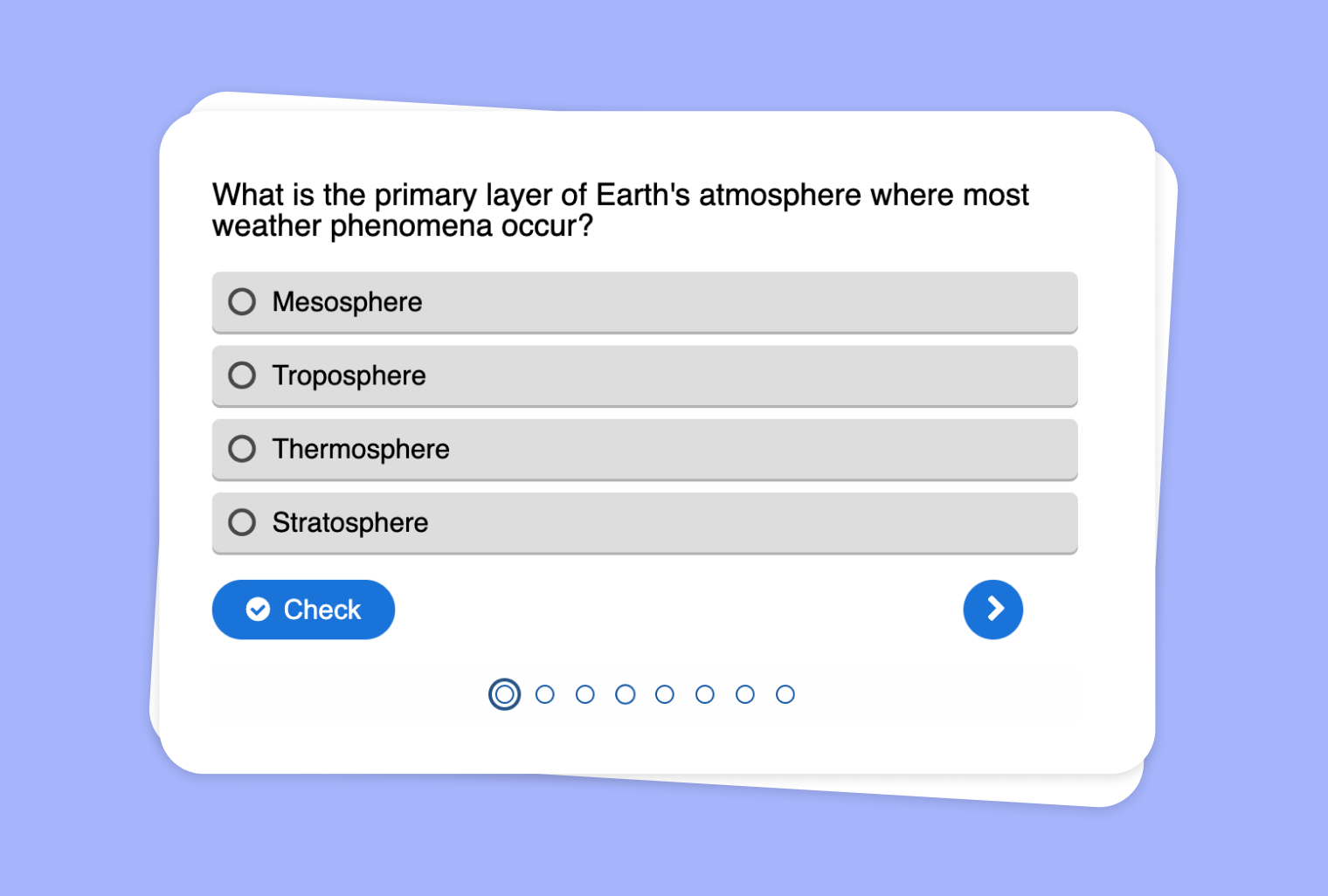
In this article
Do you need a handy way to gauge student understanding of real-world content? With to-teach.ai, you can quickly extract text from websites and convert that information into an engaging multiple choice quiz. This process allows you to focus on the exact material you want students to review, ensuring dynamic and interactive learning experiences.
Why Extract Text from Websites for a Multiple Choice Quiz?
Immediate Access to Up-to-Date Information
Pull the latest data from credible sources. Students get relevant, fresh content.Boost Retention
Multiple choice questions help reinforce key points, ensuring improved recall and deeper understanding.Versatility Across Subjects
Whether it's history, science, or literature, transform any scraped text into an educational quiz.AI-Powered Efficiency
to-teach.ai automates much of the process, giving you more time to focus on teaching rather than tedious manual preparation.Trackable Progress
Get immediate insights into student performance, helping you tailor subsequent lessons more effectively.
Getting Started
To begin, copy the website URL into to-teach.ai’s scraping tool. Once the text is extracted, choose the 'Multiple Choice' feature. You can customize question difficulty, answer options, and feedback settings. The result is a curated quiz ready to elevate your classroom engagement.
Frequently Asked Questions (FAQ)
Can I use any website to create my quiz?
Yes. to-teach.ai can extract text from most public-facing websites, allowing you to tailor quizzes to your curriculum.How customizable are the multiple choice questions?
You can easily modify question wording, set difficulty levels, and include hints or explanations for each answer.Is it safe to scrape text from the web for educational purposes?
Our platform helps you gather publicly available content. Always ensure you comply with copyright laws and cite sources as needed.Can I analyze quiz results in to-teach.ai?
Absolutely. Our built-in analytics let you track student performance and identify knowledge gaps.Does the platform support other types of assessments?
Yes. In addition to multiple choice quizzes, you can also create flashcards, open-ended questions, and more.
Multiple choice quiz
From your own text, a PDF, a YouTube video, a website or an image.
Create it with to teachMore guides
Create a multiple-choice quiz that checks pupils’ understanding
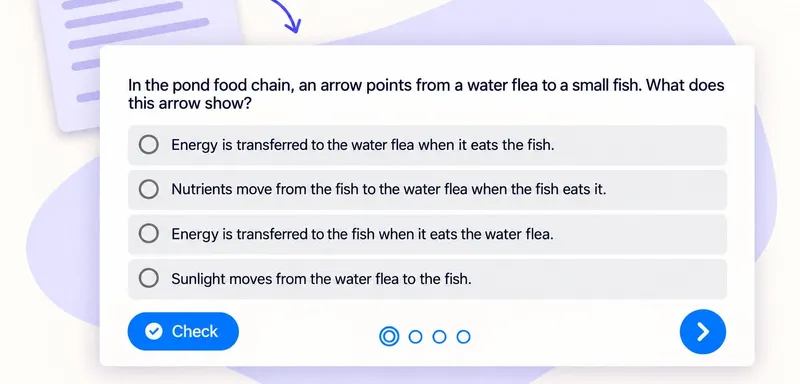
A useful classroom quiz tells you which idea to revisit. With to teach, you can create a multiple-choice quiz from the text your pupils are reading, then refine the questions and answer options before sharing it. Here we
Multiple choice quizTurn a PDF reading into a classroom multiple-choice quiz
Turn a PDF reading into a short comprehension check with one clear purpose per question. Our school pond example checks four ideas: energy transfer, producers, nutrient uptake and food webs. The source and finished quiz
Multiple choice quiz
Transform Your Audio File into a Multiple Choice Quiz
Convert any audio file into a dynamic multiple choice quiz to enhance listening comprehension and reinforce key concepts in an interactive format.
Multiple choice quiz