Match pairs2 min read
Turn Your Text into a Match Pairs Task
Transform your own text into a Match Pairs task that encourages active engagement. Whether you're matching key terms, synonyms, or historical figures, this format promotes deeper understanding in a visually interactive way.
Create it with to teach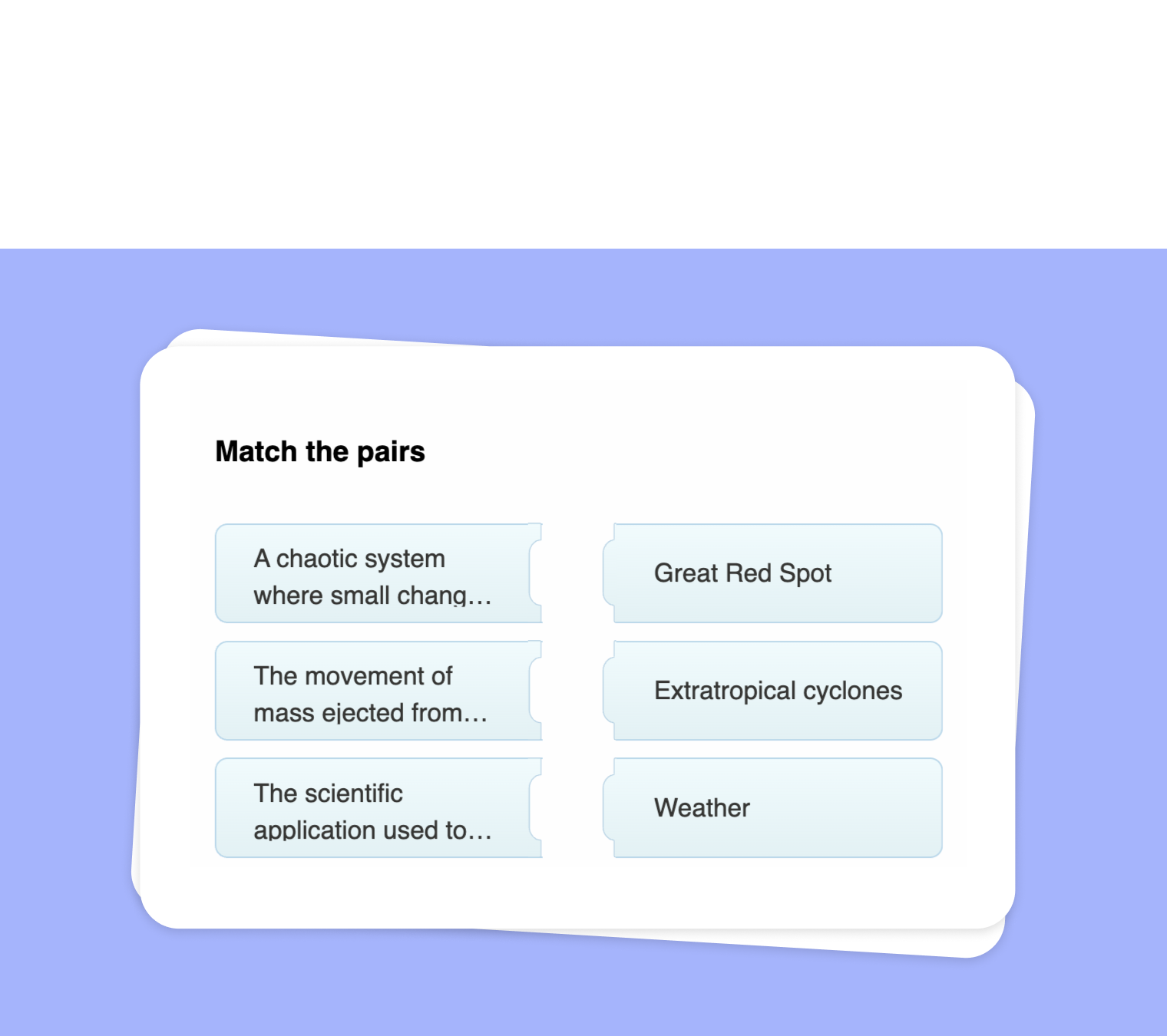
Looking to engage your students in a new, interactive way using your own content? to-teach.ai makes it simple to turn any text into a versatile Match Pairs activity. Whether you’re pairing terms with definitions, matching historical figures to their accomplishments, or linking vocabulary words to their synonyms, creating a visually stimulating exercise has never been easier.
Why Use a Match Pairs Exercise?
Promotes Active Learning
Matching related concepts requires critical thinking and problem-solving skills, keeping students actively involved in the lesson.Enhances Memory Retention
Pairing items helps students form mental associations, improving recall and comprehension.Adaptable for Any Subject
Whether it's language arts, history, or science, simply choose terms that fit your curriculum, and our AI does the rest.Visual and Interactive
Transforming your text into a hands-on exercise helps students visualize connections, making lessons more memorable.Encourages Collaboration
Match Pairs can easily be used in group settings, turning learning into a fun, collaborative experience.
Getting Started
Simply input or paste your text into to-teach.ai and select "Match Pairs" from the available options. You can define the pairs—like word-to-definition, date-to-event, concept-to-application—and our platform will generate a custom matching activity in seconds. This format is an excellent supplement to lectures or reading assignments, giving students a practical way to test their knowledge.
Frequently Asked Questions (FAQ)
How do I create a Match Pairs exercise from my own text?
Upload or paste your material into to-teach.ai, select the "Match Pairs" option, and outline which pairs need to be matched (e.g., terms to definitions). The platform will generate the interactive task.Can I use Match Pairs for different subjects and grade levels?
Absolutely! Whether you’re teaching primary school vocabulary or higher-level concepts in biology, the Match Pairs task can be adapted to suit any educational level.Can I include multiple types of pairings in a single exercise?
Yes. You can mix and match synonyms, historical timelines, or concept-to-example pairs all in one exercise to enrich the learning experience.Is it possible to differentiate tasks for students at various skill levels?
Definitely. You can create multiple Match Pairs activities with varying complexities. For simpler tasks, use elementary terms; for advanced classes, incorporate nuanced terminology.How do I share this Match Pairs task with my class?
Once you’ve created your custom Match Pairs activity, you can share it via a direct link, embed it on your learning platform, or even print it out for offline use.
Match pairs
From your own text, a PDF, a YouTube video, a website or an image.
Create it with to teachMore guides
Convert Your PDF into a Match Pairs Activity with to-teach.ai
Transform any PDF into a dynamic Match Pairs exercise, helping students connect terms and concepts for better knowledge retention.
Match pairsExtract Text from Websites and Create a Match Pairs Exercise
Seamlessly extract text from websites and transform it into an engaging Match Pairs exercise. Encourage students to correctly pair terms, definitions, names, or concepts—perfect for vocabulary building, concept reinforcement, and interactive learning.
Match pairsUse Audio File to Create Match Pairs
Transform any audio file into a Match Pairs task, empowering students to connect key terms, concepts, or names with their correct partners in an interactive quiz format.
Match pairs