Adapt vocabulary2 min read
Use an Image to Adapt Vocabulary
Extract text from any image and tailor the language level to your students’ needs, enabling accessible, engaging, and flexible learning experiences.
Create it with to teach
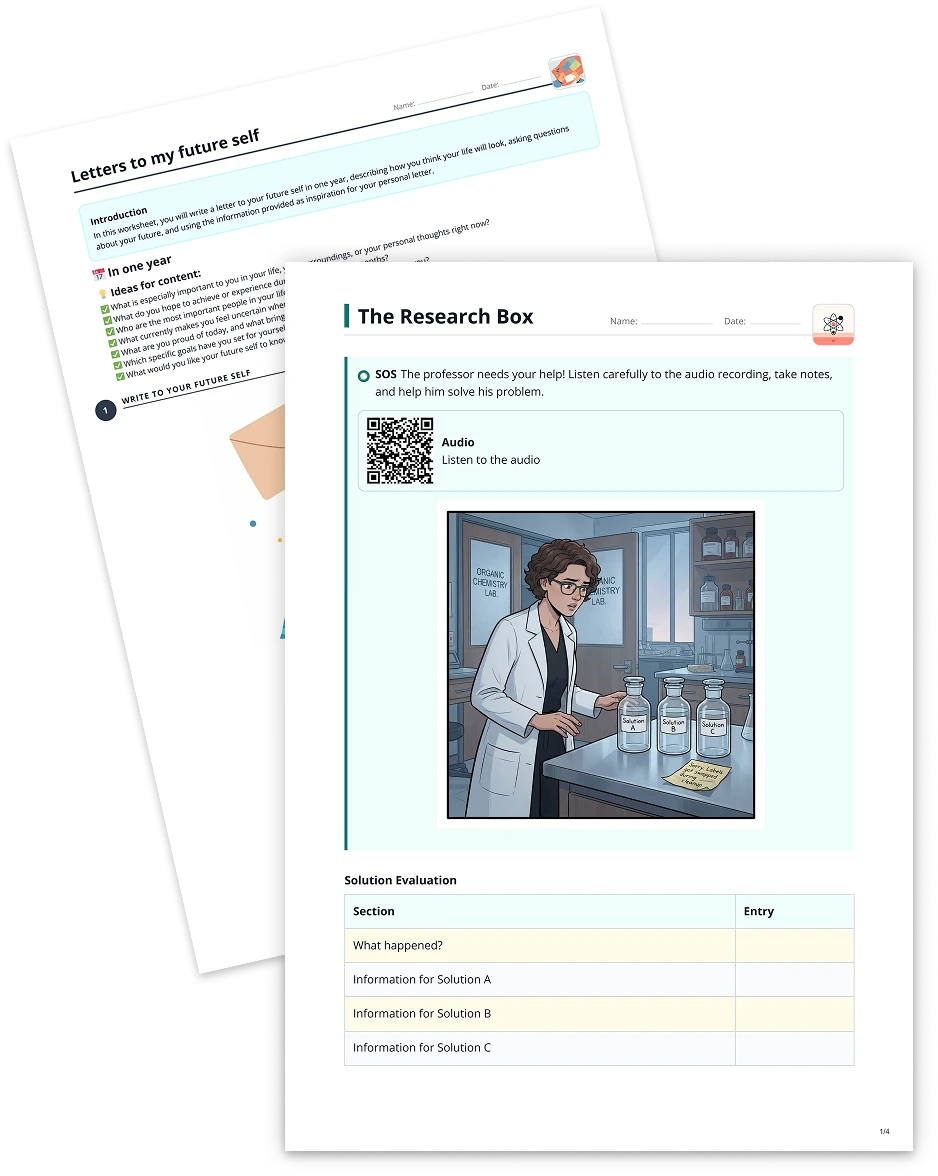
Are you looking for an engaging way to present language content to your students? With to-teach.ai, you can take any image and transform it into a dynamic text-based activity. Our AI quickly extracts relevant information and adapts vocabulary to the desired skill level—perfect for language learners, younger audiences, or more advanced readers.
Why Adapt Vocabulary from Images?
Cater to Diverse Proficiency Levels
By adjusting complexity, you can ensure students of different backgrounds or language abilities grasp the content.Boost Reading and Visual Comprehension
Pairing images with corresponding text helps students connect visual information with language cues.Promote Engagement
Images naturally draw attention. When combined with supportive text, they foster curiosity and maintain learners’ interest.Save Preparation Time
Instead of manually rewriting text, our AI automates the process, giving you more time to focus on teaching.Enhance Multilingual Learning
to-teach.ai supports text modifications for various languages, making this feature ideal for multilingual classrooms.
Getting Started
Ready to try it out? Upload any image containing text or visuals that you want to use in class. Our AI extracts key information or phrases and then asks you to pick a desired level of complexity. Within moments, you’ll have a refined text that matches your students’ skill set—a surefire way to keep them both challenged and motivated.
Frequently Asked Questions (FAQ)
How does to-teach.ai extract text from an image?
Our platform employs OCR (Optical Character Recognition) and advanced AI to identify printed text in images and convert it into editable, digital text.Can I adjust the vocabulary difficulty for different ages or language proficiencies?
Absolutely. You choose from multiple complexity levels to meet the needs of beginners, intermediates, or advanced students.Does this tool work for images with minimal or even handwritten text?
The more legible the source, the better the results. However, to-teach.ai does its best to recognize and process handwriting, given decent clarity.Can I edit or refine the adapted text manually after AI processing?
Yes, you can fine-tune the AI-generated text within the platform to ensure it aligns perfectly with your objectives.Is this useful for subjects beyond language classes?
Definitely. Whether you’re teaching science, art, or history, you can adapt text from diagrams, charts, or visual aids, ensuring maximum comprehension across the board.
Adapt vocabulary
From your own text, a PDF, a YouTube video, a website or an image.
Create it with to teachMore guides
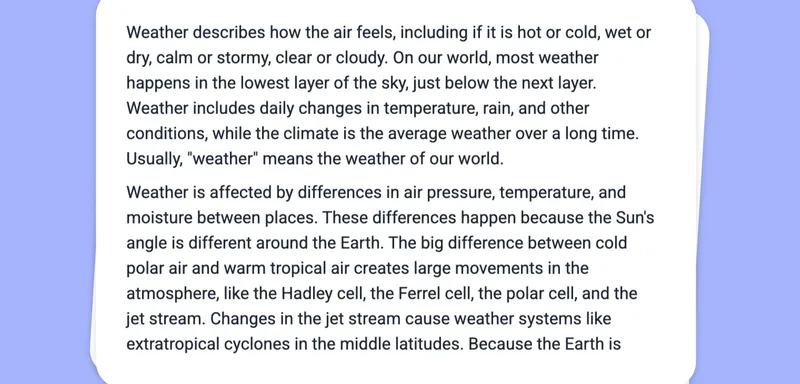
Extract and Adapt Vocabulary from Website Text
Modify the language level of any text. Depending on the length of the text, this may take a moment.
Adapt vocabularyTurn Your Audio into Adapted Vocabulary
Customize the difficulty of any transcript derived from an audio file, enabling educators to tailor vocabulary for diverse learning needs. Please note, processing longer audio files may require additional time.
Adapt vocabularyAdapt Vocabulary from Your YouTube Video
Modify the language level of any text. Depending on the length of the text, this may take a moment.
Adapt vocabulary