True or false2 min read
Use Images as a Basis for True or False Tasks
Leverage images to create engaging True or False tasks, encouraging students to observe details closely and enhance critical thinking skills.
Create it with to teach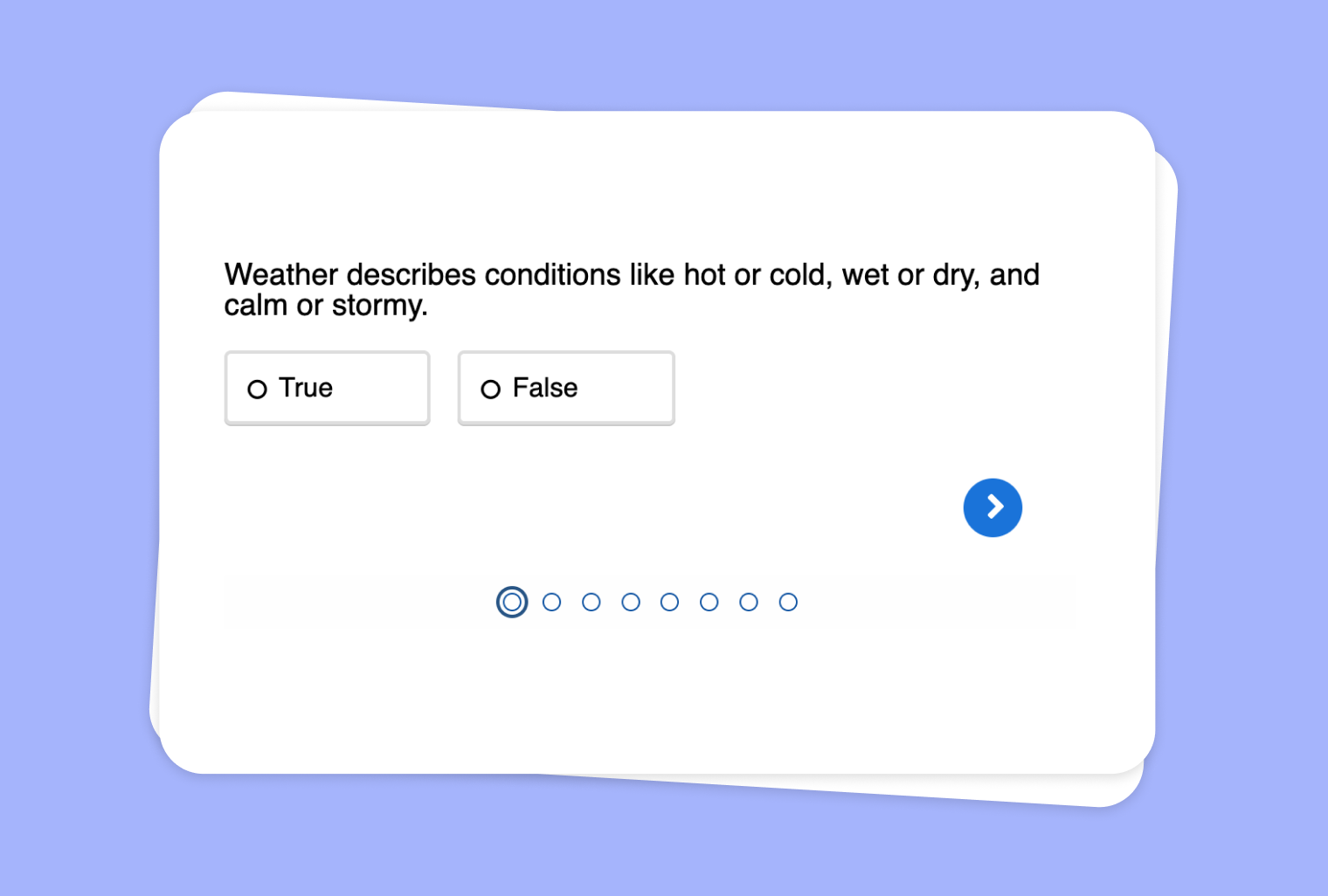
In this article
Are you looking to spark critical viewing and thinking in your classroom? With to-teach.ai, you can transform any image into a visual prompt for True or False questions. This innovative approach harnesses the power of visual learning, encourages detailed observation, and ensures that your students remain fully engaged.
Why Use Images for True or False Tasks?
Encourage Attention to Detail
Students learn to closely examine the elements of an image, honing keen observation skills.Enhance Critical Thinking
Determining whether statements about an image are true or false prompts students to analyze and reflect on what they see.Interactive Learning
Visual prompts break the monotony of text-based questions, boosting learner engagement and retention.Adaptable to Various Subjects
From science diagrams and historical photos to art pieces, you can use images to explore diverse topics.Foster Analytical Discussion
Debating true or false answers leads to in-depth class discussions and deeper understanding of the subject matter.
Getting Started
Simply upload or paste an image into to-teach.ai, add your True or False statements, and watch as our platform automatically generates a dynamic exercise. Whether it’s labeling parts of a cell in biology or identifying facts in a historical photograph, your students will thoroughly enjoy this visually engaging review.
Frequently Asked Questions (FAQ)
How do I create a True or False task from an uploaded image?
Start by uploading your desired image in to-teach.ai, then select “True or False” as your output. Once you input your statements, the platform instantly generates the activity.Can I tailor different levels of difficulty?
Absolutely. You can develop simpler statements for younger students or more nuanced ones for advanced learners by adjusting the complexity of your statements.What kind of images can I use?
You can use photos, diagrams, charts, or illustrations. The key is choosing images relevant to the lesson objectives.Can I include feedback or explanations?
Yes. You can provide immediate feedback for each response, making sure students understand the correct and incorrect answers.Is this approach applicable across different subjects?
Definitely. Whether it’s geography, history, science, or language studies, using images for True or False questions can add variety and depth to any lesson.
True or false
From your own text, a PDF, a YouTube video, a website or an image.
Create it with to teachMore guides
Turn Scraped Website Text into True or False Quizzes
Create tasks where your students have to classify statements as true or false.
True or falseConvert Your PDF into a True or False Quiz
Create tasks where your students have to classify statements as true or false.
True or falseTransform a YouTube Video into a True or False Quiz
Create tasks where your students have to classify statements as true or false.
True or false