
Create a Table from Your Text
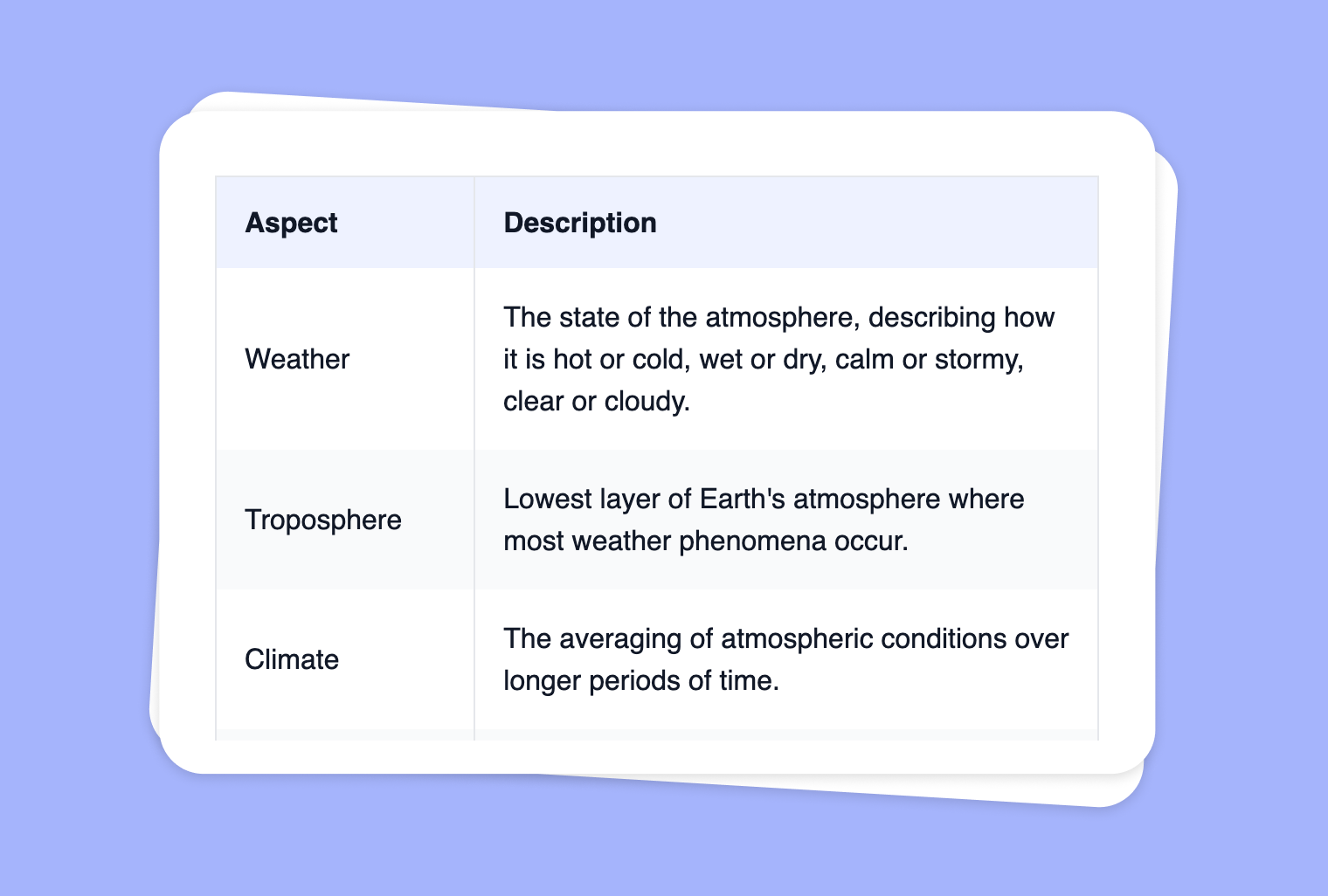
Use Cases
Are you looking to reorganize your course material, notes, or text into a more visual, digestible format? With to-teach.ai, you can quickly transform plain text into a convenient table. Whether you’re categorizing pros and cons, summarizing key concepts, or displaying comparative data, our table generator helps make your content more accessible and engaging.
Why Convert Your Text into a Table?
Enhanced Clarity
Tables highlight key points at a glance, making it easier for students to compare and contrast information.Improved Comprehension
Simple row-and-column structures help learners digest complex ideas or lengthy passages.Increased Engagement
Visually appealing setups can encourage interaction and discussion, catering to diverse learning styles.Easy Customization
Add or define headers, such as pro/con or topic/outcome, ensuring a perfectly tailored layout for your lessons.Time-Saving
No need to manually reformat your text. Our AI intelligently extracts the essential points and organizes them into a neatly structured table.
Getting Started
- Insert Your Text: Copy and paste your source material into to-teach.ai.
- Specify Table Headers: If you want specialized columns (e.g., 'Advantages' and 'Disadvantages'), clearly label them.
- Review & Customize: Check for proper alignment, row count, and table headings. Make edits as necessary.
- Share with Students: Provide the final table as a handout, a presentation slide, or embed it on your course platform.
That’s it! Transforming text into tabular form has never been easier. Let AI handle the heavy lifting while you focus on delivering an engaging learning experience.
Frequently Asked Questions (FAQ)
How do I convert my text into a table with to-teach.ai?
Just paste your text, select the 'Table' feature, and choose or add headers. The AI then organizes your content into columns and rows.Can I customize the columns, such as 'Definition' and 'Example'?
Absolutely. You can define any headers you want—common pairs include 'Term' and 'Meaning' or 'Pro' and 'Con.'What if my text doesn’t fit neatly into columns?
Feel free to reorganize or summarize the text before creating a table. The AI provides a starting point, and you can adjust the layout as you see fit.Is there a limit to how much text I can insert?
While there's no strict character limit, remember that overly long tables may affect readability. It's best to break extensive content into separate, smaller tables.How can table organization aid in student understanding?
Tables help students visually parse complex material, making it simpler to compare, categorize, and analyze information at a glance.
Sign Up for to-teach.ai!
Join more than 100,000 educators who are transforming their lesson planning with to-teach.ai
Sign Up for to-teach.ai!
Join more than 100,000 educators who are transforming their lesson planning with to-teach.ai
Start for free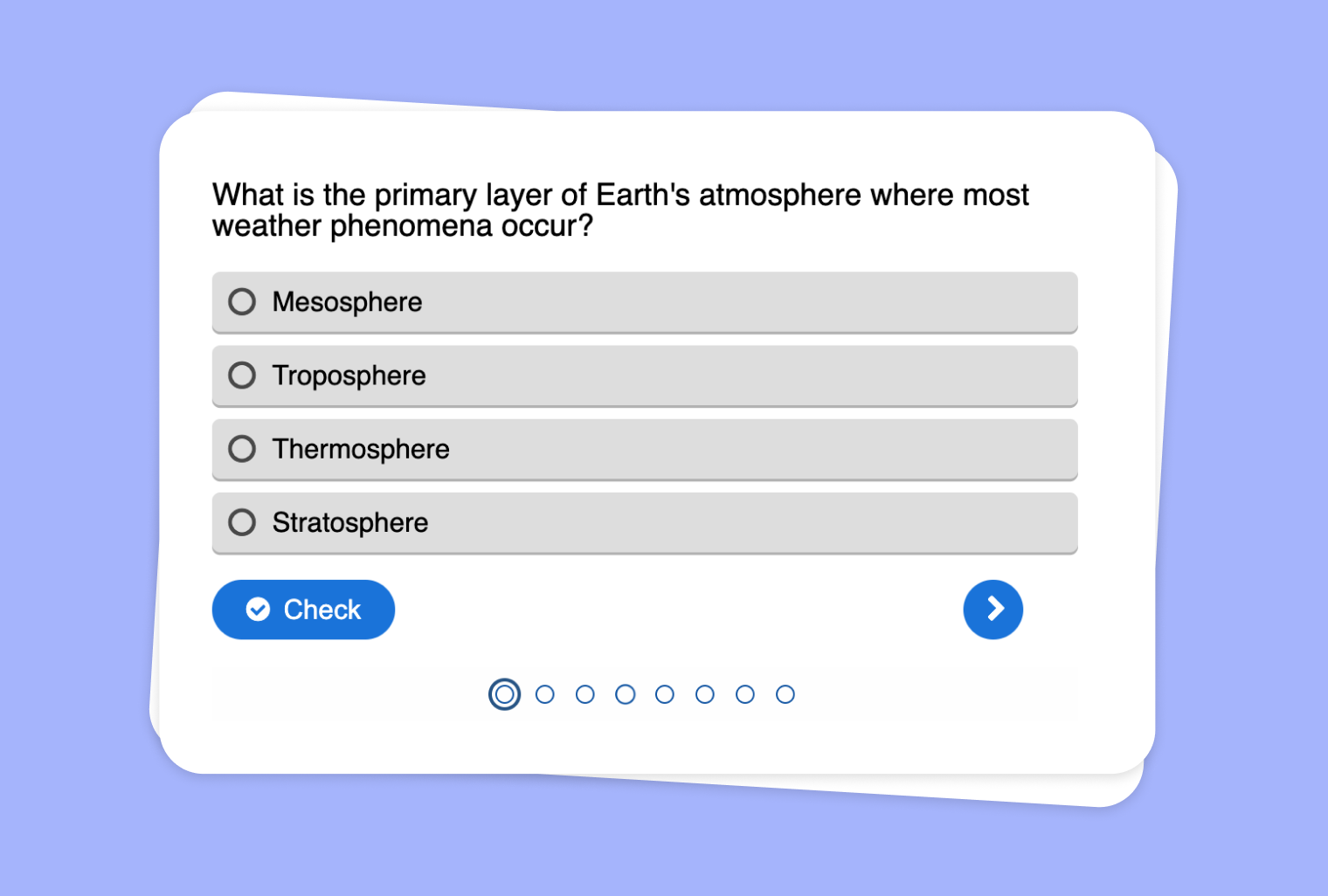
Turn Your PDF into a Multiple Choice Quiz
Generate a quick and easy multiple choice quiz from any PDF document, helping teachers assess student comprehension efficiently.
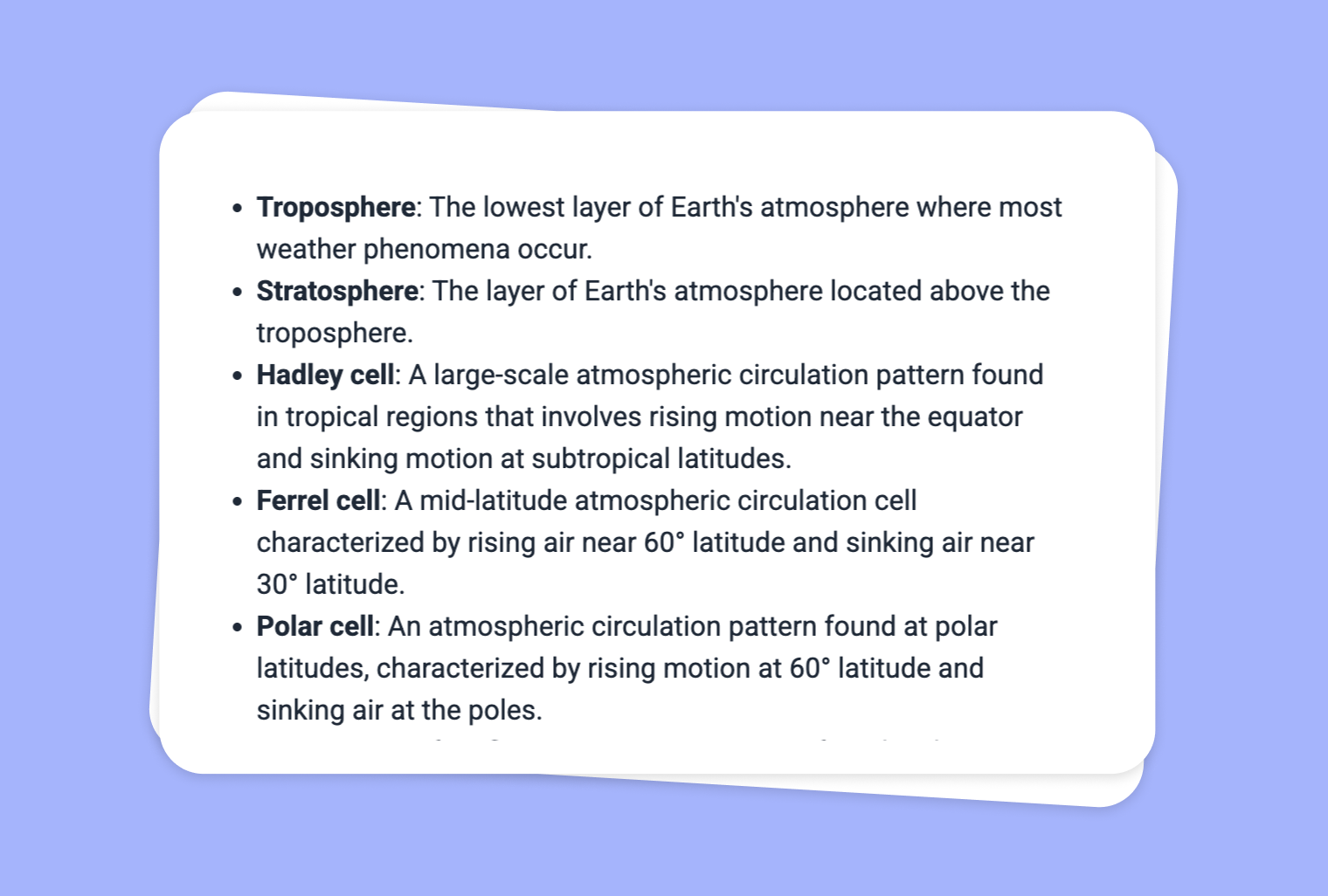
Turn Your PDF Document into a Glossary of Terms
Create a glossary and even the most difficult terms will become understandable.
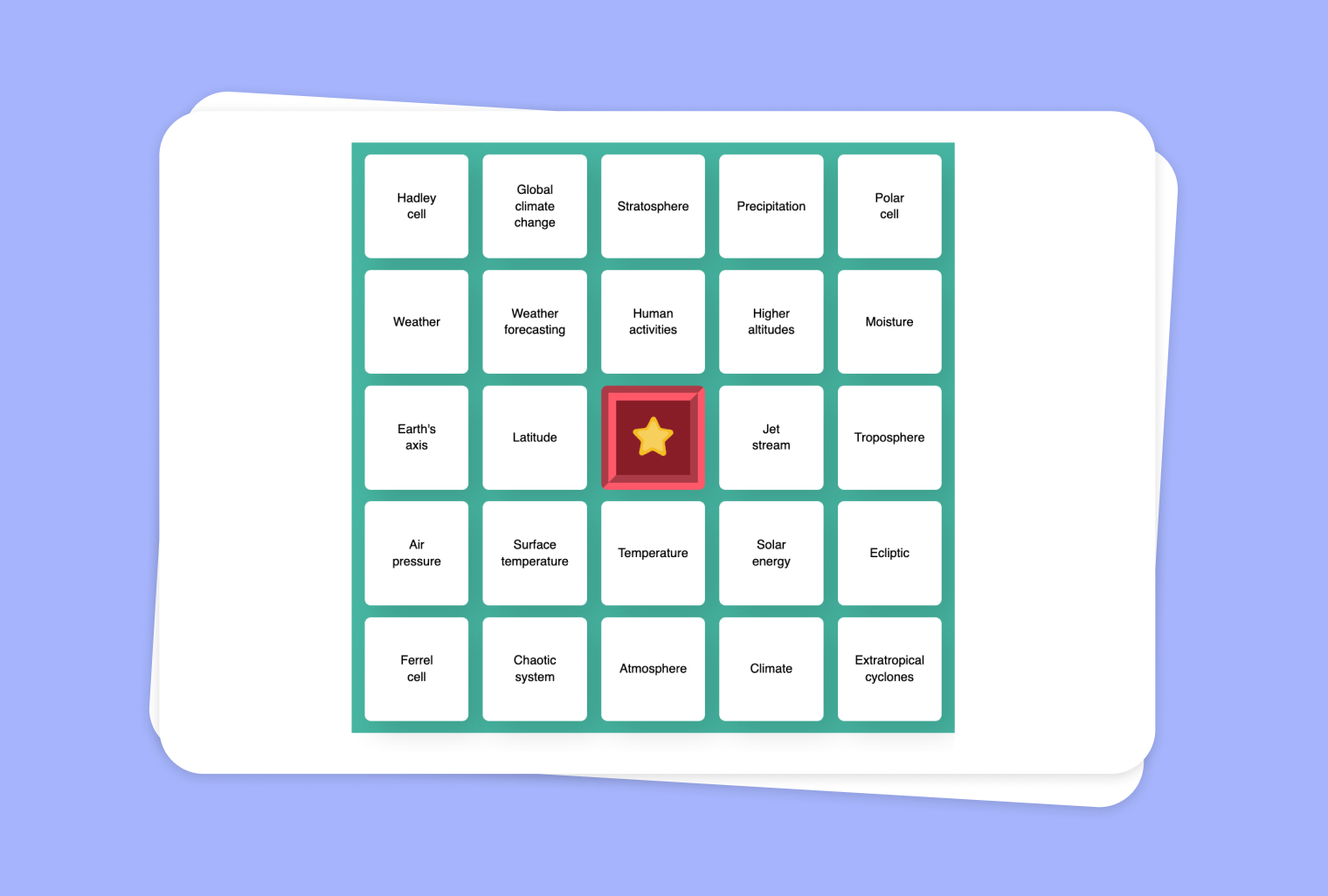
Use a YouTube Video as a Basis for an Interactive Bingo Game
Transform any YouTube video into an engaging word/phrase Bingo game, encouraging active listening and engagement.