Turn Your OCR-Extracted Text into a True or False Quiz
Use Cases
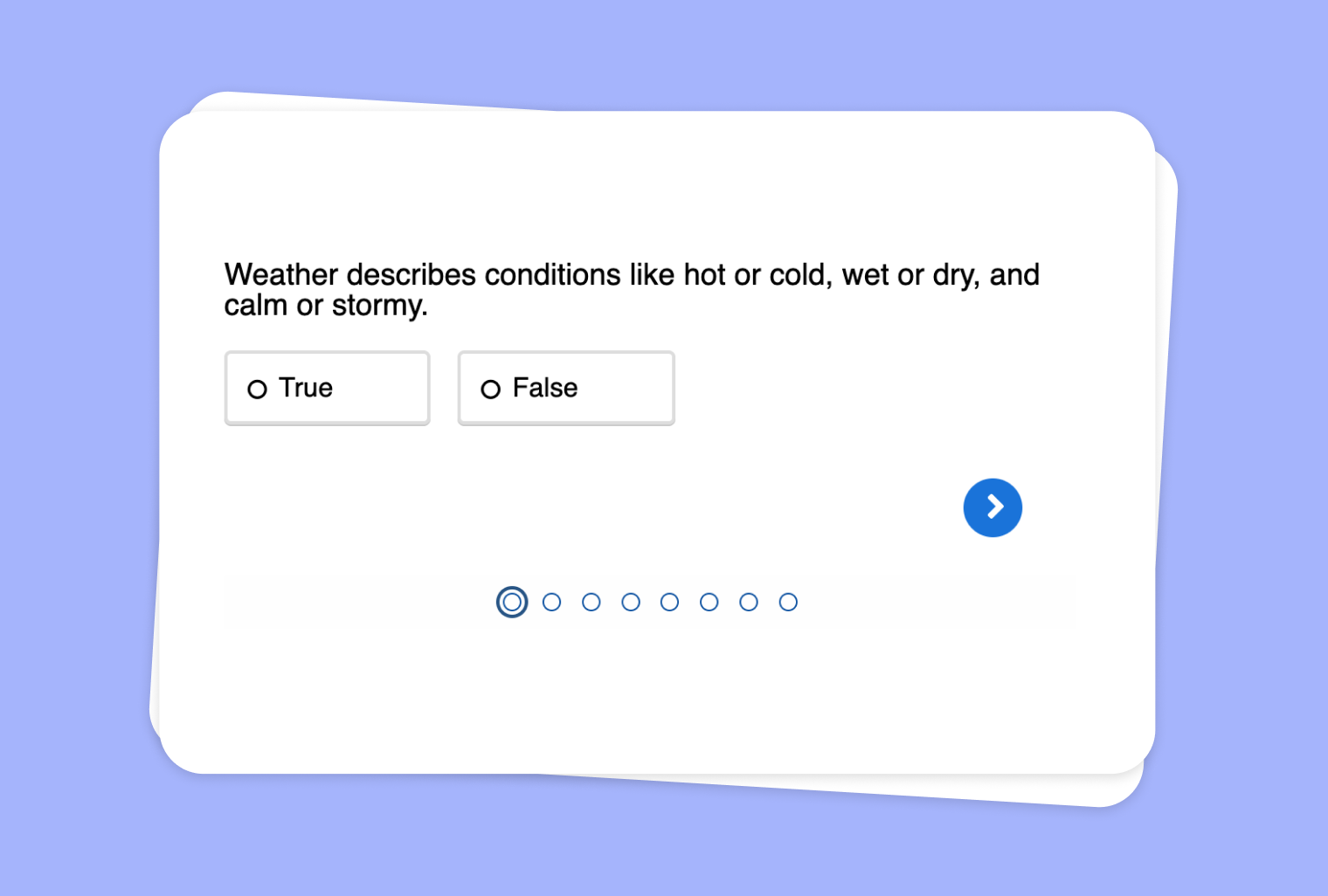
Do you have scanned documents, screenshots, or images containing important text, but lack a straightforward way to engage students with that material? With to-teach.ai, you can leverage our OCR (Optical Character Recognition) feature to seamlessly convert image-based text into interactive True or False questionnaires. This helps you create quick and easy knowledge checks without manual transcription.
Why Use True or False Classifications with OCR?
Immediate Text Extraction
to-teach.ai's OCR feature automatically extracts written information from images, saving you valuable time and effort.Quick Validation Checks
True or False questions are efficient for gauging student understanding of a topic, helping you identify common misconceptions at a glance.Adaptable Across Subjects
Whether you have images for history, science, math, or literature, the extracted text can be turned into statements for verification.Time-Saving Assessment Tool
Streamline your workflow by letting our AI generate statements based on the extracted content, eliminating the hassle of manual question creation.Interactive and Engaging
By turning raw image text into interactive questions, students remain active learners, thus improving retention and comprehension.
Getting Started
If you’re new to the platform, our tutorial walks you through uploading an image, using OCR to capture the text, and automatically generating True or False statements. You can easily refine each statement to ensure it aligns with your course objectives. Whether you want a quick quiz or a thorough knowledge check, to-teach.ai simplifies the whole process.
Frequently Asked Questions (FAQ)
How do I extract text from images using to-teach.ai?
You can simply upload or drag-and-drop your images into the platform. Our OCR feature will detect and extract the text, ready for quiz creation.How does to-teach.ai convert extracted text into True or False statements?
The AI analyzes the content, picks out key facts or claims, and formats them into statements. You can then confirm their veracity or edit statements to better fit your lesson.Can I customize the True or False statements after they’re automatically generated?
Absolutely. Once the AI proposes the statements, you can modify, delete, or add new ones to ensure alignment with your teaching goals.Do I need any prior technical knowledge to use OCR in to-teach.ai?
Not at all. The process is user-friendly, and includes a simple upload-and-extract workflow, suitable for all experience levels.Is this appropriate for a wide range of subjects and grade levels?
Yes. Any subject matter that requires quick factual checks can benefit from True or False quizzes. Adjust the difficulty and depth to match your students.
Sign Up for to-teach.ai!
Join more than 100,000 educators who are transforming their lesson planning with to-teach.ai
Sign Up for to-teach.ai!
Join more than 100,000 educators who are transforming their lesson planning with to-teach.ai
Start for free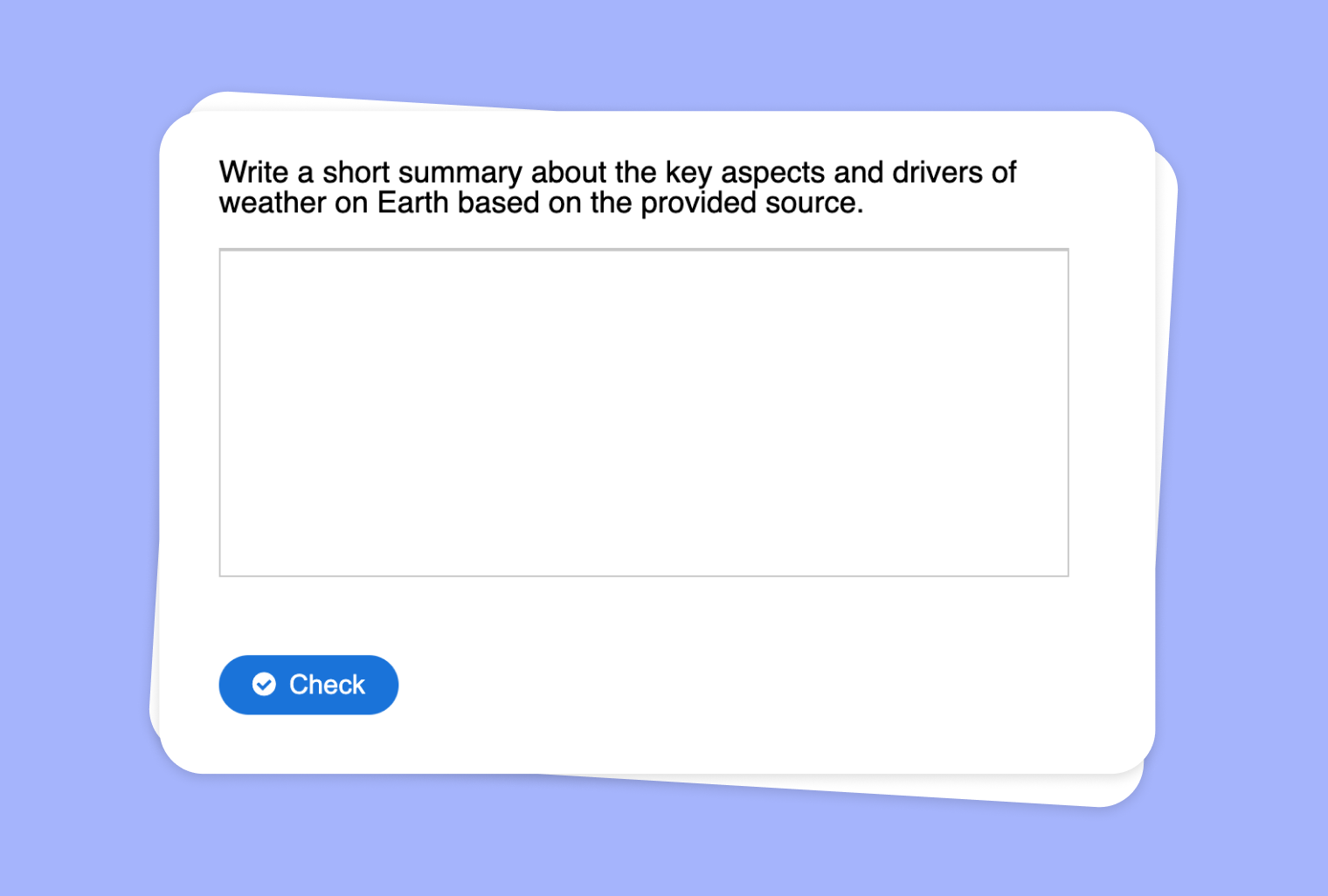
Transform Extracted Website Text into a Summary Assignment
Create an assignment in which your students have to write a summary, honing their reading comprehension and concise writing skills.
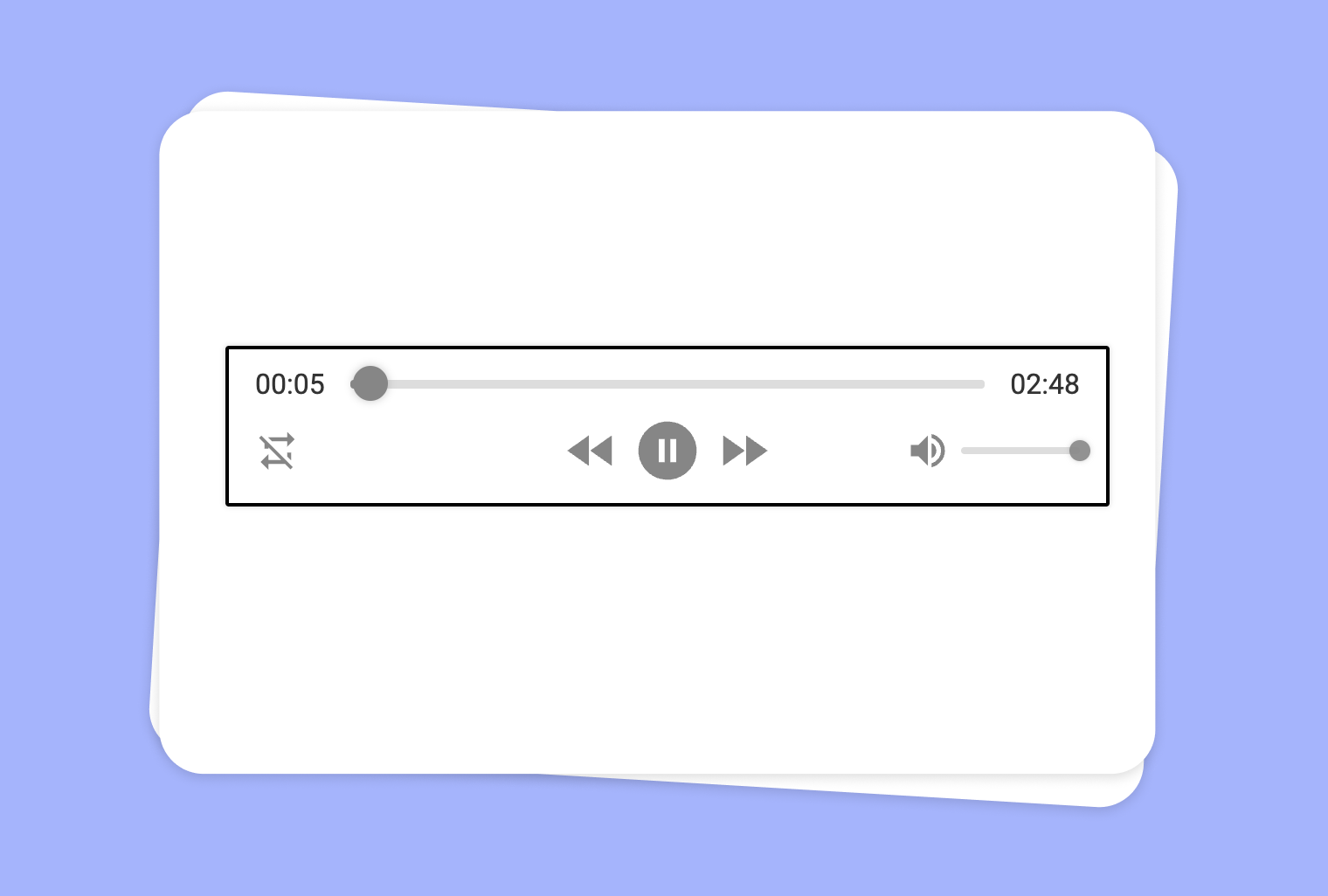
Transform Your Texts into Audio Content
Convert your texts into an audio format of your choice. Create dialogues, interviews, or simply have your texts read aloud. Tip: Include in the instructions if you prefer, for example, a female voice or British English.
Use Audio File to Create True-or-False Questions
Create an interactive True-or-False quiz from any audio file, helping students engage through focused listening and quick comprehension checks.