
Turn Your Text into a Grouping Exercise (Gruppenzuordnung)

Use Cases
Are you looking for a convenient way to help your students make connections between different concepts? With to-teach.ai, you can easily turn any piece of text into a dynamic grouping exercise—also known as a Gruppenzuordnung. Students can visually categorize words, terms, or sentences into predefined groups, reinforcing what they’ve learned and improving their retention.
Why Use a Grouping Exercise?
Facilitate Active Learning
Encourage students to analyze the text and sort its ideas into the right categories, engaging them in a hands-on method of exploration.Enhance Critical Thinking
By distinguishing between various topics or themes, students sharpen their judgment skills and deepen their understanding.Adaptable for All Subjects
Whether it’s vocabulary in language class, historical events in social studies, or science concepts, grouping tasks can be tailored to any subject.Build Strong Recall
Sorting information into meaningful groups helps students remember complex material long after the lesson ends.Immediate Feedback
With our AI-driven suggestions, you can offer timely guidance and help students correct any misunderstandings on the spot.
Getting Started
- Upload or Paste Text
Provide the text you’d like to turn into a grouping exercise. This could be a series of words, phrases, or even short paragraphs. - Configure Categories
Set up the groups or categories you want your students to sort items into. Feel free to tailor this to your lesson’s objectives. - Generate the Exercise
to-teach.ai will automatically create a user-friendly interface where students can drag and drop items into the correct categories. - Share & Evaluate
Assign the grouping task to your class and receive insights into each student’s performance, allowing you to fine-tune your lesson plans.
Frequently Asked Questions (FAQ)
How do I create a grouping task using to-teach.ai?
Simply upload or type your text into to-teach.ai, define your categories, and our AI will build a Gruppenzuordnung exercise for you in seconds.Can the grouping exercise handle sentences or longer phrases?
Yes. You can opt for single words, longer phrases, or entire sentences and sort them into relevant groups.What if I need multiple group categories?
You can add as many categories as you like, making this feature perfect for more complex lessons.Does to-teach.ai offer feedback on student responses?
Absolutely. The platform highlights correct and incorrect placements so that students and teachers can see immediate results.Can this exercise be adapted for younger or older students?
Of course. Adjust the materials and complexity according to the age group and skill level for maximum engagement.
Sign Up for to-teach.ai!
Join more than 100,000 educators who are transforming their lesson planning with to-teach.ai
Sign Up for to-teach.ai!
Join more than 100,000 educators who are transforming their lesson planning with to-teach.ai
Start for free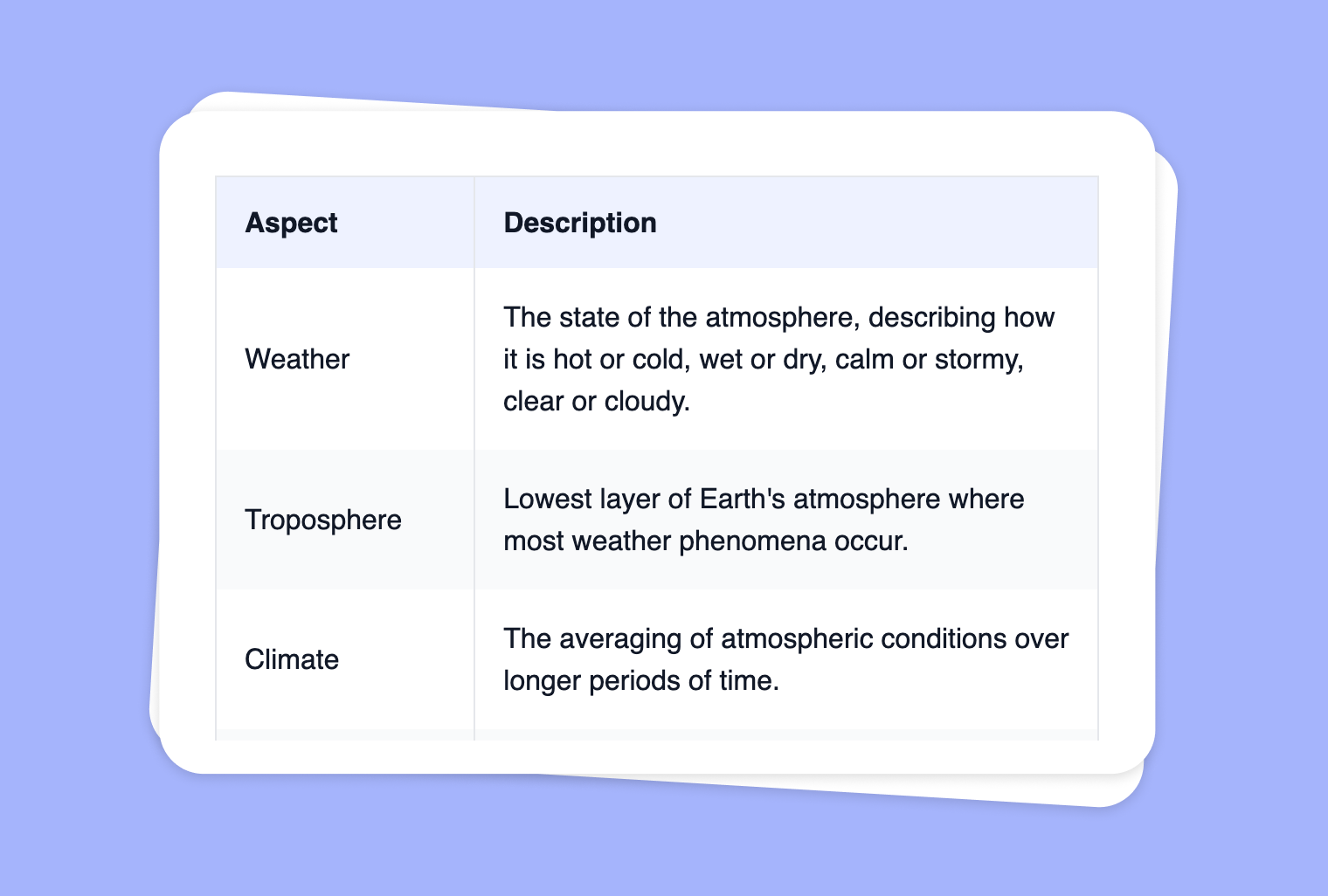
Transform Your PDF into a Table for Clear Comparisons
Effortlessly convert PDF content into organized tables. This feature is perfect for summarizing large amounts of data, visualizing comparisons, or creating side-by-side references, all in an easy-to-read format.
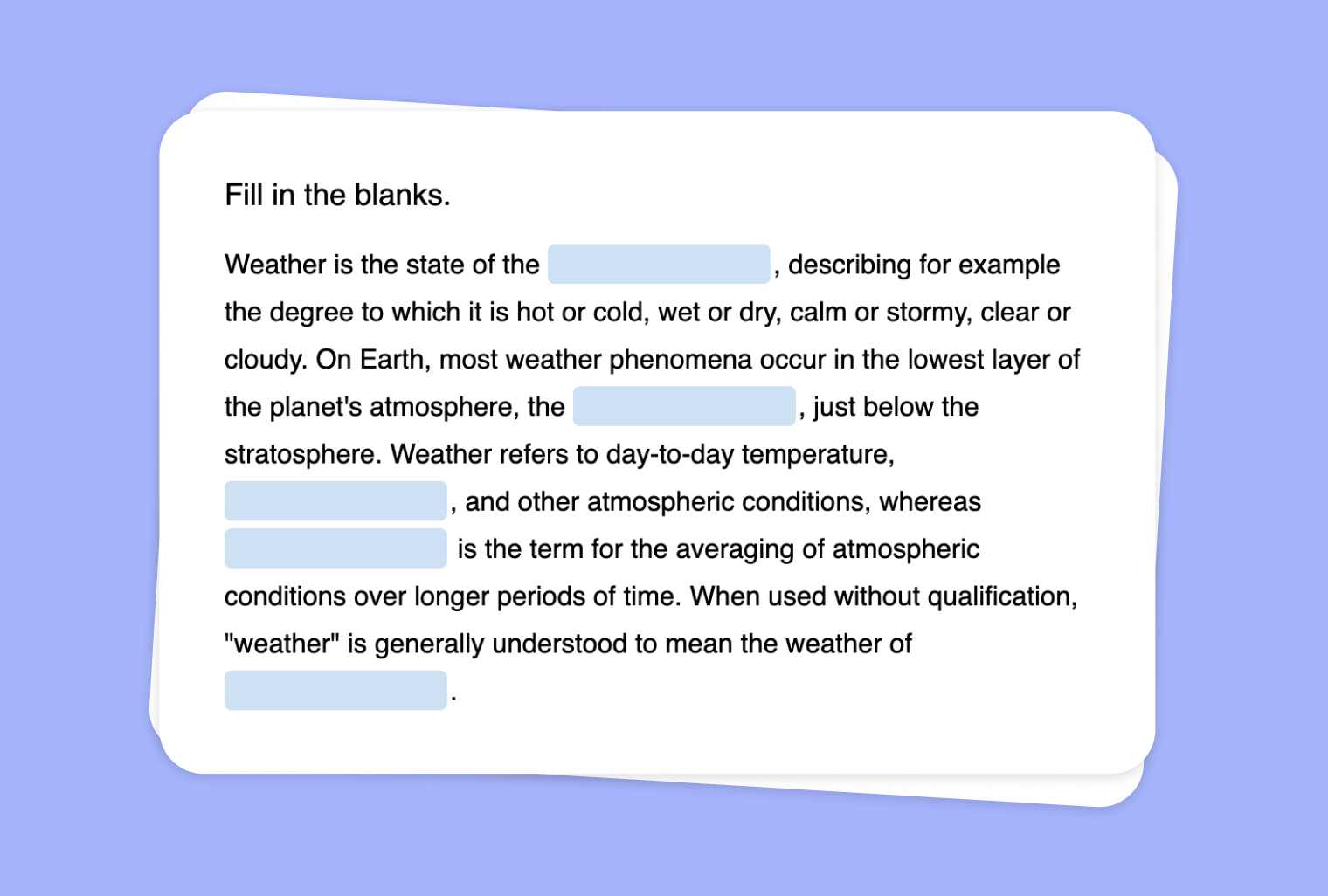
Create a Fill-the-Gap Task from Your Image
Generate a unique fill-the-gap activity from any image, transforming visual clues into engaging text exercises for your students.
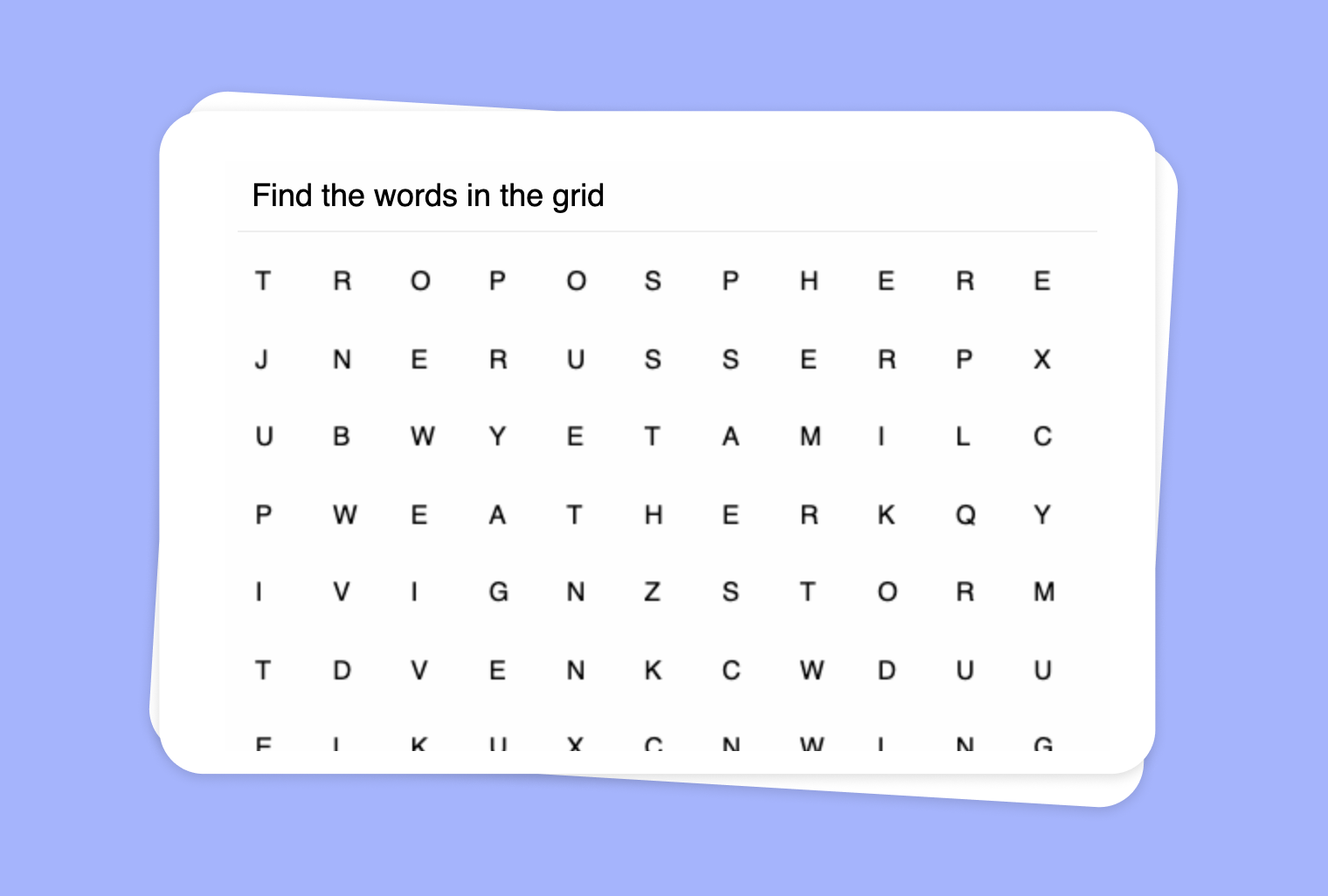
Use an Image to Create a 'Find the Words' Puzzle
Use your images as a basis for a word puzzle with words that match the content, encouraging students to actively engage with visual materials.