Summary2 min read
Extract Text from Images into Summaries
Leverage OCR technology to convert images into text and create summary-writing assignments that sharpen analytical and writing skills.
Create it with to teach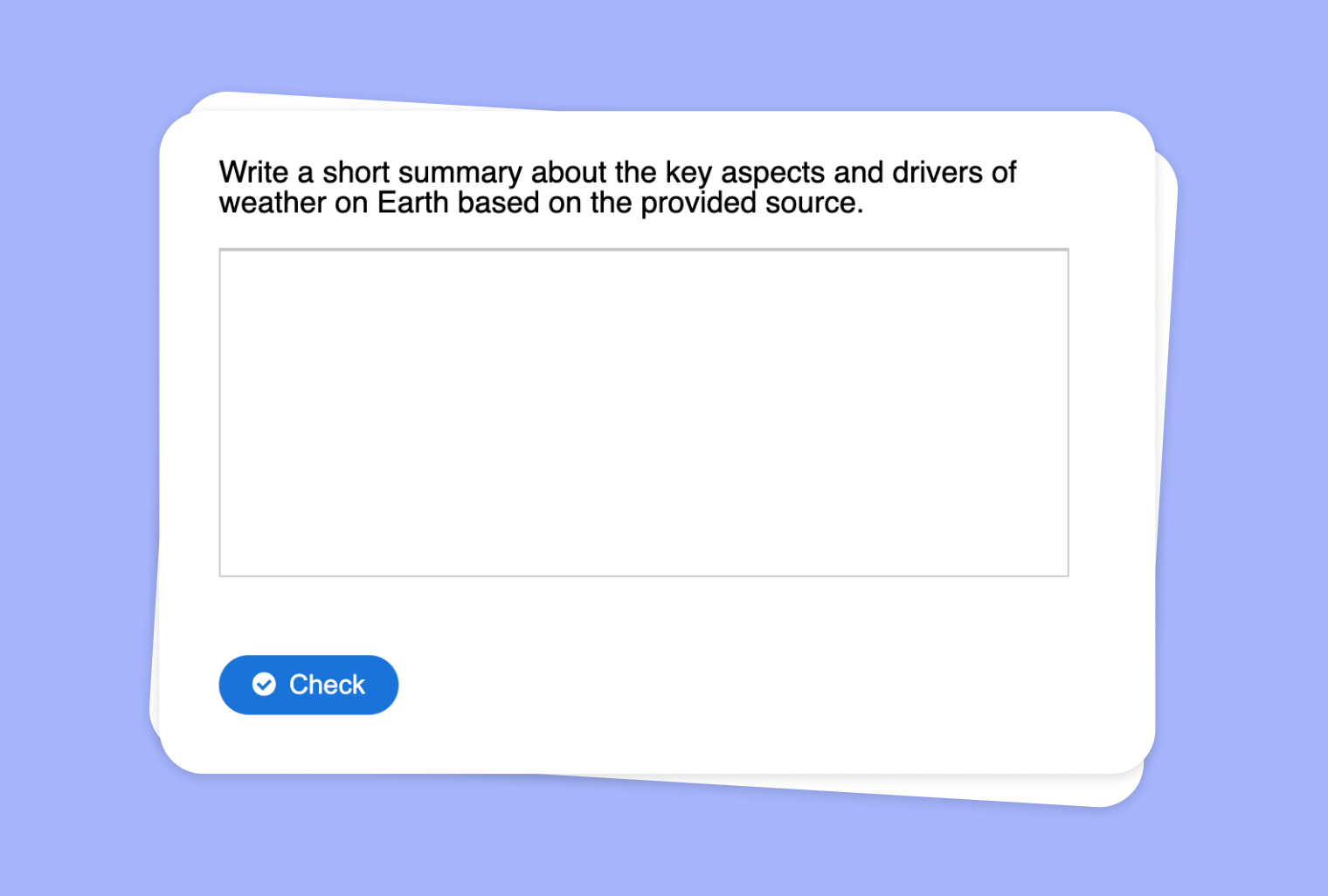
Do you have images, scanned pages, or photos containing important text that you wish to share with students? With to-teach.ai, you can perform Optical Character Recognition (OCR) on any image to extract its text, then instantly transform that text into an engaging summary-writing assignment. This streamlined approach enhances students’ comprehension and critical thinking while saving you valuable preparation time.
Why Use Summary Tasks from OCR?
Maximize Digital Resources
Easily convert text from images, PDFs, or other scanned materials, so you can reuse existing resources or references.Improve Reading Comprehension
Asking students to write a concise summary boosts their ability to identify key points and condense information.Encourage Critical Thinking
Students must process extracted content thoroughly to create meaningful summaries, promoting deeper engagement.Time-Efficient Workflow
Let AI handle the repetitive task of transcription and setup so you can focus on teaching.Versatile Across Subjects
Summaries can be used for literature analysis, historical documents, scientific articles, and more.
Getting Started
On our platform, simply upload an image containing text—such as a photo of a textbook page or a scanned document. to-teach.ai’s OCR seamlessly extracts the text, which you can then convert into a summary-writing assignment. You can customize the length, style, and focus of the summary, ensuring alignment with your lesson objectives.
Frequently Asked Questions (FAQ)
How do I extract text from images using to-teach.ai?
Just upload your image to the platform. Our built-in OCR feature detects and transcribes the text, ready to be turned into a summary assignment.Can I customize the summary requirements?
Absolutely! You can specify word limits, key focal points, or grading criteria, making each task as unique as your lesson plan.Is AI-generated feedback offered for summary assignments?
Yes. to-teach.ai analyzes students’ work, offering insights on clarity, organization, and content coverage to help them refine their summaries.What if my images are low quality or have handwriting?
Our AI handles standard printed text best, but handwritten text accuracy can vary. Clear, well-lit images typically yield the best transcription results.Can this strategy be adapted for different age groups?
Yes, simply adjust the complexity of the summary requirements. Younger students might focus on identifying main ideas, while older students might analyze more complex arguments.
More guides
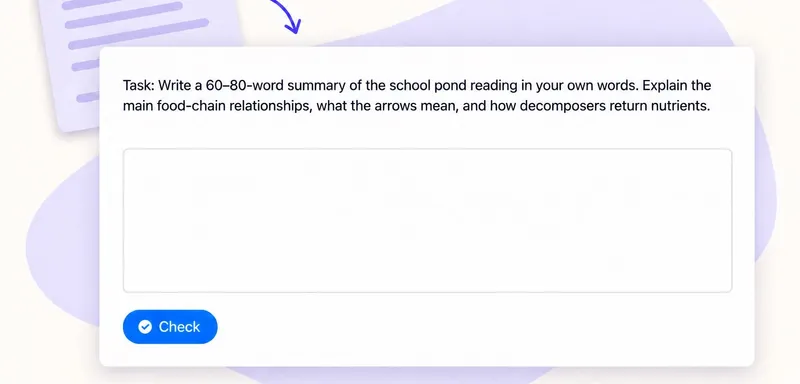
Turn a PDF reading into a summary-writing task for your class
Upload a PDF to to teach, choose Summary and set a writing brief for your class. The result is an assignment pupils complete themselves: a response box, feedback and a model answer for comparison. For a science reading,
Summary
Turn Your YouTube Video Into a Summary Writing Task
Turn any YouTube video into a concise Summary Writing Task, allowing students to quickly capture key points and develop strong note-taking and comprehension skills.
SummaryTransform Extracted Website Text into a Summary Assignment
Create an assignment in which your students have to write a summary, honing their reading comprehension and concise writing skills.
Summary