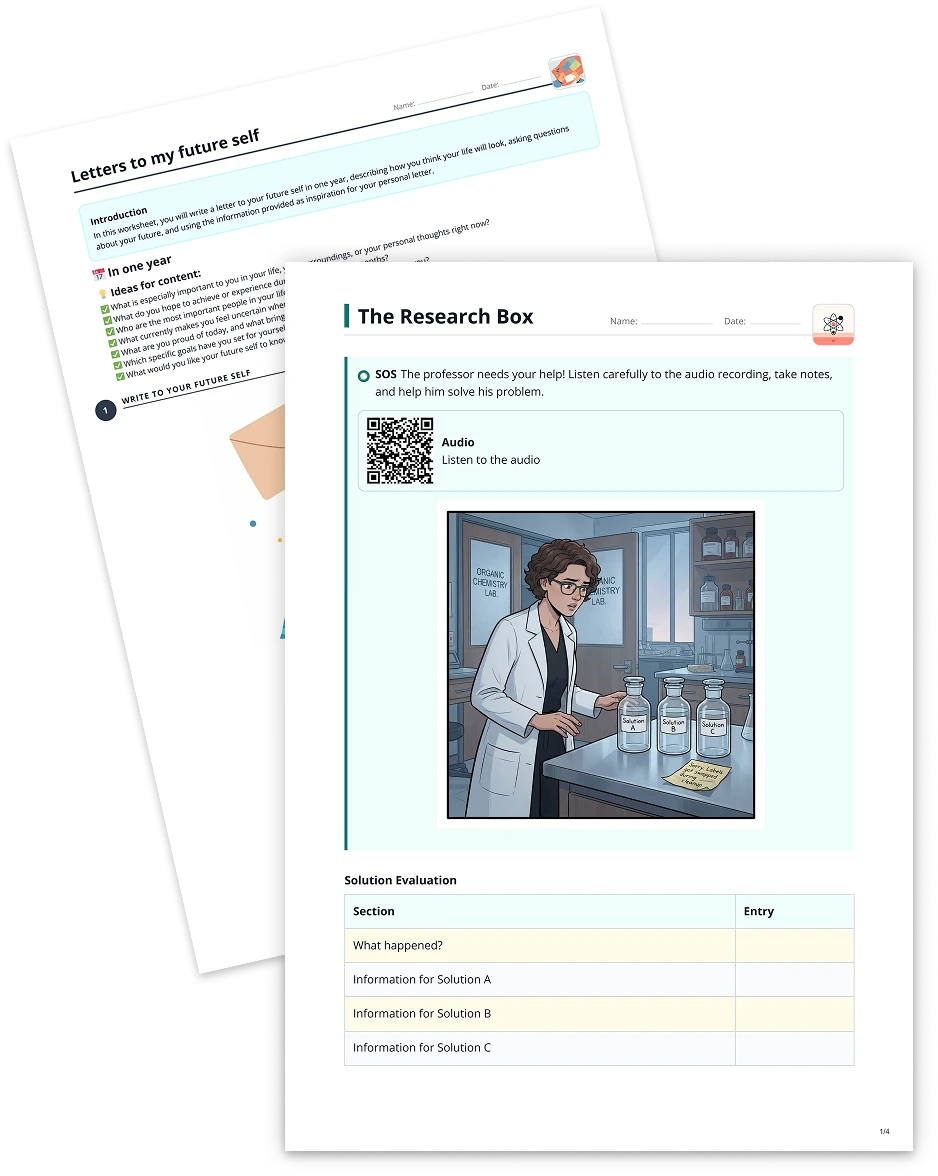
Table2 min read
Use YouTube Video as a Basis for a Table
Effortlessly convert YouTube video content into a structured table, enabling clear organization of concepts, pros and cons, or other relevant data for enhanced learning experiences.
Create it with to teach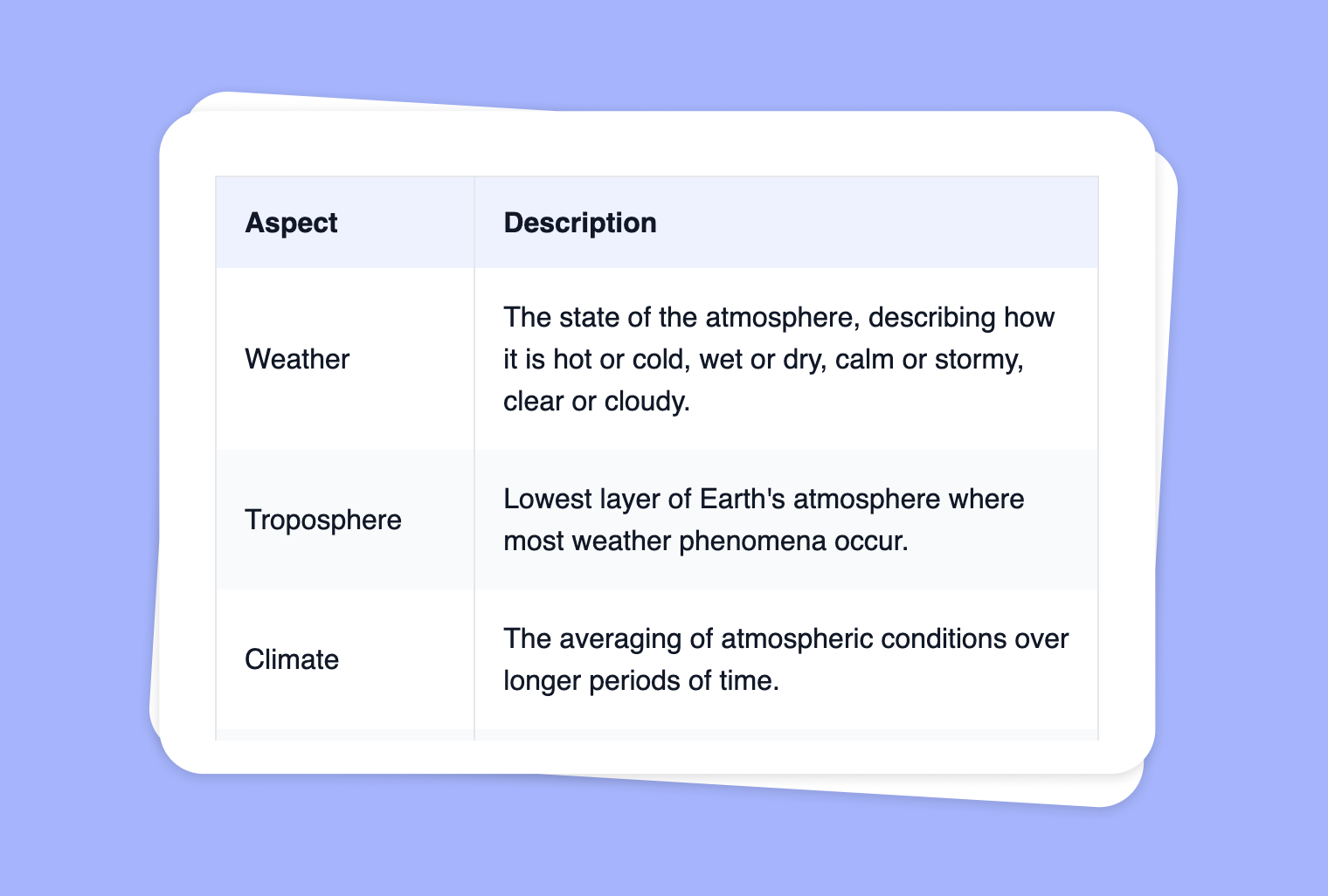
Are you looking to distill key points from your favorite YouTube videos into a well-organized table? With to-teach.ai, you can now transform any YouTube video into a customizable table—perfect for classroom discussions, research projects, or quick reference guides. Whether you’re creating a pro/con list, comparing facts and figures, or noting important timestamps, our AI-powered platform saves time and promotes structured learning.
Why Convert a YouTube Video into a Table?
Simplified Note-Taking
Instead of taking lengthy notes, convert YouTube video content into concise rows and columns for an instant overview.Focused Discussions
A table helps highlight key video segments, guiding classroom discussions or one-on-one tutoring sessions.Customizable Columns
Choose headers like “Major Themes,” “Case Study Examples,” “Data Points,” or “Pros & Cons” to tailor lessons to your curriculum.Time-Efficient Summaries
Teachers can rapidly scan structured content, allowing them to identify what to emphasize or clarify in follow-up lessons.Universal Use Cases
From history lessons to science lab results, anyone can convert video-based content into a clear format that fosters deeper understanding.
Getting Started
Grab the YouTube Link
Copy the link to the YouTube video you’d like to convert into a table.Upload to to-teach.ai
Paste the link into our interface. Our AI processes the transcript and lets you customize how the table should be formatted.Choose Your Headers
Decide on headers that align with your lesson plan or objective, such as “Topic,” “Key Insight,” “Quote,” “Timestamp,” etc.Generate & Review
Let our AI create a structured table. You can then edit or refine the content. This table can be shared with students or integrated into other materials.Engage & Evaluate
Encourage your students to explore the table for study, group projects, or to spark classroom discussions.
Frequently Asked Questions (FAQ)
Can I specify what columns go in the table?
Absolutely. to-teach.ai allows you to define your own table headers—like 'Topic,' 'Timestamp,' 'Supporting Details,' or 'Pros/Cons'—so you can tailor the table to your specific goals.Do I need to transcribe the YouTube video first?
No. Our AI handles extracting the relevant text from the video transcript. Just provide the YouTube link, and we’ll do the rest.What if the video is very long?
Even with extended videos, our AI can generate a structured table with concise points. You can then refine or reorganize the entries if needed.Is this feature suitable for all subjects and grade levels?
Yes. Whether you’re teaching elementary school, high school, or university courses, turning YouTube video content into a table can streamline note-taking and enhance engagement.How do I share the table with my students?
After generating the table, download or embed it into your learning management system. You can also export it as a PDF or insert it within a presentation for easy classroom distribution.
More guides
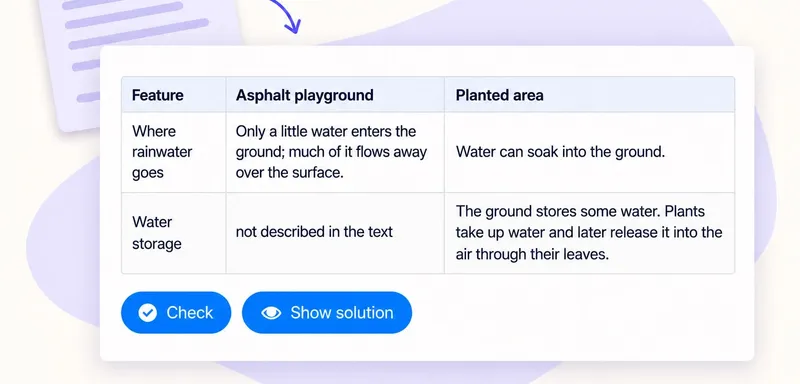
Create a classroom comparison table from a text
A comparison table helps pupils put evidence from a reading side by side. In to teach, add the passage as a Text source, choose Table and name the columns you need in the instruction field. Start with the question pupils
Table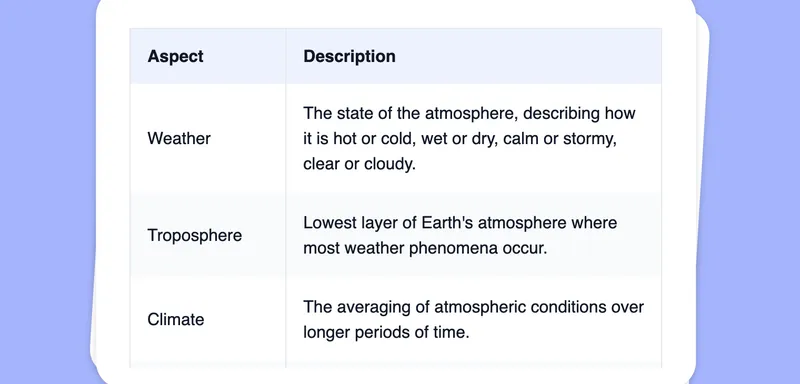
Extract Text from Images into a Table
Effortlessly convert images into editable text, then transform that text into a customizable table using automated AI-driven OCR functionalities.
TableCreate a Table from Your Image
Transform your images into clear, organized tables to effortlessly present data, comparisons, and insights for your students.
Table