
Transform Your Audio File into a Gruppenzuordnung Exercise

Use Cases
Looking for a versatile way to transform your audio files into an interactive Gruppenzuordnung (grouping) exercise? With to-teach.ai, you can seamlessly convert any recorded speech, narrative, or conversation into an engaging digital assignment. Students will learn to categorize key words, ideas, or phrases based on topics or themes—boosting their active listening, comprehension, and critical thinking skills.
Why Create a Gruppenzuordnung Exercise from Audio?
Promote Active Listening
Students must pay close attention to spoken material as they identify and categorize specific points or vocabulary.Adaptive Learning Across Subjects
Whether it’s language classes, history lessons, or science lectures, any audio source can be converted into a grouping task.Boost Engagement
Interactive classification promotes deeper student interaction and collaboration, making it easier to retain new concepts.Perfect for Skill-Building
By extracting words, terms, or sentences, educators can help students practice targeted listening skills and refine subject-specific vocabulary.Seamless in Hybrid or Online Learning
With audio-based Gruppenzuordnung tasks, both remote and in-class students can benefit from consistent and immersive digital learning resources.
Getting Started
After uploading your audio file to to-teach.ai, our AI can generate text segments or important keywords. You can then assign these terms or phrases to pre-defined categories, creating a highly visual and interactive grouping task. In just a few clicks, you’ll have a dynamic learning exercise ready to use in your classroom.
Frequently Asked Questions (FAQ)
How can I transform an audio file into a Gruppenzuordnung exercise?
Simply upload your audio to to-teach.ai and let our AI transcribe or extract key terms. Then, select the 'Grouping' or 'Gruppenzuordnung' tool to categorize each word, phrase, or sentence.Do I need to prepare transcripts before creating the grouping task?
Our platform can handle the transcription work for you. The AI automatically identifies relevant chunks of text, which you can group based on your instructional goals.Can I customize categories to match my lesson’s theme?
Yes. Define as many groups as you need for your specific subject or lesson, whether it’s vocabulary, historical events, or scientific concepts.Are these tasks appropriate for different grade levels and subjects?
Absolutely. The level of difficulty depends on the audio you select and the complexity of the categories. From primary to advanced learners, it’s easy to adapt.How can grouping exercises enhance student engagement?
Students must actively listen to the audio and make real-time decisions about categorizing information. This hands-on approach fosters deeper learning and better retention.
Sign Up for to-teach.ai!
Join more than 100,000 educators who are transforming their lesson planning with to-teach.ai
Sign Up for to-teach.ai!
Join more than 100,000 educators who are transforming their lesson planning with to-teach.ai
Start for free
Teaching Adverbs of Frequency in a Fun Way
Provides ideas for interactive games like bingo and charades to teach adverbs of frequency.
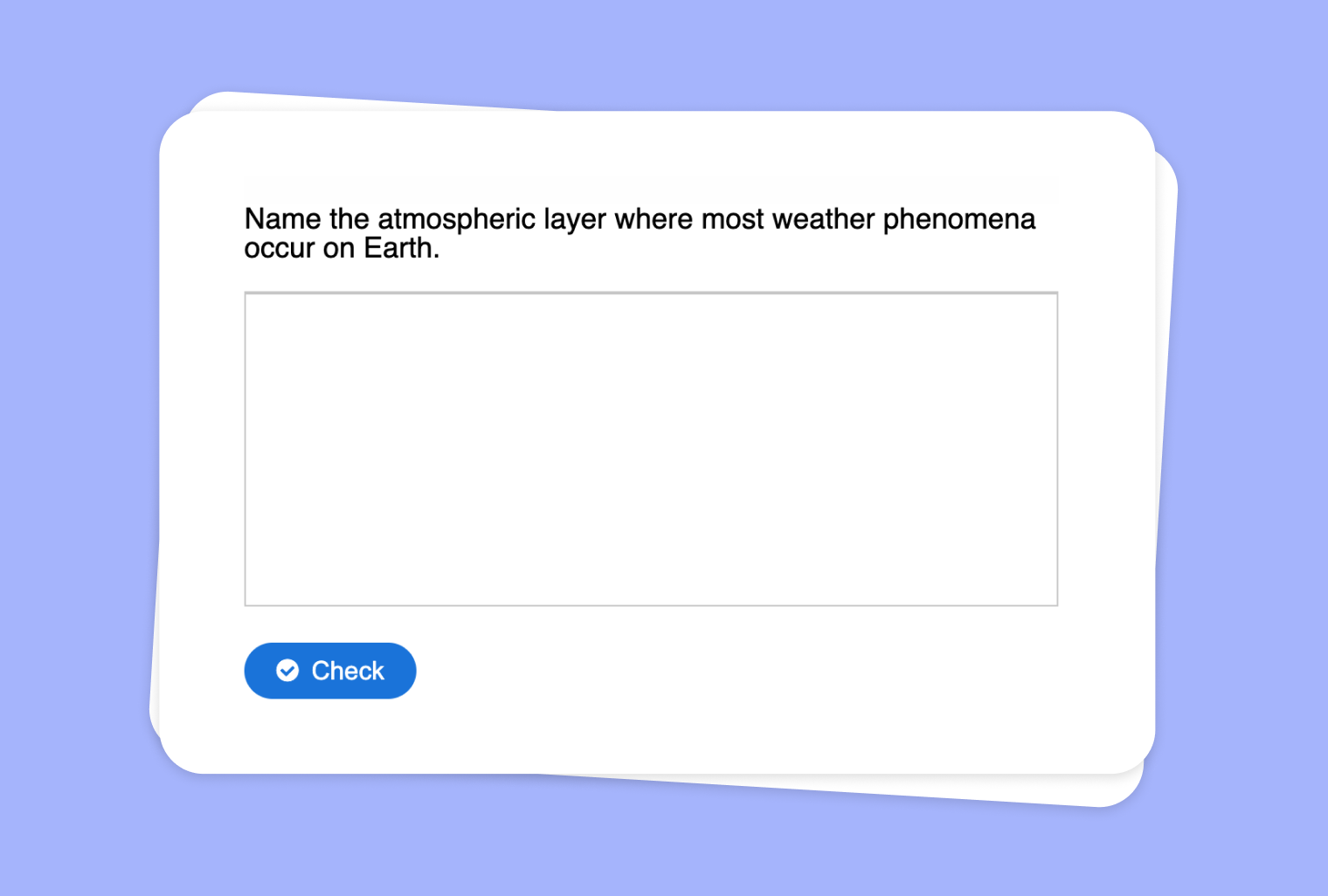
Turn Your Audio into Questions with Sample Solutions
Transform any audio file into an interactive set of questions with sample solutions, offering an effortless way to reinforce key concepts or assess understanding.
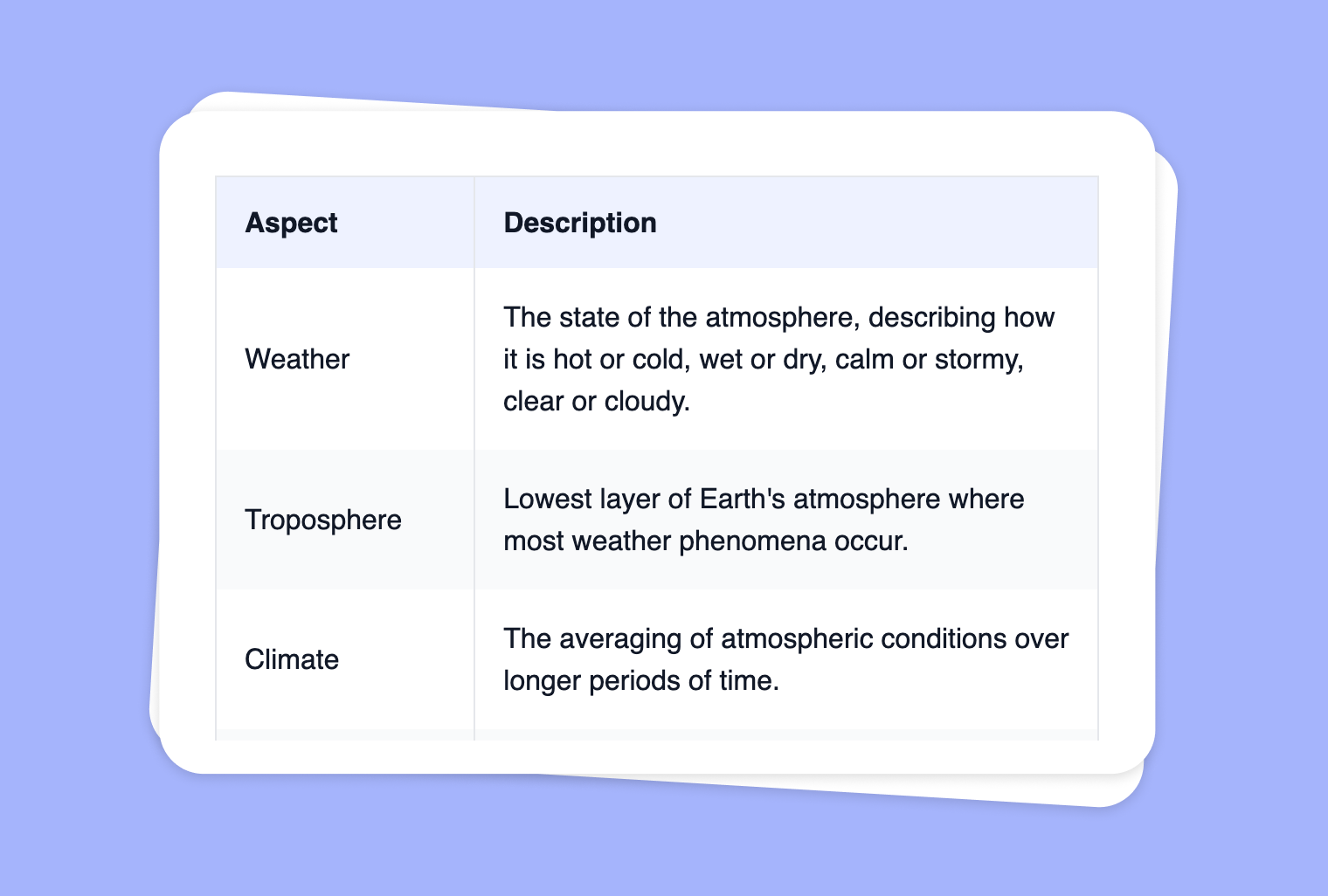
Create a Table from Your Image
Transform your images into clear, organized tables to effortlessly present data, comparisons, and insights for your students.