WhatsApp chat2 min read
Turn Your Audio into an Interactive WhatsApp Chat
Transform your audio files into a fun and engaging WhatsApp-style chat conversation, making your lesson content more dynamic and interactive.
Create it with to teach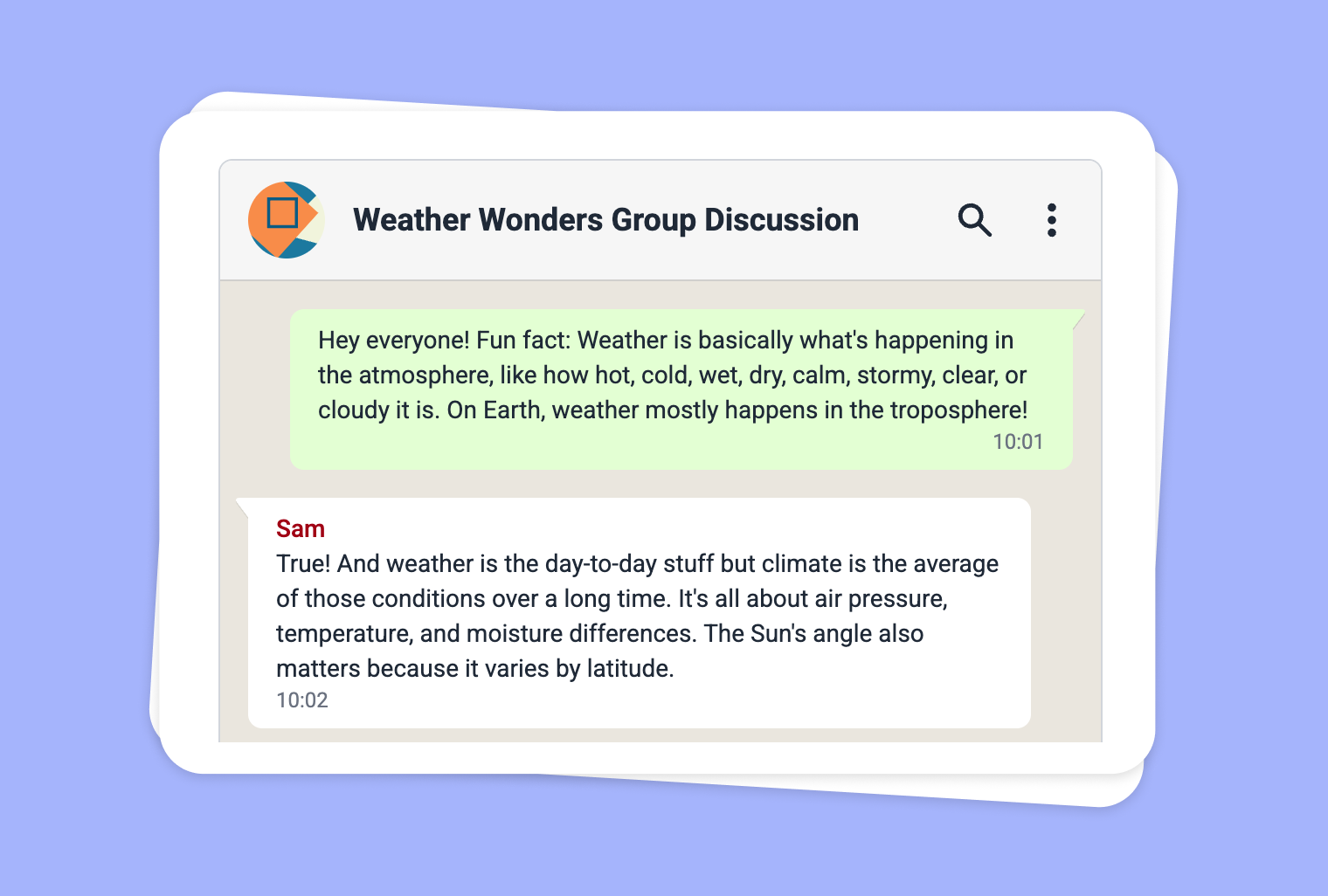
Are you looking for an innovative way to bring audio content to life for your students? With to-teach.ai, you can easily convert any audio file into a WhatsApp-style chat. This feature transforms classroom audio—lectures, discussions, or interviews—into an interactive text-based dialogue that captures learners’ attention. Enhance reading, listening, and comprehension skills at once!
Why Turn Your Audio into a WhatsApp Chat?
Boost Engagement Through Familiar Formats
Presenting audio content in a relatable, chat-style format piques student interest, while helping them process information step by step.Perfect for Language Practice
Students can compare a transcript with the audio playback, further developing language, reading, and listening skills.Combine Multiple Skills
This method seamlessly integrates communication, comprehension, and digital literacy tasks into a single lesson activity.Easy to Follow
Complex or lengthy audio can be broken down into smaller, more digestible text segments, enhancing understanding.Encourage Collaboration
Students can respond to or annotate different parts of the chat, facilitating group discussions and deeper engagement.
Getting Started
Upload Your Audio
Simply record an audio file or upload an existing one to the to-teach.ai platform.Select 'WhatsApp Chat'
Choose the WhatsApp Chat output option to generate your content automatically.Customize the Dialogue
Easily adjust participant names, highlight key information, or add instructor notes.Share with Students
Assign it as a reading or comprehension exercise, or spark a class discussion by letting students respond to the conversation.
Frequently Asked Questions (FAQ)
How do I convert an audio file into a WhatsApp Chat format with to-teach.ai?
You can simply upload your audio and select the "WhatsApp Chat" option. Our AI will generate a text-based conversation simulating chat messages.What types of audio files are supported?
Our platform accepts various audio file formats including MP3, WAV, and more. Check your uploaded file to ensure it’s supported.Can I edit the chat conversation after it’s generated?
Yes. You can easily rename participants, highlight important segments, or add instructions for students.How does this help students who are visual or hands-on learners?
The digital chat format provides an interactive reading component complemented by the original audio, catering to multiple learning styles.Can I use this feature for group activities or collaborative projects?
Absolutely. This format encourages role-play, group discussions, and peer-to-peer feedback, making learning more social and interactive.
WhatsApp chat
From your own text, a PDF, a YouTube video, a website or an image.
Create it with to teachMore guides
Create a fictional classroom chat with AI
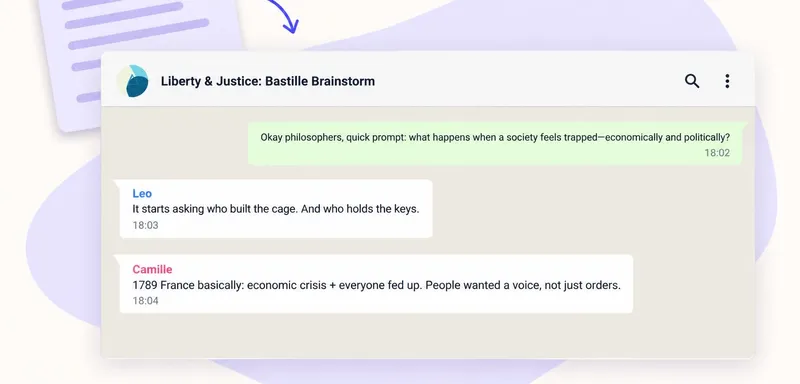
Turn your classroom text into a conversation with to teach. The Whatsapp Chat format creates a fictional exchange between several speakers. Add your material and describe the question, participants and language level. Pu
WhatsApp chatTurn a PDF reading into a classroom chat pupils can check against the source
A short PDF reading can become a conversation that gives pupils something to question. In to teach, add the document as a source, choose the Whatsapp Chat format and ask for a discussion around one important idea. Keep t
WhatsApp chat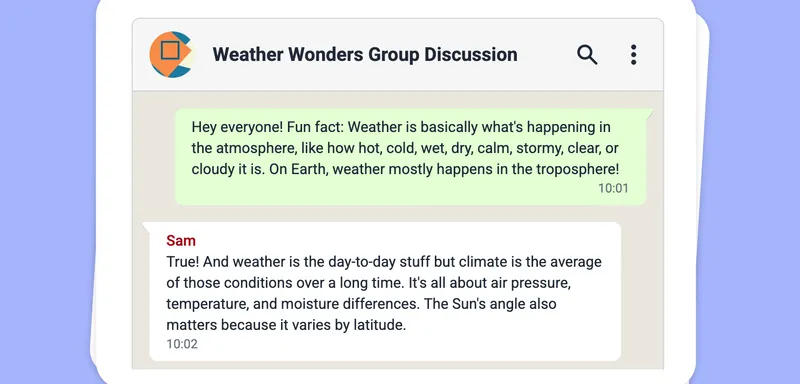
Turn Your Scraped Text into an Engaging WhatsApp Chat
Turn any scraped website text into a lively WhatsApp Chat format, engaging learners through dynamic role-play and conversational interaction.
WhatsApp chat