Text to audio2 min read
Transform Your Texts into Audio Content
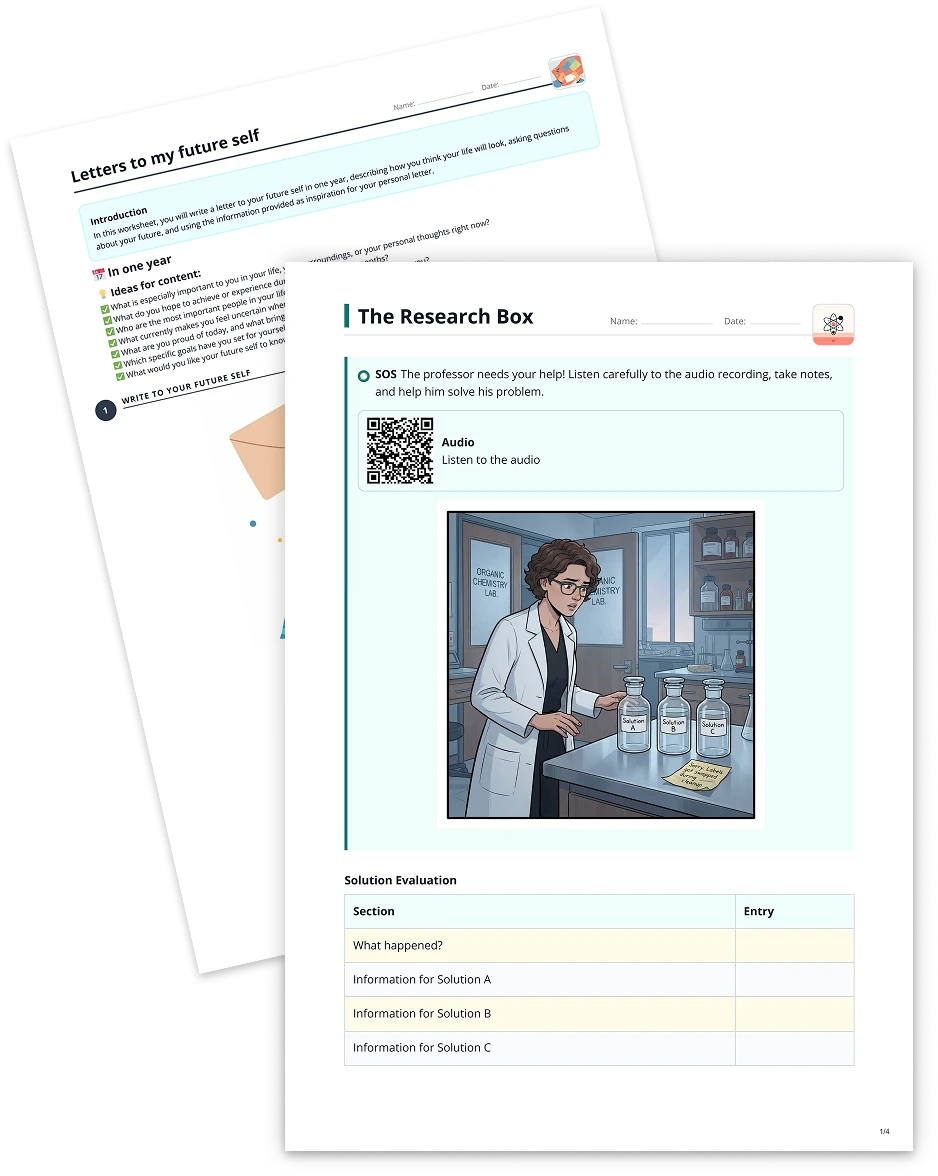
Convert your texts into an audio format of your choice. Create dialogues, interviews, or simply have your texts read aloud. Tip: Include in the instructions if you prefer, for example, a female voice or British English.
Create it with to teach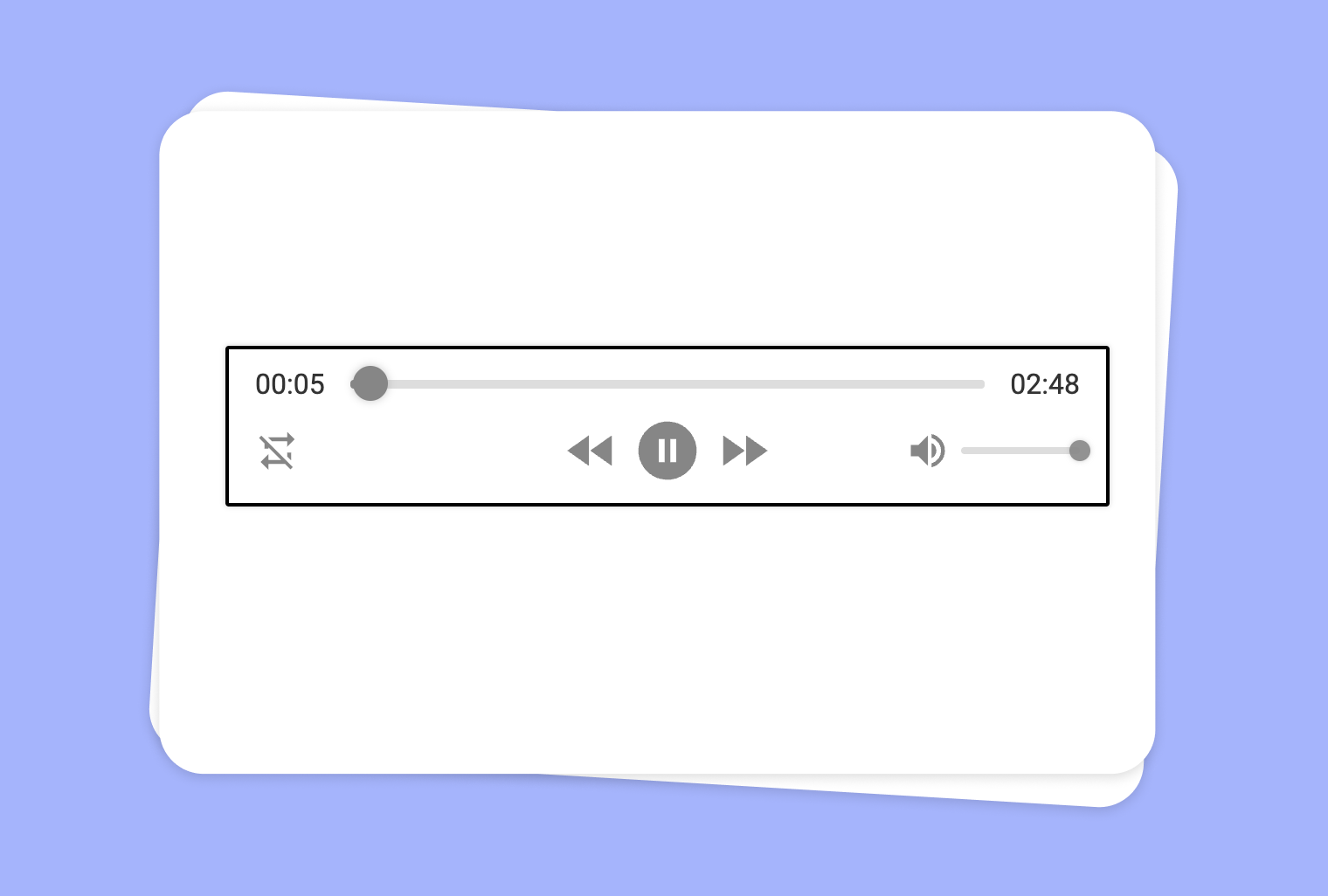
Looking to break away from the traditional text-based learning approach? With to-teach.ai, you can transform any text—plus, directly leverage content from your YouTube videos—into engaging audio materials. Whether you want to create dialogues, interviews, or have your text read aloud in a specific accent, our platform has you covered.
Why Turn Text into Audio Content?
Accessibility and Inclusivity
Students with reading difficulties or visual impairments can easily digest the material by listening rather than reading.Engaging Content
Audio-based lessons cater to various learning styles and can keep learners more focused.Versatile Formats
Want a British English accent, a lively interview style, or a calming narration? Our AI adapts the reading style and tone to your preference.Time-Saving
Instead of recording audio yourself, let to-teach.ai instantly convert text to speech with natural-sounding voices.Great for Language Learning
Students can hear correct pronunciation and improve their listening comprehension while they follow along with corresponding text.
Getting Started
After uploading or providing a link to your YouTube video, use to-teach.ai’s text extraction feature to generate a script. Once you have the text, the "Audio" feature guides you in selecting voice styles, speed, accent, and even gender. This makes it easy to customize content to match your teaching goals. Create multiple versions for different classes—no extra effort needed.
Frequently Asked Questions (FAQ)
How can I use my YouTube video as the basis for audio content creation?
Simply provide the YouTube URL in to-teach.ai. The platform will extract the relevant transcript or subtitles, which you can then convert into audio.Can I choose different voice accents and genders for my audio content?
Absolutely. Our AI offers a variety of accents, including British and American English, and voice styles from conversational to formal.What if my original text includes specialized vocabulary?
The AI can typically handle domain-specific terms, but feel free to add context or phonetic hints to improve pronunciation accuracy.Is it possible to convert dialogue into multiple voices?
Yes. to-teach.ai allows you to split text by speaking roles. Choose unique voices for each role to create engaging interview or drama scenarios.Can I use audio content for language practice or listening comprehension tests?
Definitely. Audio content generated by to-teach.ai can be used in quizzes, test scenarios, or to reinforce listening and pronunciation skills in language-learning environments.
Text to audio
From your own text, a PDF, a YouTube video, a website or an image.
Create it with to teachMore guides
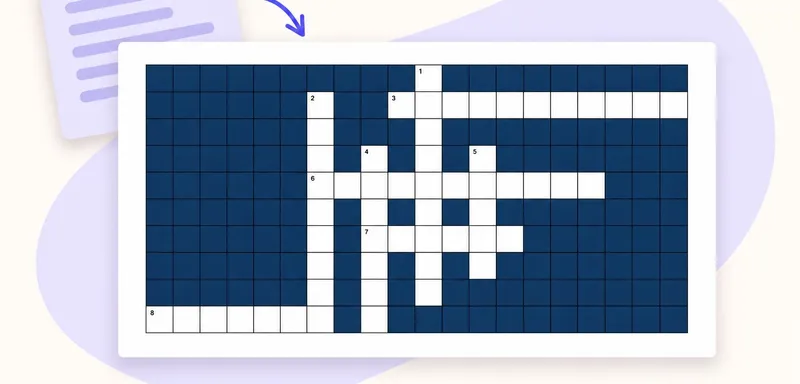
Create a classroom crossword from your own text
A classroom crossword works best when its clues bring pupils back to the meaning of words they have just met. Start with a short source, choose the vocabulary worth revisiting, and use to teach to turn it into an editabl
Crossword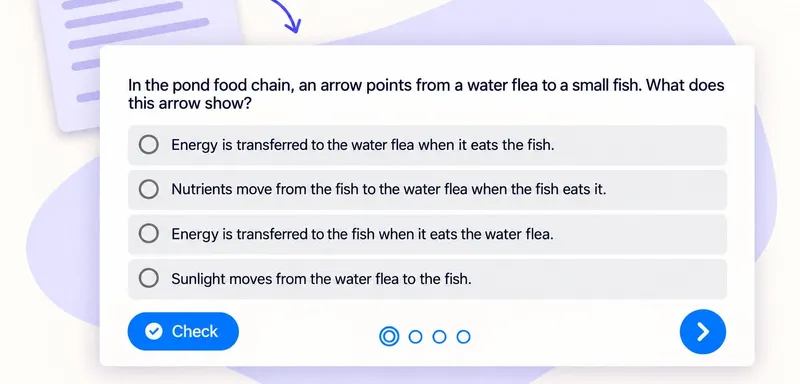
Create a multiple-choice quiz that checks pupils’ understanding
A useful classroom quiz tells you which idea to revisit. With to teach, you can create a multiple-choice quiz from the text your pupils are reading, then refine the questions and answer options before sharing it. Here we
Multiple choice quizTurn a PDF reading into a classroom crossword
Turn the key vocabulary in a PDF reading into a crossword pupils can solve after reading. This example uses a one-page school pond text and eight terms, including PRODUCER, CONSUMER and NUTRIENTS. Download the source bel
Crossword