
Turn Your Audio File into Flashcards
Use Cases
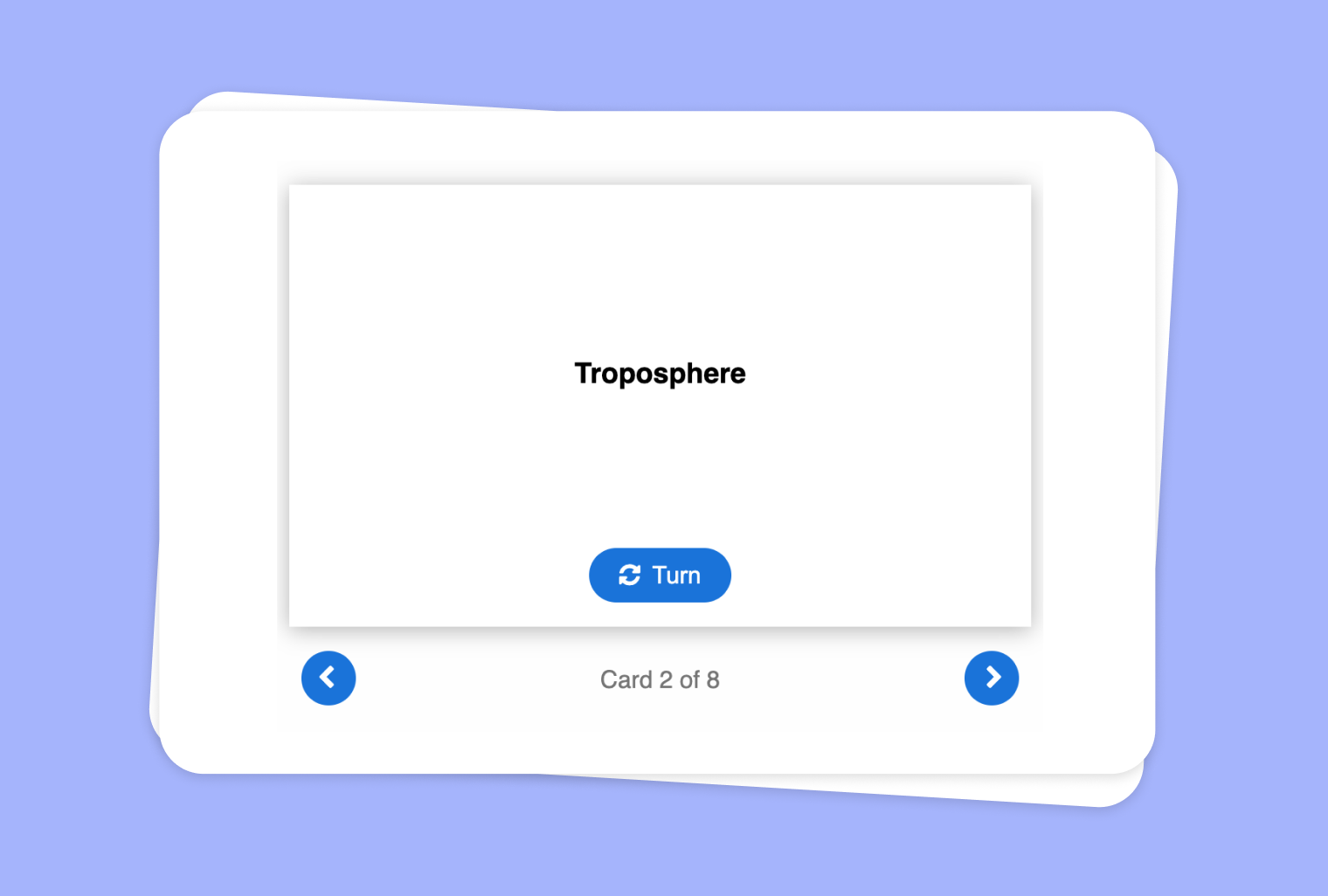
Have you ever wished your audio clips could be instantly turned into interactive study materials? With to-teach.ai, you can easily convert any audio file into Flashcards of varying difficulty levels—easy, normal, or hard. Empower your students to review vocabulary, key concepts, and critical points in a quick, engaging format.
Why Convert Audio Files into Flashcards?
Engaging Learning Experience
By breaking down audio content into concise flashcard prompts, students can focus on the essential concepts and memory cues.Flexible Difficulty Levels
From simplified explanations to advanced, formal definitions, each flashcard can be tailored to meet diverse learning needs.Multi-Skill Reinforcement
Analyzing auditory input and converting it into text-based flashcards helps improve both listening comprehension and content retention.Time-Saving Automation
Quickly create educational cards that save you the hassle of manual note-taking or content summarization.Adaptable Across Subjects
Whether you have interviews, lectures, language lessons, or music theory recordings, transform any audio material into flashcards.
Getting Started
Curious about how it works? Log in to your to-teach.ai account and upload your chosen audio file. You can then highlight key segments or let our AI automatically pick important snippets. Select your desired difficulty—"easy" for basic clarity, "normal" at standard student level, or "hard" for more advanced terminology—and the tool will generate handpicked flashcards. Finally, refine the cards based on specific curriculum goals or your students’ learning preferences.
Frequently Asked Questions (FAQ)
How do I upload my audio files to create flashcards?
Go to the “Audio to Flashcards” feature within to-teach.ai, upload or record your audio, and let our AI process it into interactive cards.Can I make easy, normal, and hard flashcards from the same audio file?
Yes. You can pick different difficulty levels for each card, making it fast and simple to differentiate learning based on student needs.What types of audio files are supported?
Most common audio formats (e.g., MP3, WAV) work with to-teach.ai. Just upload your file, and the platform will handle the rest.Do I need to edit the audio before creating flashcards?
Not necessarily. You can use the entire file or select specific timestamps to ensure each card focuses on the relevant sections.Is it possible to integrate visuals or images with the flashcards?
Absolutely. You can add images to each card or further elaborate on the definitions to enhance your students’ overall understanding.
Sign Up for to-teach.ai!
Join more than 100,000 educators who are transforming their lesson planning with to-teach.ai
Sign Up for to-teach.ai!
Join more than 100,000 educators who are transforming their lesson planning with to-teach.ai
Start for free
Teaching Conditional Sentences Type 2 in a Fun and Engaging Way
Creative ways to teach conditional sentences including games, digital tools and drawing prompts to engage students.
Teaching Singular and Plural in a Fun Way
Creative ideas to make teaching singular vs plural engaging and memorable with hands-on crafts, games and digital activities.

Extract Text from Images and Make a Crossword Puzzle
Use advanced Optical Character Recognition (OCR) to convert images into text that forms the basis for an engaging crossword puzzle, making your lesson content more interactive and fun.