Adapt vocabulary2 min read
Turn Your Audio into Adapted Vocabulary
Customize the difficulty of any transcript derived from an audio file, enabling educators to tailor vocabulary for diverse learning needs. Please note, processing longer audio files may require additional time.
Create it with to teach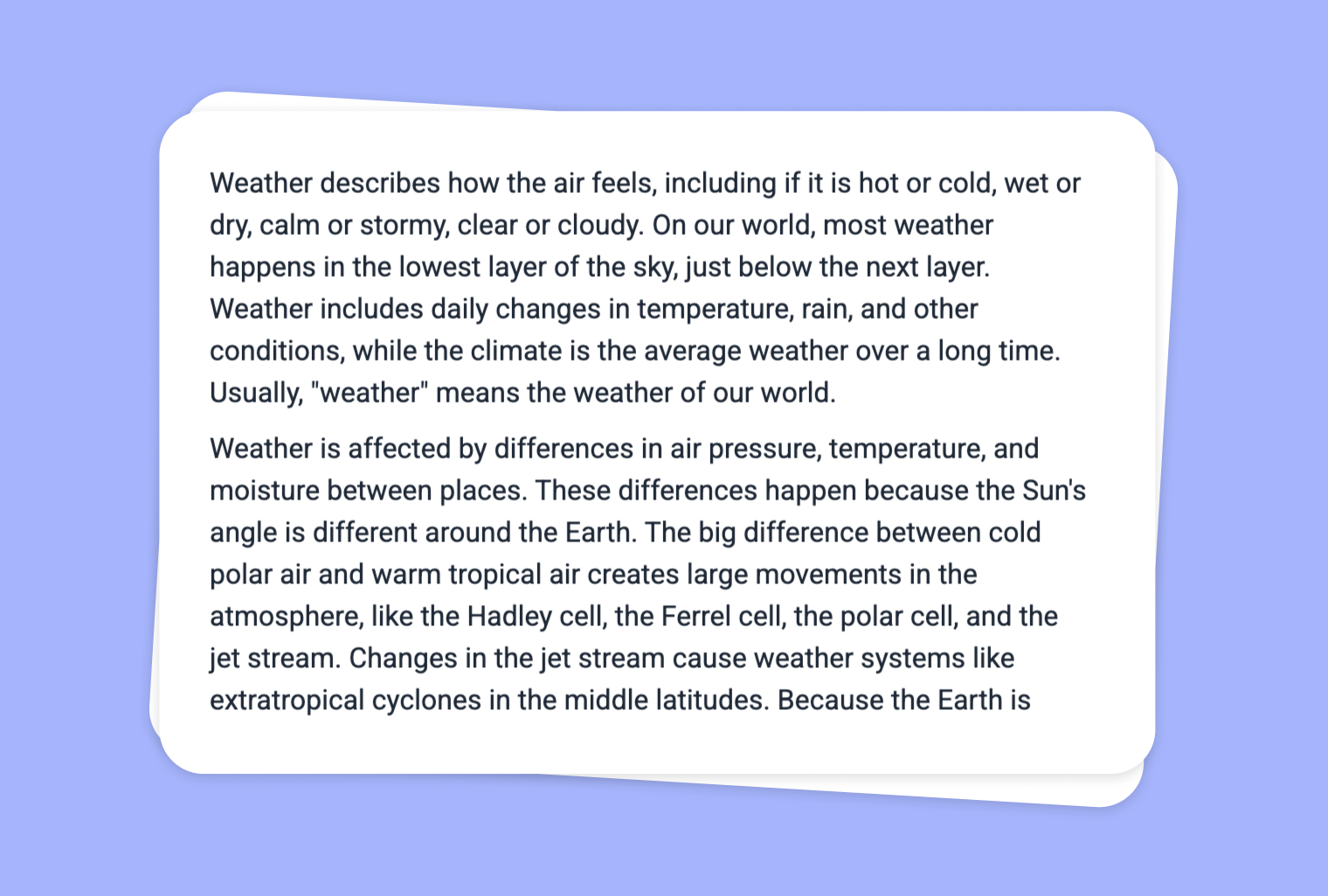
Do you have an audio file that you want to make more accessible to students of varying language levels? With to-teach.ai, you can upload your audio, get an instant transcript, and seamlessly adapt the vocabulary to match your learners’ proficiency. Whether you are preparing course material for beginners or advanced students, our AI-based solution helps you fine-tune language complexity with just a few clicks.
Why Adapt Vocabulary from Audio?
Engage All Learners
Students have different reading levels—adjusting vocabulary ensures everyone can follow along.Enhance Listening Comprehension
By matching text complexity to learners’ abilities, comprehension is boosted for auditory content.Easy to Customize
Our AI quickly reworks or simplifies expressions, making your transcript more approachable.Time-Saving
Gone are the days of manually transcribing and rewriting texts—our automated process does the work for you.Encourage Language Growth
Teachers can provide multiple versions of the same content, gradually increasing difficulty.
Getting Started
Simply upload or record your audio to to-teach.ai, generate a transcription, and select the vocabulary adaptation feature. Our AI engine then produces a new version of the transcript with revised language difficulty. The entire process is streamlined to help you focus on what matters most—teaching.
Frequently Asked Questions (FAQ)
How do I upload and adapt vocabulary from my audio file?
Just upload your audio to to-teach.ai. Once transcribed, click on 'Adapt Vocabulary' to choose the desired difficulty level. The AI automatically adjusts the text.Can I choose from multiple complexity levels?
Absolutely. You can set the transcript to basic, intermediate, or advanced levels, or specify your own custom requirements.Is this suitable for language learners at different proficiency levels?
Yes. By customizing vocabulary, you can make content accessible for beginners while still challenging more advanced students.How long does it take to adapt the vocabulary?
The time varies depending on the length of the audio. Shorter recordings are processed almost instantly, while longer files may require a brief wait.Can I reuse these adapted transcripts in future lessons?
Definitely. All adapted transcripts can be saved, shared, and repurposed across lessons, making lesson planning more efficient.
Adapt vocabulary
From your own text, a PDF, a YouTube video, a website or an image.
Create it with to teachMore guides
Extract and Adapt Vocabulary from Website Text
Modify the language level of any text. Depending on the length of the text, this may take a moment.
Adapt vocabularyAdapt Vocabulary from Your YouTube Video
Modify the language level of any text. Depending on the length of the text, this may take a moment.
Adapt vocabularyExtract Text from Images and Adapt Vocabulary
Use OCR to quickly convert text from images into editable content, then seamlessly modify vocabulary to match various reading levels or learning objectives.
Adapt vocabulary