Any format2 min read
Transform Your PDF Documents into Engaging Formats
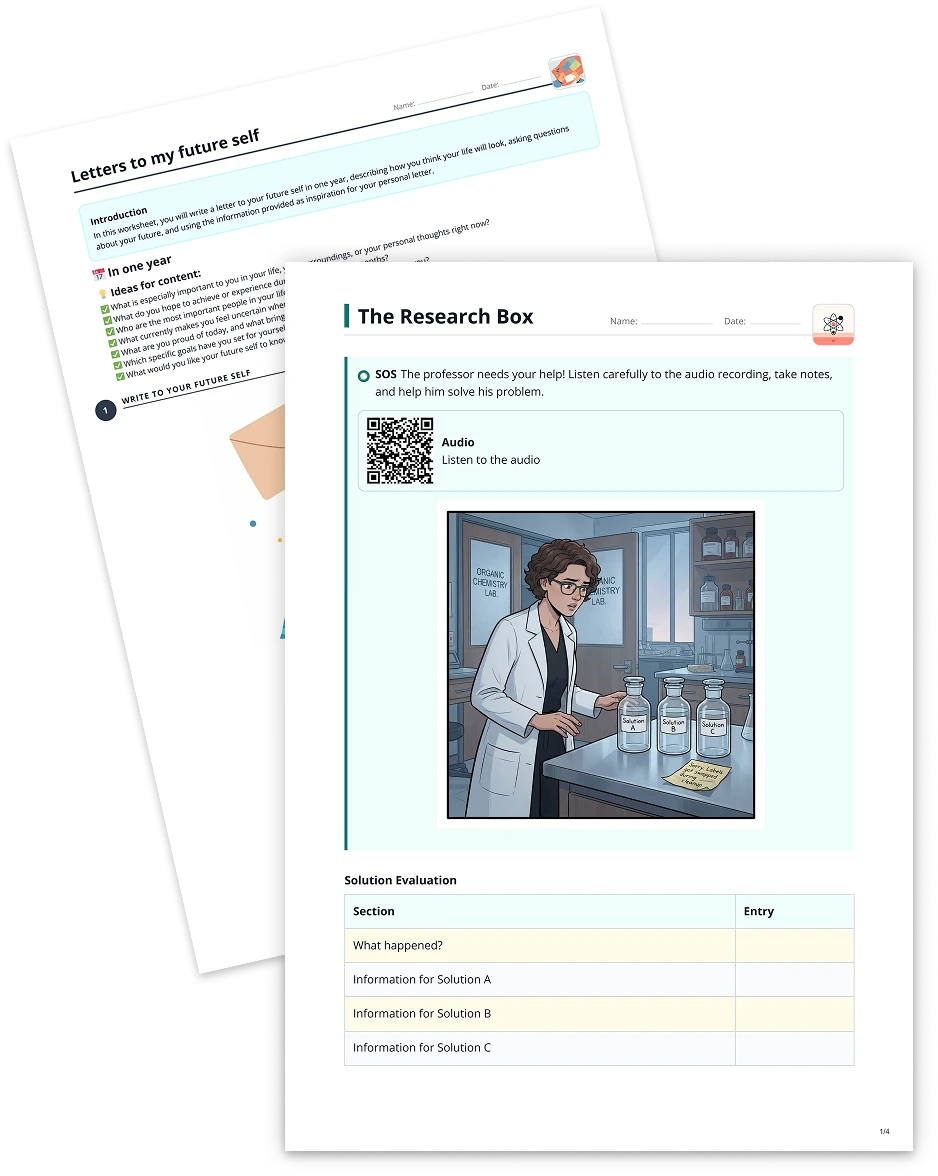
Put your PDF documents into a new, simpler, or more exciting format. Create scripts, short stories, or even discussion prompts from your original PDF files, boosting interaction and creativity in your classroom. to-teach.ai streamlines the process by automatically extracting text and generating fresh, engaging content in just a few clicks.
Create it with to teach
Are you looking for an innovative way to repurpose your PDF documents to drive student engagement and simplify your lesson planning process? With to-teach.ai, you can instantly convert PDF files into a range of new and exciting formats—like scripts, short stories, or discussion topics—while preserving the core educational content.
Why Convert Your PDF Documents?
Breathe New Life into Old Lessons
Turn stale PDFs into dynamic activities that spark curiosity. Reformat them into scripts for role-play, debates, or dramas to make lessons truly interactive.Simplify Complex Text
Break down dense material into more understandable and student-friendly pieces. Help learners grasp complex topics faster by presenting information in short-story or Q&A formats.Engage Multiple Learning Styles
Offer materials in various formats—stories, scripts, or debates—to cater to visual, auditory, and kinesthetic learners.Save Time and Effort
Quickly transform your PDFs without having to rewrite or copy-paste text. Let our AI do the heavy lifting while you focus on teaching.Encourage Creativity
Challenge students to come up with new angles on familiar content. Encourage them to adapt PDF material into mini-projects or presentations.
Getting Started
Upload Your PDF
Simply upload your PDF document to the to-teach.ai platform. Our system automatically scans and extracts the text.Choose Your Format
Decide whether you want a short story, a script, or discussion prompts. Adjust the complexity level based on your students’ needs.Customize Settings
Refine vocabulary, set the tone, or add discussion topics relevant to your lesson plan.Generate and Review
Within seconds, you’ll receive your transformed content. Make any final tweaks, then share it with your students.
Frequently Asked Questions (FAQ)
How do I convert a PDF document into new formats using to-teach.ai?
Upload your PDF, choose a target format—like a script or short story—and let our AI create engaging content based on the original text.Can I adjust the tone and difficulty of the newly generated content?
Yes. You can customize complexity, vocabulary, or style to match your students’ reading levels or your subject matter.Is it possible to create discussion questions from PDF content?
Absolutely. to-teach.ai can transform your text into guided discussion points or prompts, making classroom conversations more focused.Will the platform handle complex or technical PDFs?
Our AI is designed to process most PDFs, including those with higher-level language. You can also simplify the text if needed.Can I combine multiple PDFs into one transformed document?
Yes, multiple documents can be merged before transformation, allowing you to create cohesive materials from various PDF sources.
More guides
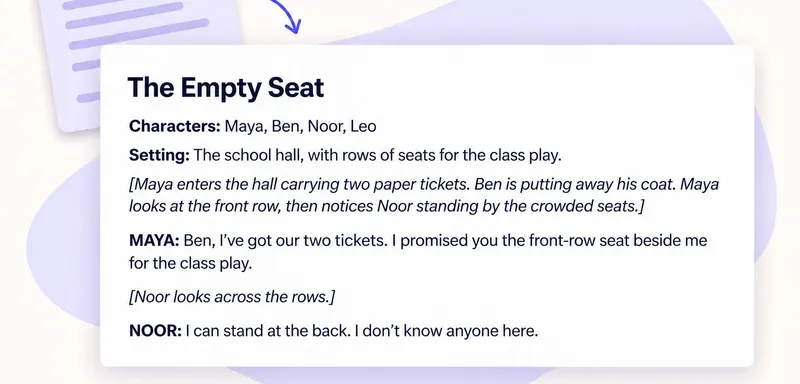
Turn a text into a classroom script: keep the story, change how it is told
To turn a reading into a classroom script, keep its events and decisions, then express them through spoken lines and actions. In to teach, add the reading, choose the script format and specify the roles. The worked examp
Any formatTurn a YouTube video into a classroom script for post-viewing discussion
To turn a YouTube video into a classroom script, add the video as a source in to teach, choose a written format and describe what pupils should explain after watching. The script gives small groups a reason to revisit th
Any format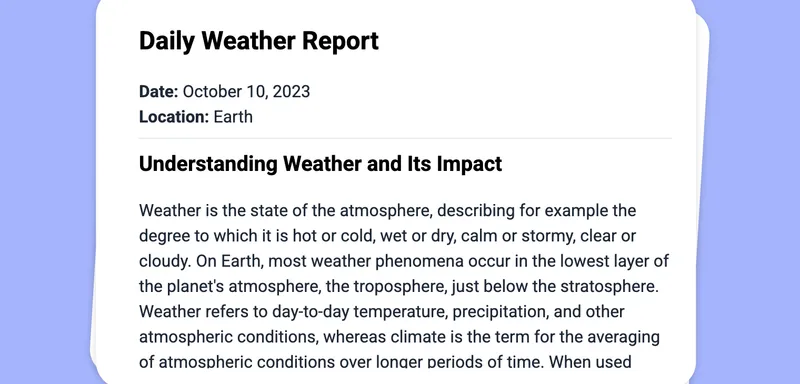
Use Image as Basis for a Task: Turn Your Texts into Any Format
Effortlessly convert images into text-based tasks and reformat content into scripts, short stories, or discussions—perfect for dynamic classroom engagement.
Any format