Presentation2 min read
Turn Your PDF into a Presentation
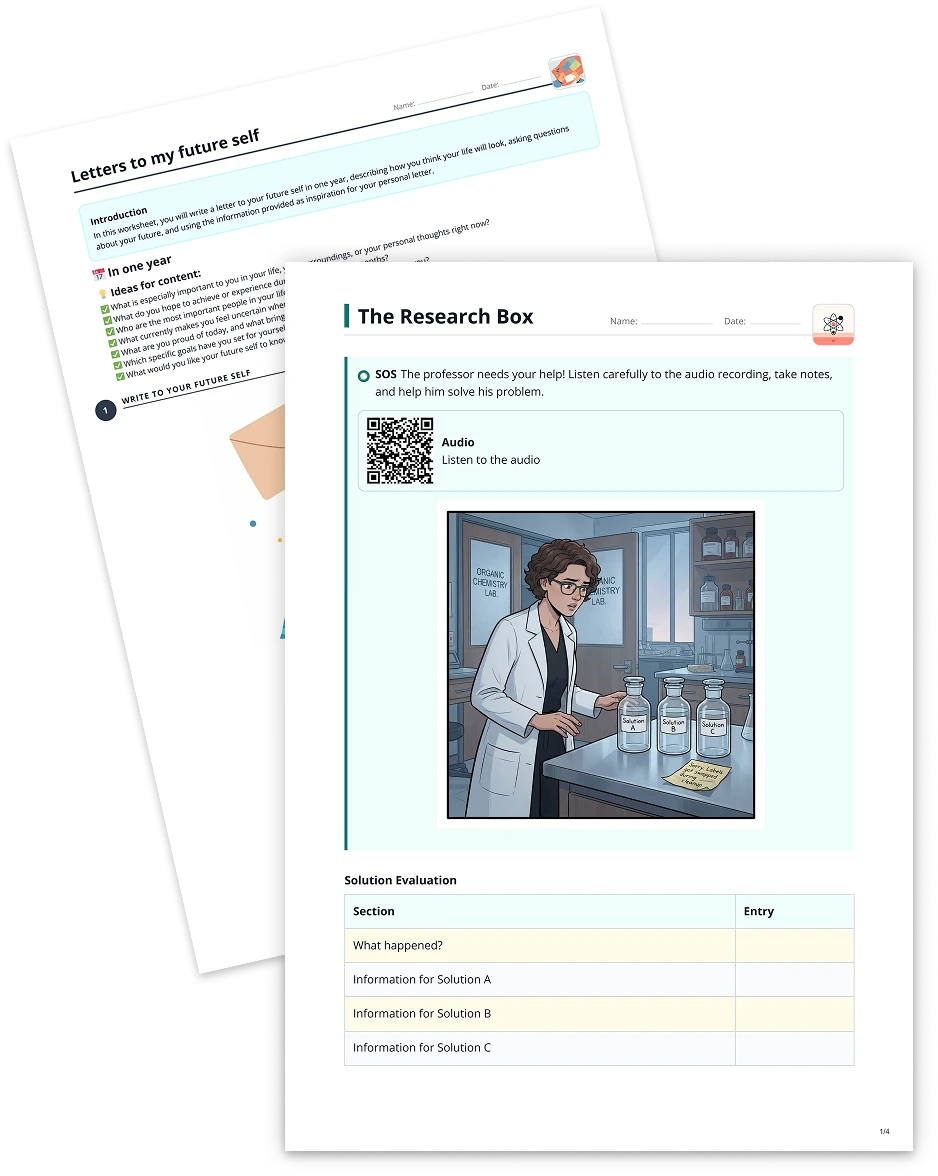
Transform any PDF file into a dynamic, slide-based presentation with integrated design suggestions, making lesson preparation faster and more immersive.
Create it with to teach
Do you have a PDF document brimming with valuable content but limited means to showcase it interactively? With to-teach.ai, you can effortlessly convert your existing PDF into an engaging presentation. By automating slide creation, adding visuals, and incorporating interactive elements, you’ll captivate learners and streamline lesson planning.
Why Turn Your PDF into a Presentation?
Instant Engagement
Moving from static text to slides immediately boosts visual appeal and learner attention.Digestible Content
Slide-by-slide breakdowns convert long PDFs into coherent, bite-sized segments that students can process more easily.Customizable Design
Adapt templates, colors, and layouts to match your teaching style or institutional branding.Interactive Elements
Embed questions, quizzes, or media to create an active learning environment where students can participate rather than passively read.Time-Saving
Let our AI do all the heavy lifting, leaving you free to refine the presentation to your students’ needs.
Getting Started
If you’re curious about the exact steps, our interactive tutorial inside the platform guides you through uploading your PDF, customizing slide layouts, and adding interactive features. The process is quick, intuitive, and designed to save you significant prep time.
Frequently Asked Questions (FAQ)
How do I convert a PDF into a presentation?
Simply upload your PDF to to-teach.ai, choose the “Presentation” output, and let our AI generate slide content automatically.Can I insert images or videos into my presentation?
Absolutely. Once your slides are created, you can enrich each slide by adding images, videos, or even interactive elements like polls.Is there a way to adjust the level of complexity in the slides?
Yes. You can tailor the text and visuals to your learners’ age or comprehension level, ensuring your presentation hits the right note.Can I reorder or remove certain slides?
Definitely. to-teach.ai gives you full control over editing or rearranging slides, so you can maintain the optimal flow of information.Is my presentation accessible on different devices?
Yes. The presentations generated by to-teach.ai are optimized for various devices, including desktops, tablets, and smartphones.
Presentation
From your own text, a PDF, a YouTube video, a website or an image.
Create it with to teachMore guides
Transform Your Text into a Dynamic Presentation
Transform any textual content into a visually engaging presentation, complete with slides, images, and key points, enhancing learning experiences and boosting student engagement.
PresentationExtract Website Text and Convert it into an Engaging Presentation
Effortlessly extract text from websites and transform it into a visually appealing presentation. Perfect for educators seeking real-life content in a structured, AI-driven format.
Presentation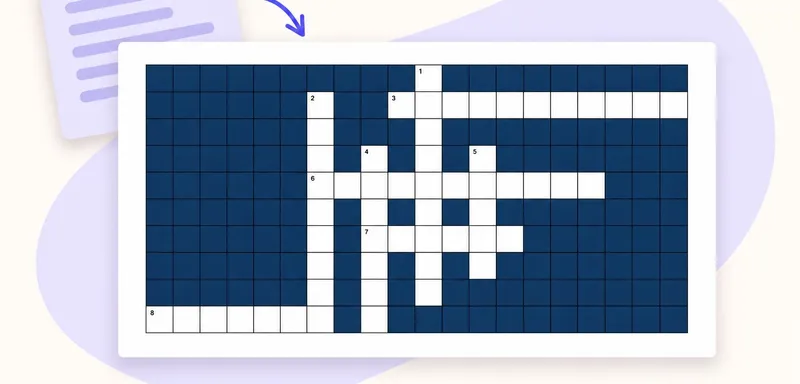
Create a classroom crossword from your own text
A classroom crossword works best when its clues bring pupils back to the meaning of words they have just met. Start with a short source, choose the vocabulary worth revisiting, and use to teach to turn it into an editabl
Crossword