Essay with feedback2 min read
Turn Your PDF into an Essay Writing Task with Feedback
Transform your PDF content into an essay writing task with integrated feedback, enabling deeper analysis and skill-building.
Create it with to teach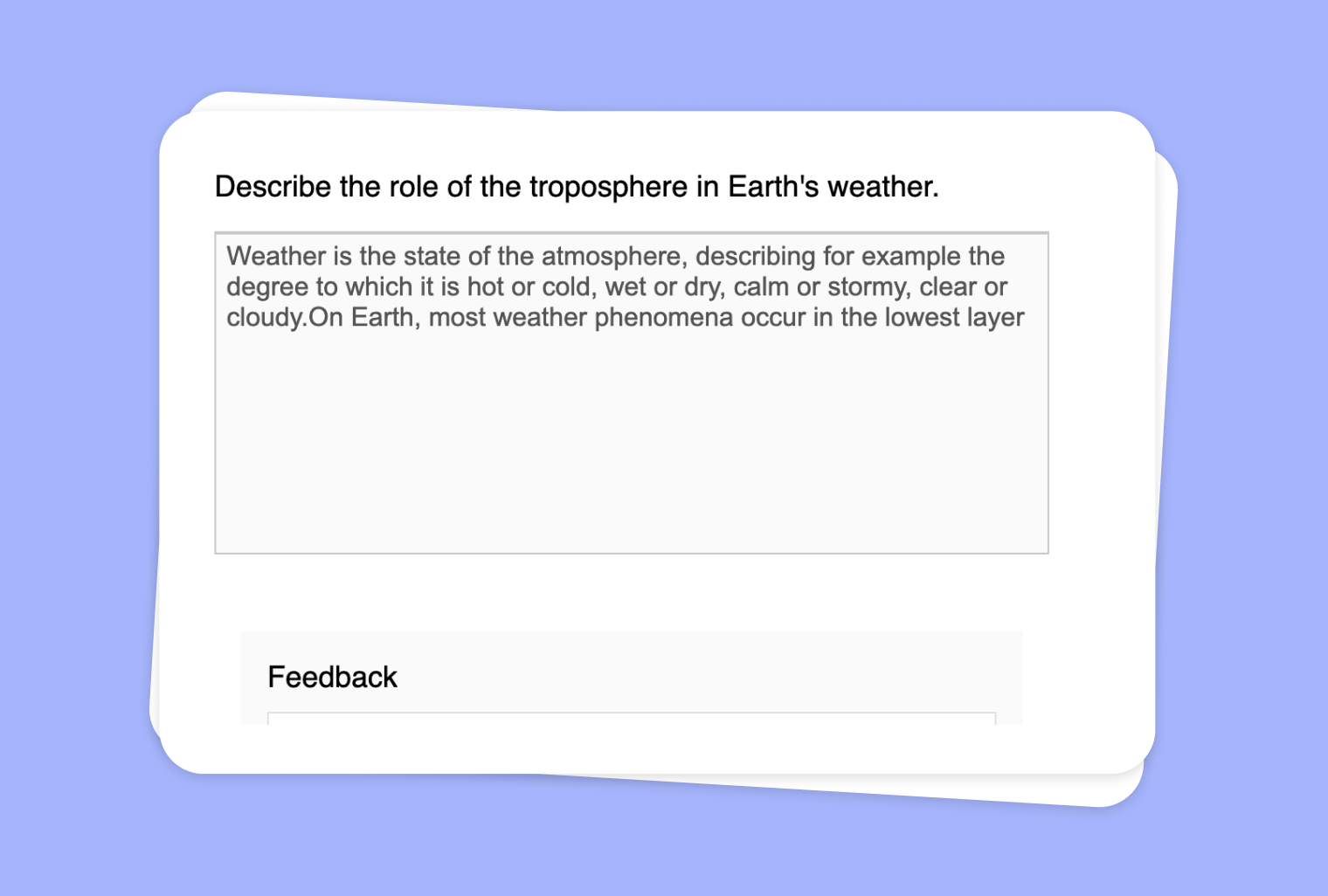
In this article
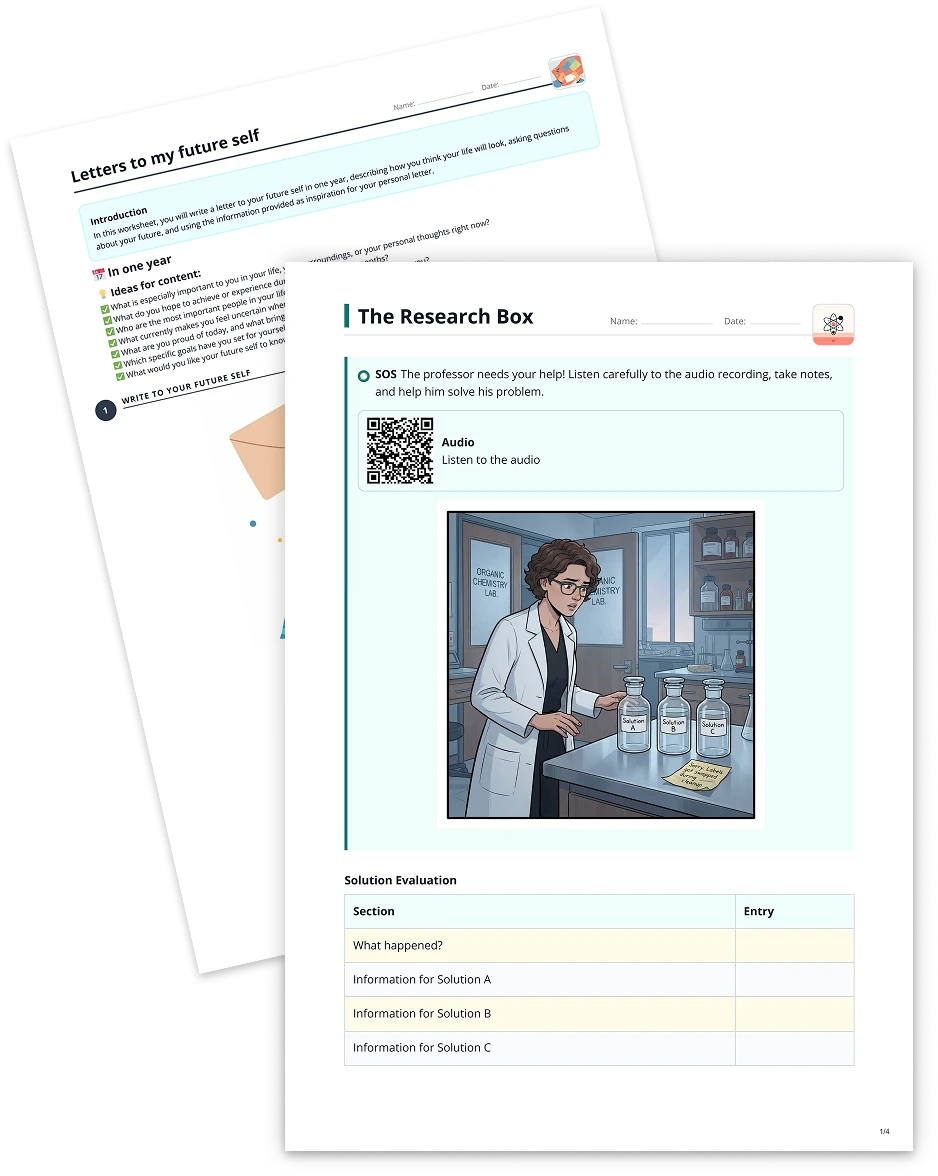
Are you looking for a straightforward way to repurpose your existing PDF files into engaging writing activities? With to-teach.ai, you can effortlessly convert any PDF document into an Essay Writing Task complete with comprehensive AI-driven feedback. Whether your PDF covers historical texts, scientific reports, or literary masterpieces, the platform helps students engage more deeply with the material, enhance their writing, and quickly refine their work.
Why Convert Your PDF into an Essay Task with Feedback?
Leverage Existing Teaching Materials
All those PDF lesson plans, readings, and exercises you’ve collected can now be repurposed as writing prompts without any additional manual work.Encourage Analytical Thinking
Turning PDF content into essays requires critical thought. Students analyze the text, formulate arguments, and develop coherent narratives.AI-Powered Feedback
Students receive targeted guidance on grammar, style, and idea development. This iterative feedback leads to more refined writing and improved comprehension.Facilitate Continuous Improvement
Instant feedback helps students identify their strengths and weaknesses. Learners can edit and resubmit, fostering a growth mindset.Adaptable Across Disciplines
Whether you’re covering social sciences, literature, or STEM subjects, any PDF content can transform into relevant, context-rich essays.
Getting Started with PDF-to-Essay Conversion
- Upload Your PDF
Log into to-teach.ai, select “PDF to Essay,” and upload your file. - Refine Your PDF Content
Identify the specific sections, tables, or images you want your students to focus on. - Generate Essay Prompts
Let our AI craft relevant prompts based on your selected PDF segments. - Review and Customize
Adjust the complexity, add guiding questions, or tailor the feedback criteria. - Share the Task
Assign it to your students. They’ll receive automatic feedback to help polish their writing.
Frequently Asked Questions (FAQ)
How do I convert a PDF into an Essay Writing Task with feedback?
Simply upload the PDF to to-teach.ai and select the “Essay” feature. The platform will identify key arguments or topics for discussion and generate writing prompts and feedback.Can I choose specific sections of a lengthy PDF for essay prompts?
Absolutely. You can highlight any sections or pages you want to include. The AI will focus on those segments to create your writing task.Is the praise and feedback personalized for each student?
Yes. The AI tailors its feedback to each student’s submission, offering specific suggestions to improve content, structure, and style.Can I create multiple essay assignments from a single PDF?
Of course. You can split your PDF content into multiple sections or themes, generating distinct essay tasks individually.What if my students have varying reading levels and writing skills?
You can easily modify the prompts, language complexity, and feedback depth to match each student’s proficiency, making the activity suitable for all learners.
Essay with feedback
From your own text, a PDF, a YouTube video, a website or an image.
Create it with to teachMore guides
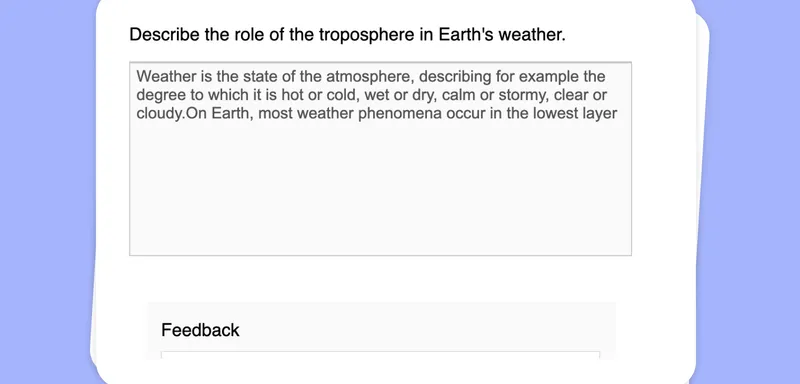
Use Your Image as a Basis for an Essay Writing Task with Feedback
Create an essay writing task including feedback based on your content.
Essay with feedbackTransform Your Text into an Essay Writing Task with Feedback
Create an essay writing task including AI-powered feedback, offering a structured and iterative writing process for your students.
Essay with feedbackTurn Your Audio File into an Essay Writing Task with Feedback
Transform any audio file into an essay writing task with built-in feedback, providing students with an engaging way to process listening content and refine their writing skills.
Essay with feedback