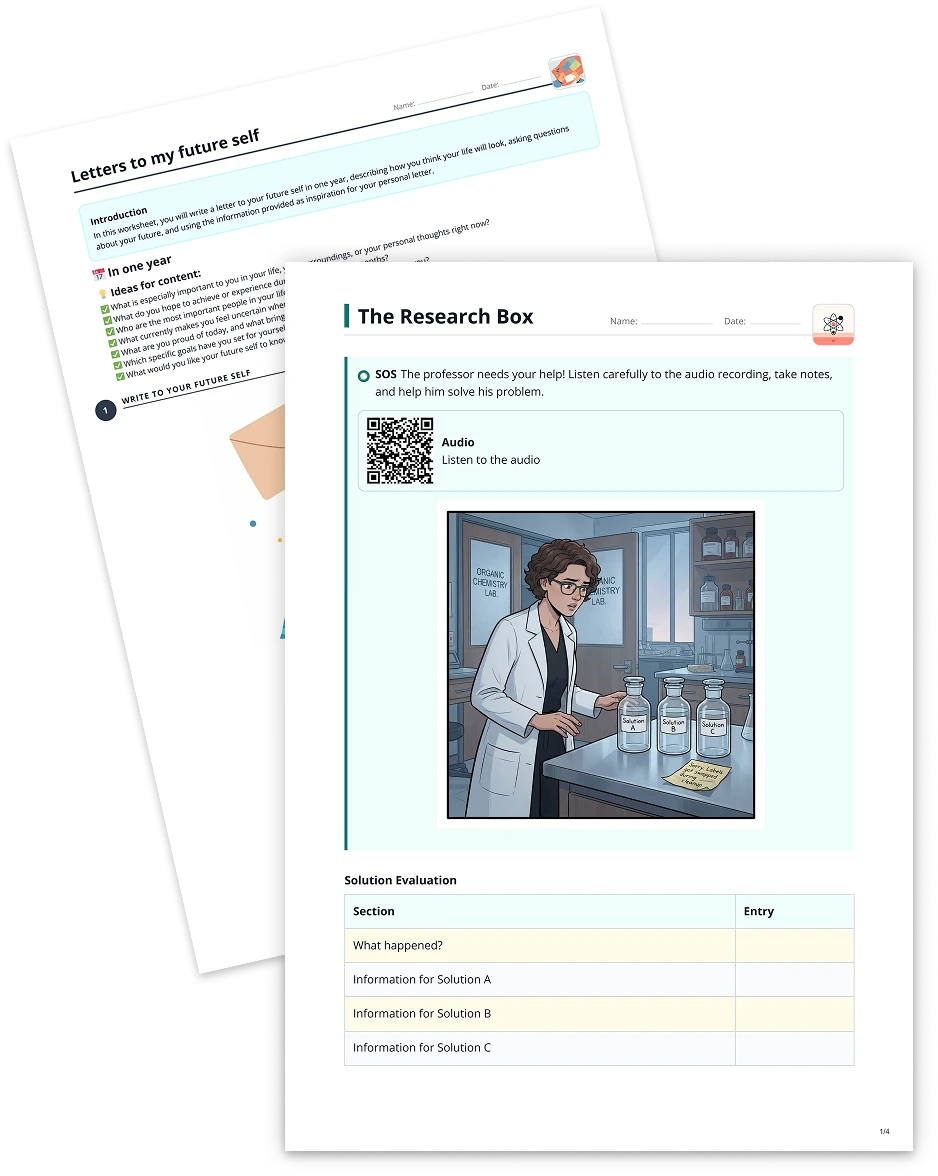
Find the words2 min read
Turn Your YouTube Video into a Find the Words Puzzle
Turn your YouTube video into a dynamic word puzzle, helping students grasp essential vocabulary through an engaging 'Find the Words' activity.
Create it with to teach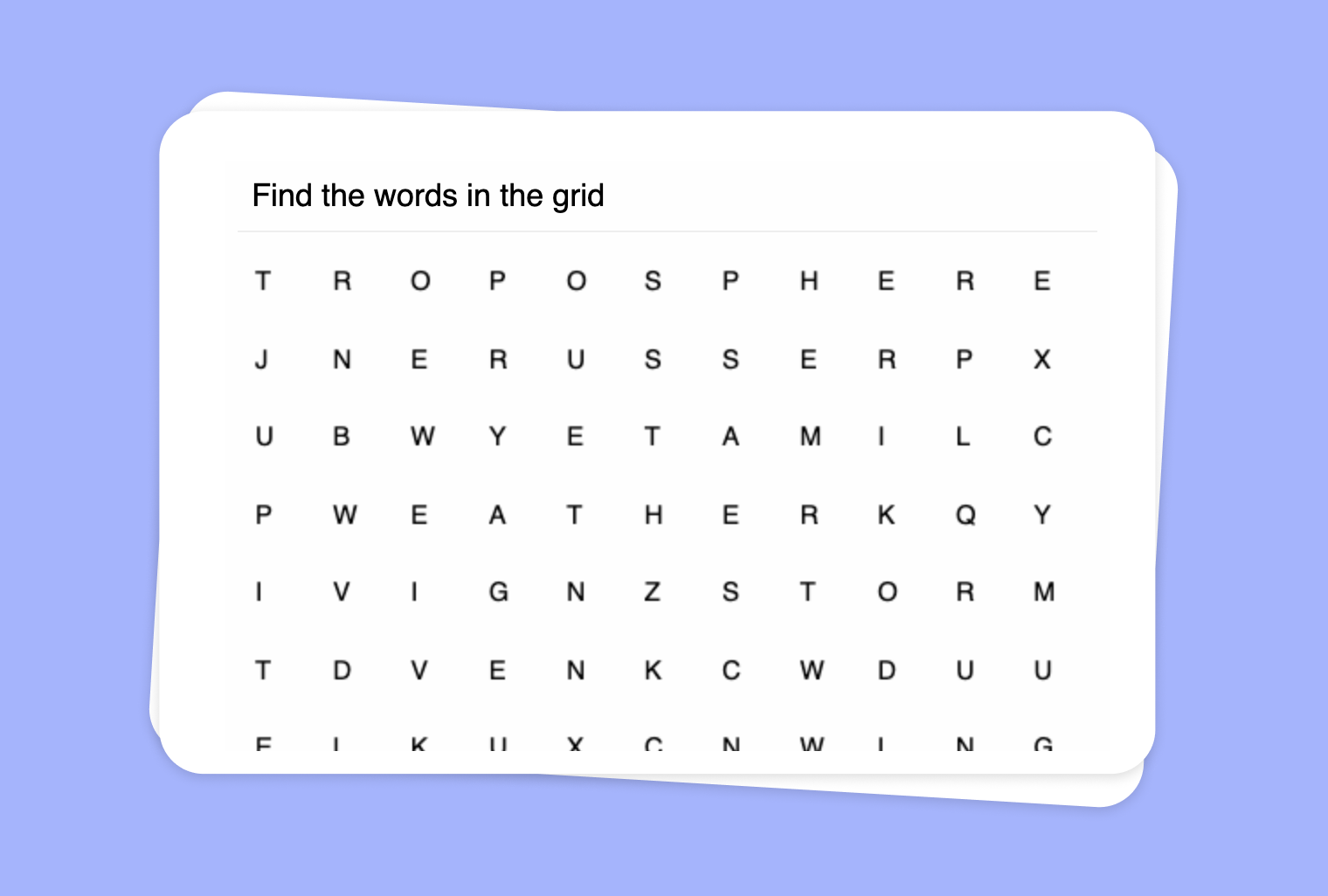
In this article
Are you looking for an interactive way to help your students learn key concepts from a YouTube video? With to-teach.ai, you can quickly convert your chosen YouTube video into a fun 'Find the Words' puzzle. This engaging format highlights essential terminology and guides students to identify relevant words right from the video’s content.
Why Use a Find the Words Puzzle from a YouTube Video?
Improves Vocabulary Acquisition
Students pick up new words and terminology more effectively when they find them in a puzzle format.Enhances Engagement
Interactive puzzles encourage students to pay closer attention to the video, ensuring they fully grasp the material.Promotes Critical Listening Skills
By searching for key terms, students become active listeners and retain information more thoroughly.Suitable for Any Subject
Use scientific lectures, historical documentaries, or language learning clips to create tailored word puzzles.Easy and Fast Setup
No additional software needed—just paste the video link and let the AI generate your custom puzzle.
Getting Started
Simply paste your YouTube link into to-teach.ai, and our AI will automatically create a 'Find the Words' puzzle. You can customize difficulty, letter grids, or additional hints to match student proficiency levels. This straightforward process helps you deliver engaging, subject-specific puzzles in no time.
Frequently Asked Questions (FAQ)
How do I generate a 'Find the Words' puzzle from my YouTube video?
Paste the YouTube link into to-teach.ai, select the 'Find the Words' tool, and our AI will automatically extract key terms from the video’s transcript.Can I edit the list of words used in the puzzle?
Yes. You can add, remove, or modify words to ensure they fit your learning objectives.Is it suitable for different age groups?
Absolutely. Adjust puzzle size and complexity to accommodate primary learners, high schoolers, or even adult students.Does it work for multiple subjects?
Yes. This puzzle format can adapt to language studies, science, history, mathematics, or any other subject.How can students benefit from these puzzles?
These word puzzles help students reinforce key vocabulary, improve listening comprehension, and stay actively engaged while learning.
Find the words
From your own text, a PDF, a YouTube video, a website or an image.
Create it with to teachMore guides
Turn Your PDF into a Word Puzzle
Generate a word puzzle with words that match the content of your text.
Find the wordsUse an Image to Create a 'Find the Words' Puzzle
Use your images as a basis for a word puzzle with words that match the content, encouraging students to actively engage with visual materials.
Find the wordsExtract Text from Websites into ‘Find the Words’ Puzzle
Extract text from websites and transform it into a captivating word puzzle for interactive and fun classroom activities.
Find the words