
Turn Your YouTube Video Into a Summary Writing Task
Use Cases
Ready to elevate classroom engagement? With to-teach.ai, you can effortlessly transform YouTube videos into a Summary Writing Task that sharpens students’ listening and analytical skills. By crafting condensed highlights, learners reflect on the video’s core message and improve their ability to discern critical information.
Why Assign a Video Summary?
Boost Focus and Comprehension
Summaries require students to listen or watch attentively, capturing central ideas rather than simply transcribing information.Enhance Analytical Skills
Distilling a video’s content develops judgment about which aspects are vital and which can be omitted.Foster Retention
By rephrasing and organizing main points, learners solidify their understanding and memory, boosting information retention.Adapt to Multiple Subjects
This approach seamlessly integrates with many topics ranging from science documentaries to literature analyses.Perfect for Mixed Ability Levels
Tweak the complexity of the summary prompts for students with different language and comprehension skills.
Getting Started
Head to your to-teach.ai dashboard and choose the YouTube-to-Summary tool. Simply insert the video link, define the length and style of the summary, and click create. Our AI will generate a structured summary framework, ensuring students stay focused on the critical points of the video.
Frequently Asked Questions (FAQ)
How do I convert a YouTube video into a Summary Writing Task?
Copy and paste the YouTube link into to-teach.ai, select “Summary,” and let our AI do the rest. Within moments, you’ll have an assignment prompt ready to guide students.Do I need to provide a transcript of the video?
Not necessarily. Our system can generate a summary framework by analyzing the video content. However, providing a transcript can help students if they prefer text-based materials.Can I adjust the difficulty for students with varying skills?
Absolutely. You can customize prompt length, vocabulary, or focus points, making the assignment suitable for learners of all levels.What if the video is too long for a single summary assignment?
You can split the video into segments and create multiple shorter summaries to break down large lessons into manageable tasks.Is this approach effective for group projects?
Definitely. Students can collaborate on a combined summary or work in smaller groups to enhance collective analysis and discussion skills.
Sign Up for to-teach.ai!
Join more than 100,000 educators who are transforming their lesson planning with to-teach.ai
Sign Up for to-teach.ai!
Join more than 100,000 educators who are transforming their lesson planning with to-teach.ai
Start for free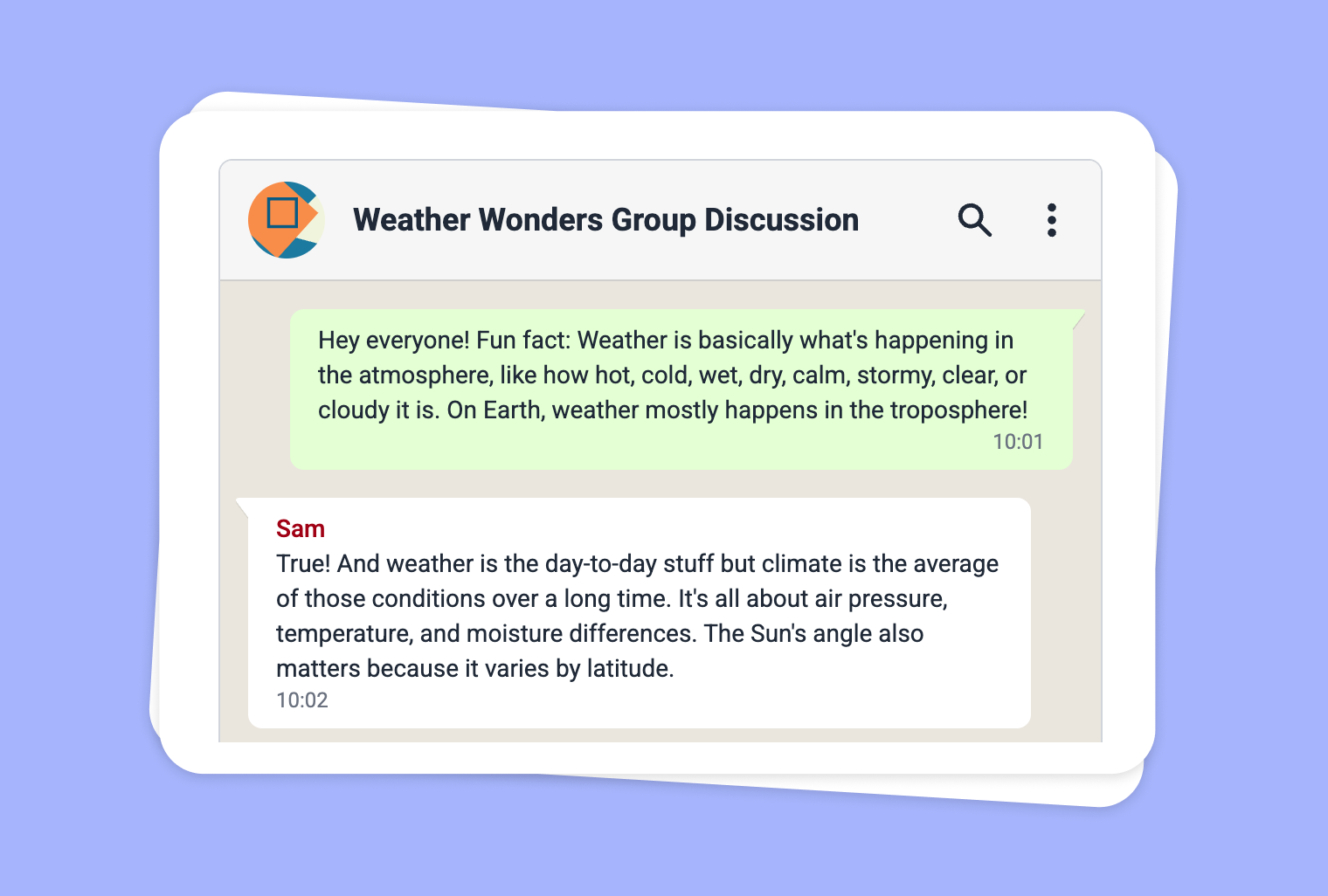
Transform Your PDF into an Engaging WhatsApp Chat
Transform your PDF content into an immersive WhatsApp Chat format, making reading and comprehension more interactive and engaging.
Extract Text from Images into Summaries
Leverage OCR technology to convert images into text and create summary-writing assignments that sharpen analytical and writing skills.
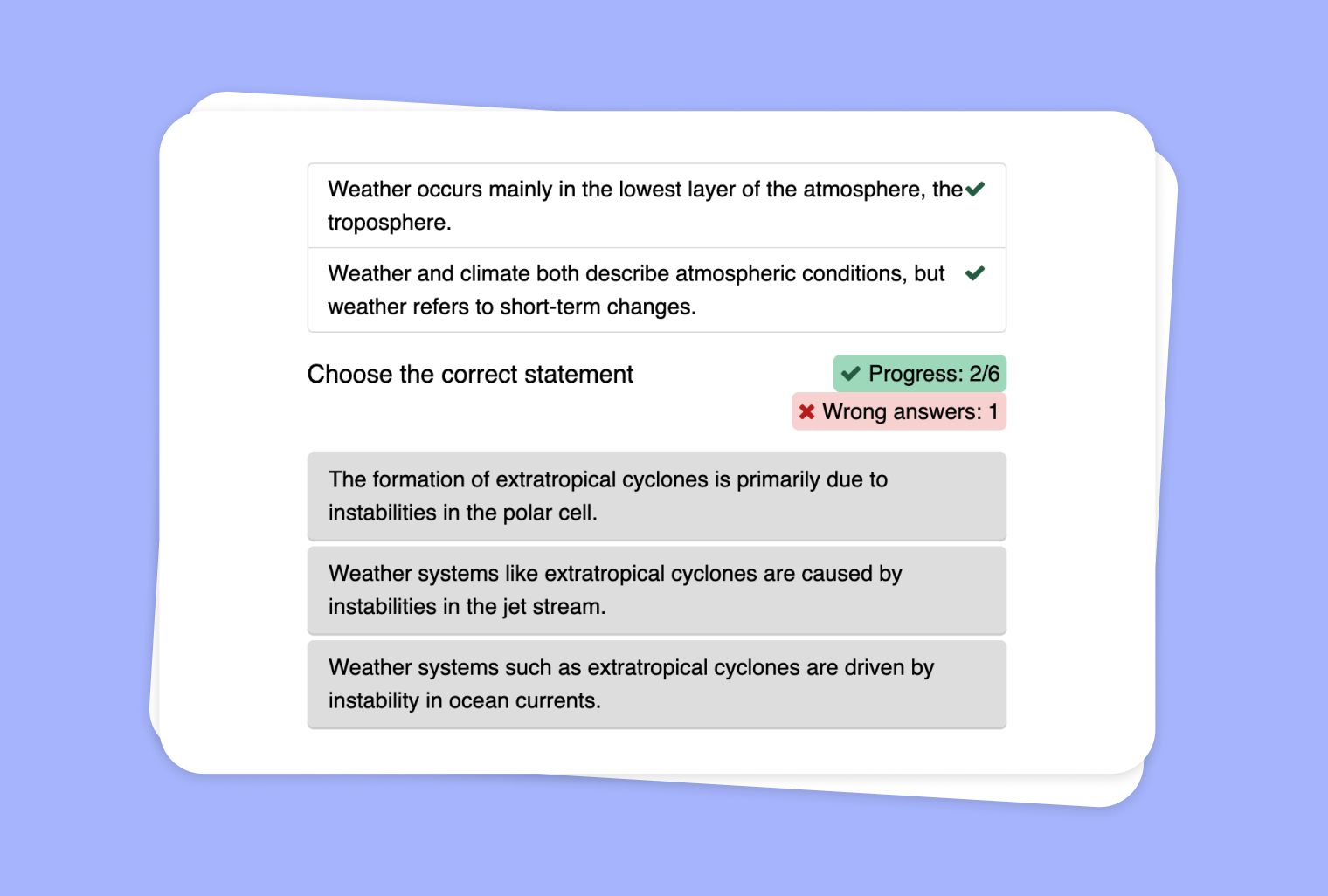
Transform a YouTube Video into a Statements Exercise with Summary
Create a statements exercise from any YouTube video and guide your students to identify the correct statements and craft a concise summary.