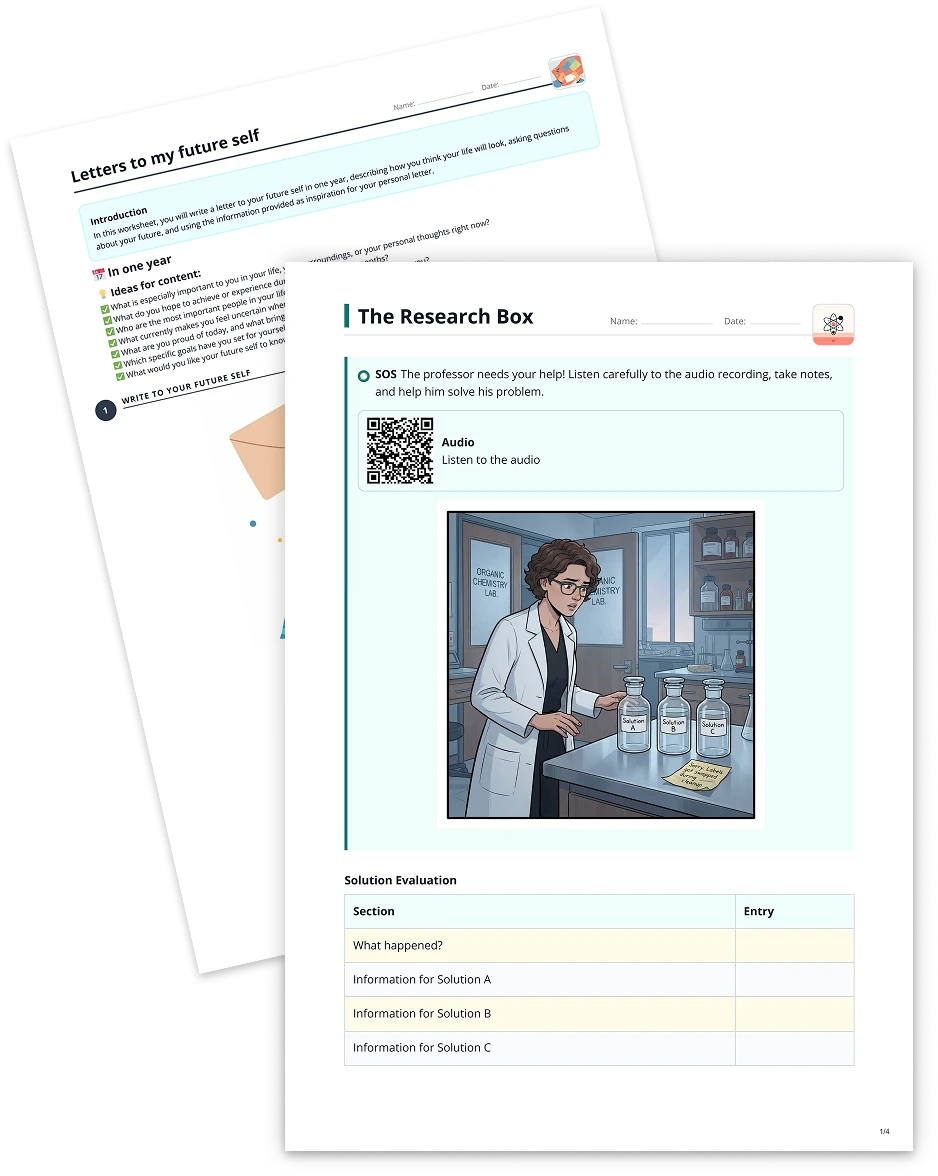
Match pairs2 min read
Use Audio File to Create Match Pairs
Transform any audio file into a Match Pairs task, empowering students to connect key terms, concepts, or names with their correct partners in an interactive quiz format.
Create it with to teach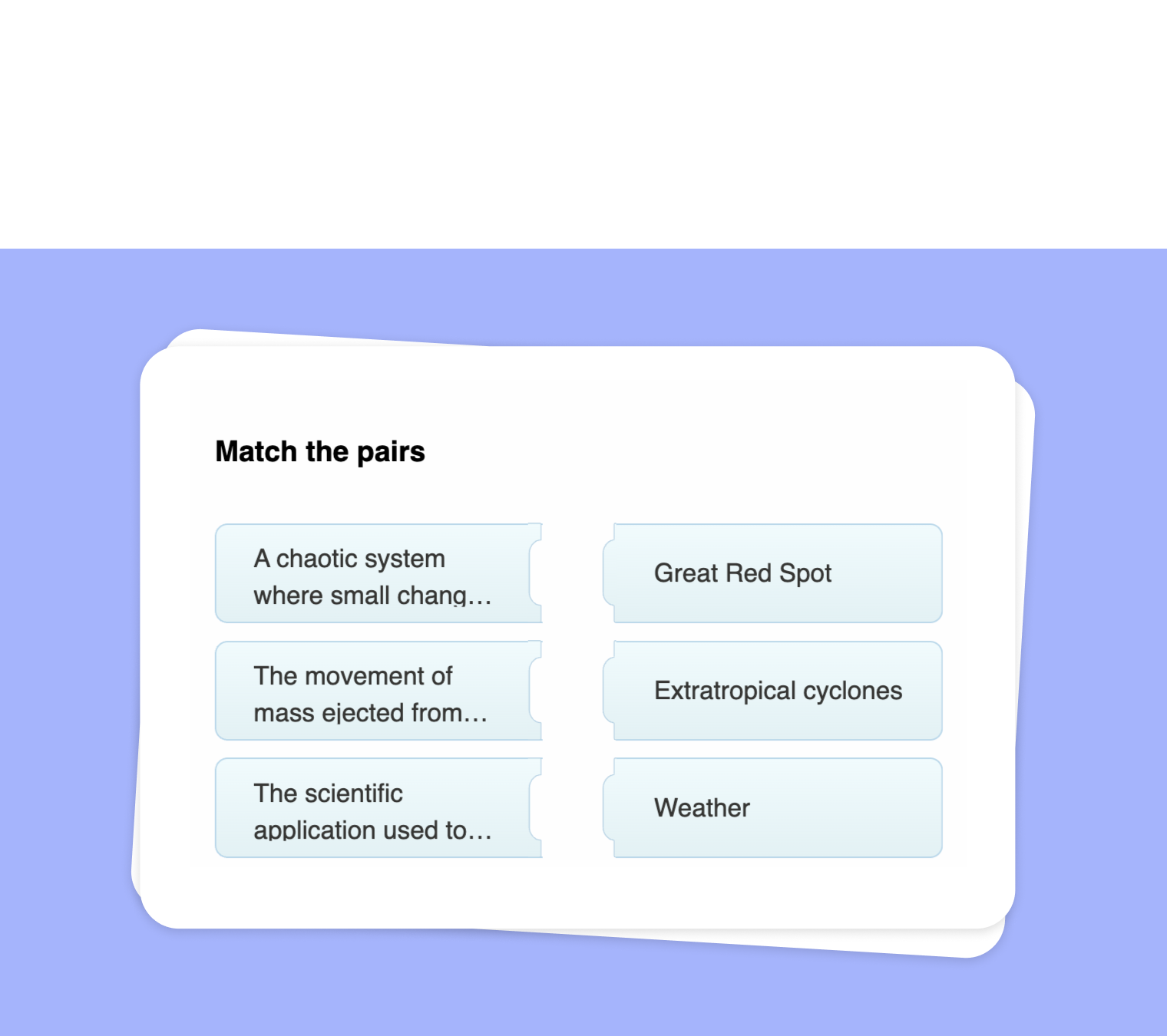
Looking for a creative way to enhance understanding and retention from your audio material? With to-teach.ai, you can easily turn any audio file into a dynamic Match Pairs task. This interactive approach allows learners to connect key terms, ideas, or names mentioned in the audio with their corresponding definitions or descriptions, increasing engagement and reinforcing comprehension.
Why Use an Audio-Based Match Pairs Task?
Boost Listening Skills
Encourages active listening and ensures students absorb crucial details from the audio.Reinforce Comprehension
Matching terms, names, or concepts convinces learners to focus on specific points, deepening their understanding.Interactive & Fun
Hands-on tasks like Match Pairs add an element of challenge and motivation, keeping students interested.Versatile for Any Subject
From language practice to historical timelines, you can highlight vocabulary words, scientific terms, personalities, or even thematic story elements.Adaptable to All Levels
Choose simpler matches for younger students or craft more advanced pairs for older or expert groups.
Getting Started
Upload Your Audio
Simply provide your audio file—this can be anything from a recorded lesson to a podcast excerpt.Identify Key Points
Pull out important names, terms, or concepts mentioned in the audio. Decide what you want students to match.Create Matching Pairs
For each term from the audio, write down a corresponding definition or explanation. These pairs form the quiz.Set Difficulty Level
Adjust the complexity of definitions or number of pairs to match the proficiency level of your learners.Generate & Share
Click to generate your Match Pairs activity in to-teach.ai. Students can tackle it instantly via a link or class platform.
Frequently Asked Questions (FAQ)
What kind of audio content works best for creating Match Pairs?
You can use any spoken content—lectures, interviews, podcasts, or even historical speeches. Just ensure your key points are clearly pronounced.Can I adjust the difficulty of the Match Pairs task?
Absolutely. You can add more options or nuanced definitions for advanced learners, or simplify terms for younger students.How do students interact with the Match Pairs activity?
Students simply drag and drop or click to pair the correct concepts. This hands-on approach aids both retention and engagement.How can I track student progress in this type of task?
to-teach.ai provides insights and analytics to help you gauge which pairs are frequently missed, guiding you in targeting areas for further practice.Is special software needed for the audio files?
No. Just upload common audio formats (e.g., MP3, WAV) and our platform will handle the rest. Your students can easily access the task across devices.
Match pairs
From your own text, a PDF, a YouTube video, a website or an image.
Create it with to teachMore guides
Convert Your PDF into a Match Pairs Activity with to-teach.ai
Transform any PDF into a dynamic Match Pairs exercise, helping students connect terms and concepts for better knowledge retention.
Match pairsTurn Your Text into a Match Pairs Task
Transform your own text into a Match Pairs task that encourages active engagement. Whether you're matching key terms, synonyms, or historical figures, this format promotes deeper understanding in a visually interactive way.
Match pairsExtract Text from Websites and Create a Match Pairs Exercise
Seamlessly extract text from websites and transform it into an engaging Match Pairs exercise. Encourage students to correctly pair terms, definitions, names, or concepts—perfect for vocabulary building, concept reinforcement, and interactive learning.
Match pairs