Crossword2 min read
Use an Image as the Basis for a Crossword Puzzle
Create an engaging crossword puzzle by using any image as the foundation for your lesson setting, enriching vocabulary development and visual learning.
Create it with to teach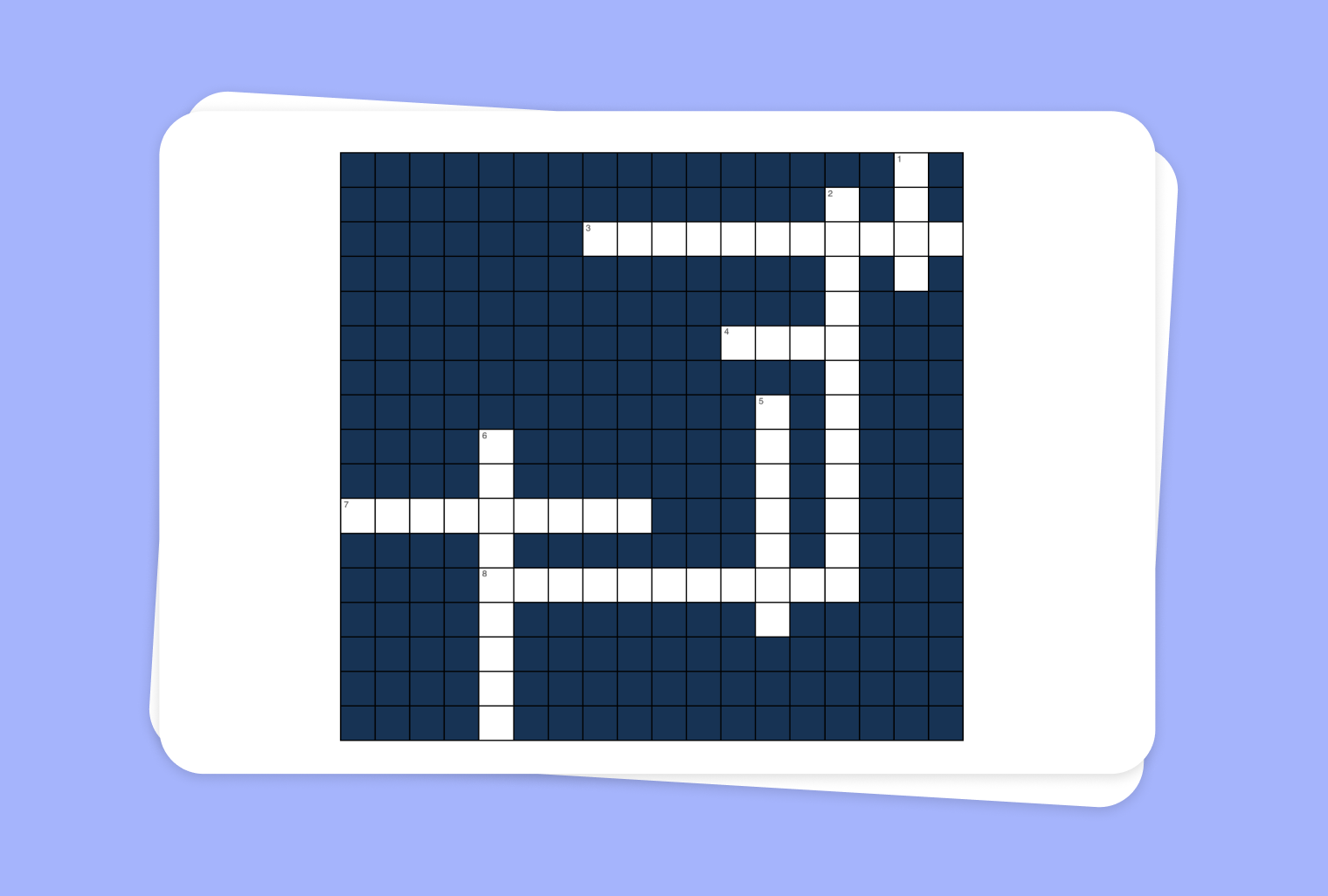
Are you looking for a creative way to incorporate images into your lesson? With to-teach.ai, you can effortlessly transform any image into a captivating Crossword puzzle that challenges students to recall terms, definitions, and key concepts. Whether you’re teaching language arts, science, or geography, using images as the basis for your Crossword can significantly boost engagement and retention.
Why Use an Image as the Basis for a Crossword?
Visual Context
An image provides immediate context for clues, making the puzzle more memorable and intuitive.Boost Vocabulary
By tying crossword answers directly to the elements in the image, students reinforce language skills.Adapt to Any Subject
From historical figures to plant anatomy, you can design your crossword around virtually any visual.Interactive Learning
Students actively decipher clues, connecting terms and imagery, which can improve recall and lesson engagement.
Getting Started
Upload or Choose an Image
Select an image relevant to your lesson—such as a map, a diagram, or a photograph.Identify Key Elements
Determine which parts of the image can serve as the basis for crossword clues. For example, label different body parts on an anatomy diagram or point out locations on a map.Generate Clues and Answers
Let our AI system guide you through crafting precise and engaging clues. Focus on keywords and critical vocabulary students should learn.Preview and Customize
Easily adjust the crossword’s difficulty level, number of clues, and layout to match your class needs.Finalize and Share
Once you’re satisfied, assign the puzzle to your students digitally or project it in class.
Frequently Asked Questions (FAQ)
How does using an image enhance a crossword puzzle?
Visual aids can help students form stronger connections to the lesson material, making it easier for them to remember terms and concepts.Can I adjust the difficulty level of the crossword?
Absolutely. You can add more or fewer clues, vary the complexity of the vocabulary, and include hint options to adapt the puzzle to your students’ skill levels.What types of images work best?
Any image that clearly displays the key elements you wish to highlight—infographics, diagrams, maps, or even paintings—can form the basis of a fun and educational crossword.Do I need technical skills to create the crossword puzzle?
No. Simply upload your image and let to-teach.ai’s user-friendly interface guide you. Our platform automates most of the process, letting you focus on teaching.Can I incorporate multimedia elements alongside the image?
Yes. You can enhance the puzzle with additional textual hints, audio recordings, or even links to other resources that deepen the learning experience.
More guides
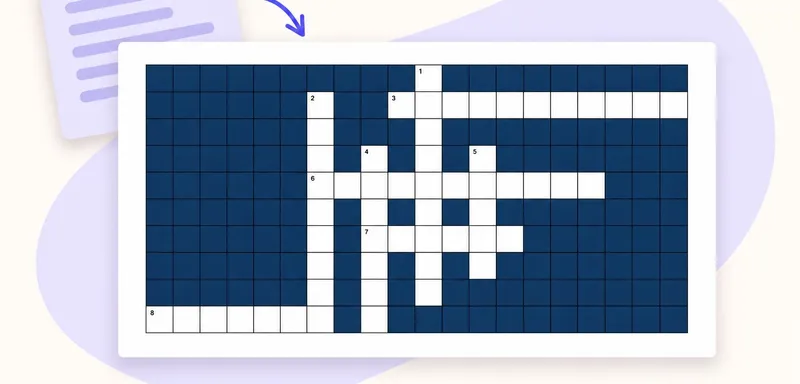
Create a classroom crossword from your own text
A classroom crossword works best when its clues bring pupils back to the meaning of words they have just met. Start with a short source, choose the vocabulary worth revisiting, and use to teach to turn it into an editabl
CrosswordTurn a PDF reading into a classroom crossword
Turn the key vocabulary in a PDF reading into a crossword pupils can solve after reading. This example uses a one-page school pond text and eight terms, including PRODUCER, CONSUMER and NUTRIENTS. Download the source bel
Crossword
Use YouTube Video as Basis for a Crossword Puzzle
Transform any YouTube video into an engaging crossword puzzle, helping students reinforce key concepts and enhance lesson retention.
Crossword