Any format2 min read
Use Image as Basis for a Task: Turn Your Texts into Any Format
Effortlessly convert images into text-based tasks and reformat content into scripts, short stories, or discussions—perfect for dynamic classroom engagement.
Create it with to teach
In this article
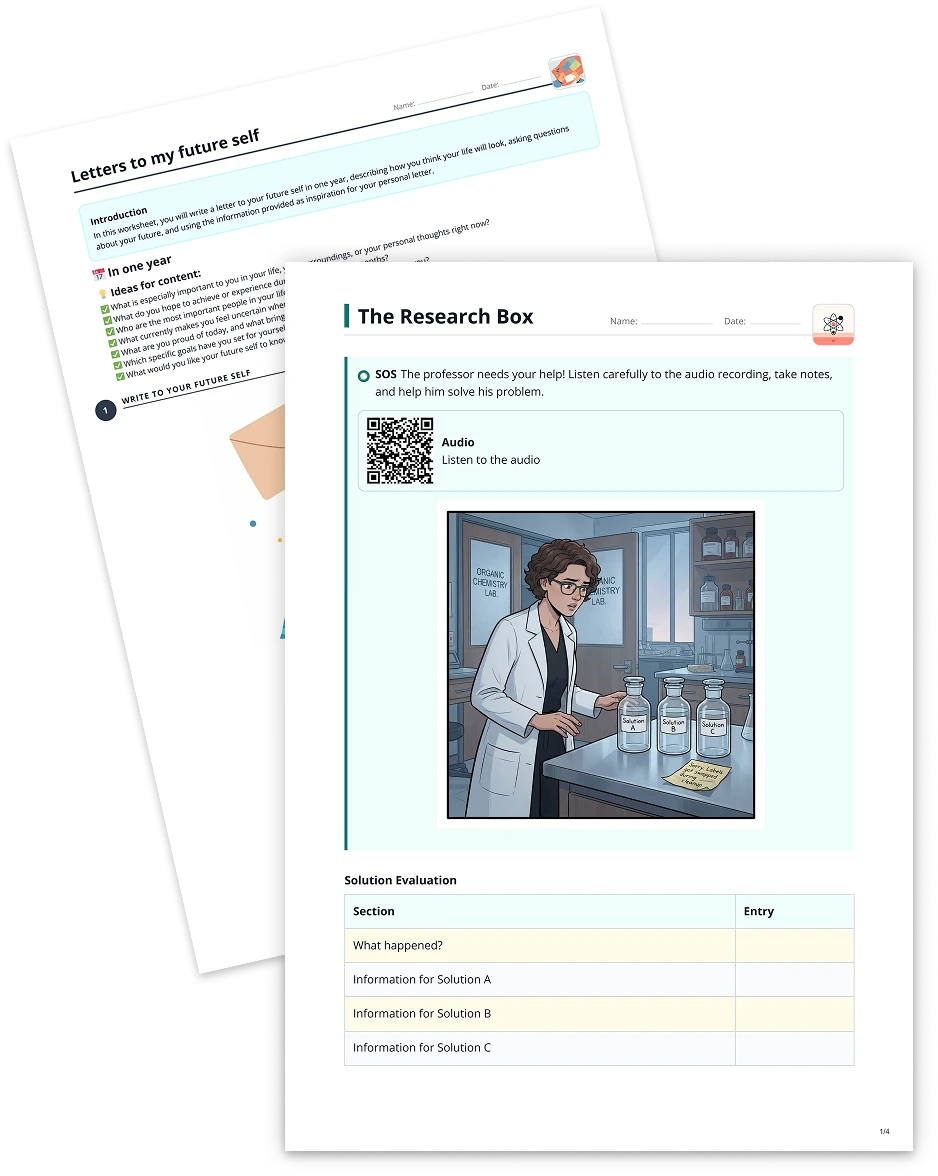
Do you have captivating images brimming with educational content, but find yourself retyping or summarizing them over and over again? With to-teach.ai, you can easily upload any image and transform the extracted text into new, more streamlined, or more exciting formats—turning even complex passages into scripts, short stories, or discussion prompts in just a few clicks.
Why Use Images as a Basis for Text Tasks?
Seamless Text Extraction
Save time by automatically converting images (e.g., scanned worksheets, photos of text) into editable content.Enhance Creativity
Spark imagination by turning extracted text into short stories, debate topics, or even interactive scripts.Differentiated Instruction
Adjust complexity, language, or style to meet each student’s needs without having to start from scratch.Versatile Formats
Whether you need a quick discussion prompt, a script for role-playing, or a simplified summary, create it instantly from any image-based text.Teacher-Friendly Workflow
Streamline your lesson prep. Upload an image, let the AI do the heavy lifting, and focus on guiding your students.
Getting Started
- Upload Your Image
Simply drag and drop or select an image file containing the text you want to use. - Set Your Format
Indicate the style or type of output—be it a short story, a simpler explanation, or a debate topic. - Refine and Distribute
Adjust the generated content if needed, then share it with your class for an interactive and engaging lesson.
Frequently Asked Questions (FAQ)
How does to-teach.ai extract text from an image?
Our platform uses Optical Character Recognition (OCR) technology to scan the image and retrieve the text, ready for AI transformation.Can I convert the extracted text into different literary genres or formats?
Absolutely. You can choose to generate concise summaries, in-depth scripts, short stories, articles, or any other text-based format.What if the text in my image is in a different language or partially unclear?
to-teach.ai supports multiple languages and can still extract partial text. For best results, ensure the image is clear and well-lit.Can I customize the difficulty level of the reformatted text?
Yes. Adjust vocabulary and complexity to meet the needs of your students, whether they’re beginners or advanced learners.Is this process secure and private?
Yes. All images and extracted data are handled with strict privacy measures, so you can feel confident using the platform.
More guides
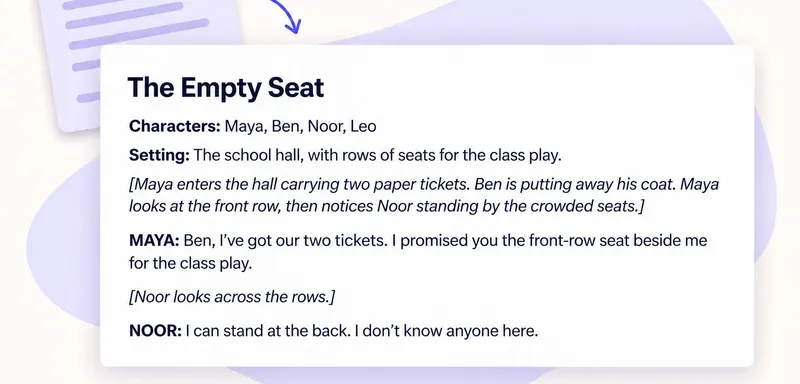
Turn a text into a classroom script: keep the story, change how it is told
To turn a reading into a classroom script, keep its events and decisions, then express them through spoken lines and actions. In to teach, add the reading, choose the script format and specify the roles. The worked examp
Any formatTurn a YouTube video into a classroom script for post-viewing discussion
To turn a YouTube video into a classroom script, add the video as a source in to teach, choose a written format and describe what pupils should explain after watching. The script gives small groups a reason to revisit th
Any format
Use Audio File to Turn Your Texts into Any Format
Easily turn your audio files into new, simpler, or more engaging text-based formats—scripts, short stories, discussions, and more—all with the help of to-teach.ai.
Any format