WhatsApp chat2 min read
Transform Your Image into a WhatsApp Chat Conversation
Make your texts more exciting with our WhatsApp chat format
Create it with to teach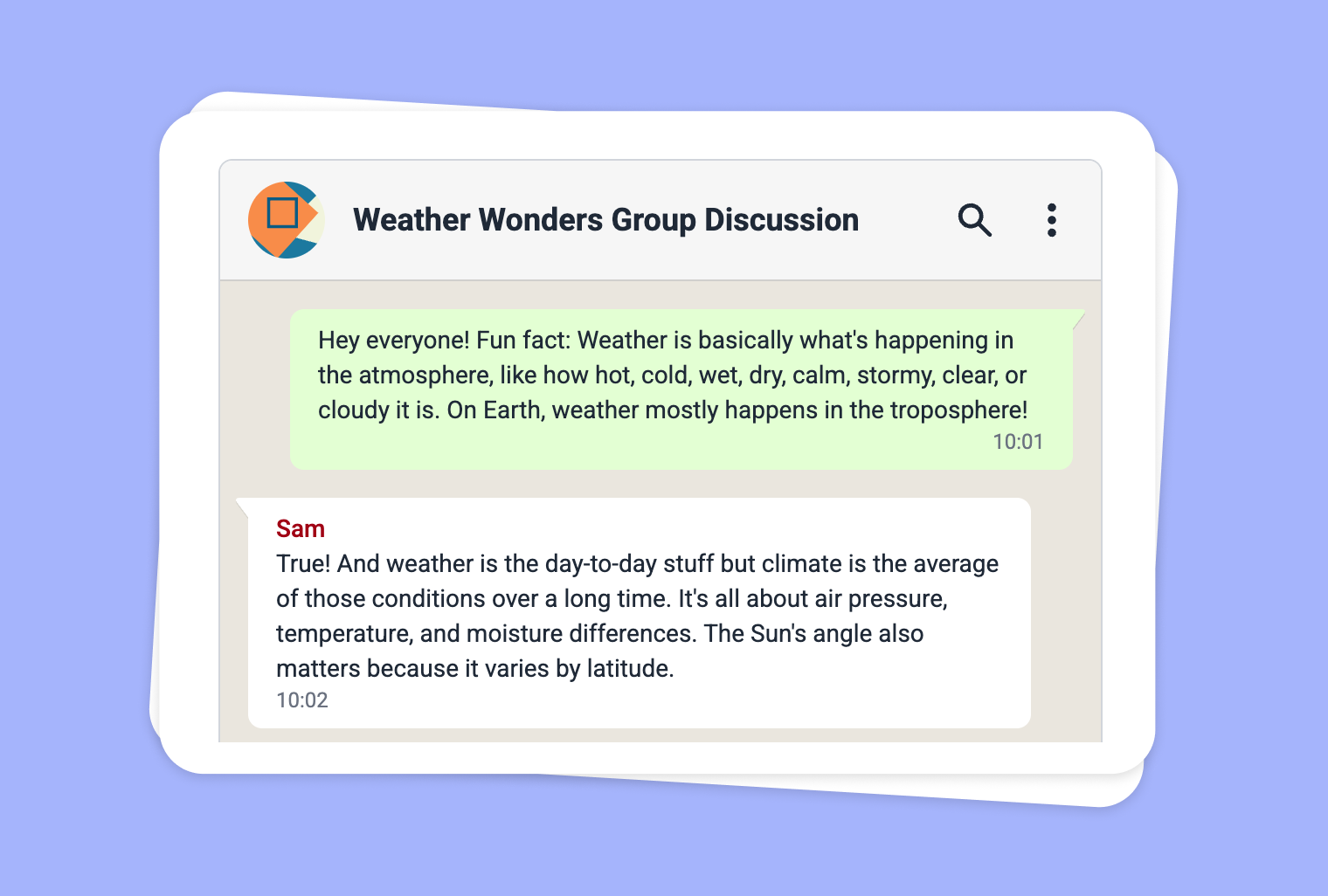
Looking for a new way to spark student engagement and add interactivity to your lessons? With to-teach.ai, you can transform any image into a dynamic WhatsApp Chat scenario. Capture students’ curiosity by weaving narratives and discussion prompts within a chat interface that feels familiar and fun. This format can fuel creativity, critical thinking, and language skills, making images come alive in your classroom activities.
Why Use an Image-Based WhatsApp Chat?
Visual Storytelling
An image can be a springboard for discussion. Embed the image into a chat format and watch students eagerly respond to the visual cues.Interactive Learning
Rather than passively looking at a picture, students can participate in a chat simulation, discuss ideas, or hypothesize events.Real-World Communication Skills
Using a familiar chat interface encourages authentic dialogue, improves language proficiency, and fosters collaborative thinking.Curated Conversation Flow
You control the pace, guiding students through targeted prompts, from simple Q&As to deeper analytical or creative tasks.Adaptable Across Subjects
Whether you’re teaching art, history, or science, a single image can jumpstart a range of conversation angles: interpret the context, identify key details, or brainstorm multiple perspectives.
Getting Started
Using to-teach.ai, simply upload your chosen image, select the ‘WhatsApp Chat’ output, and watch the AI build an interactive thread around it. Customize dialogue prompts, choose character roles, and integrate follow-up questions to skillfully capture your students’ attention.
Frequently Asked Questions (FAQ)
How do I transform an image into a WhatsApp chat using to-teach.ai?
Just upload or drag-and-drop your image in the dashboard, pick ‘WhatsApp Chat’ as your content type, and let our AI platform handle the rest!Can I add custom dialogue and characters to the chat?
Absolutely. You can define the roles of different characters and tweak the conversation timeline, ensuring it aligns perfectly with your lesson plan.Is the WhatsApp chat format suitable for younger students?
Yes. You can simplify the language or moderate content to match the age group. This format is flexible enough for all grade levels.What benefits does this chat format offer over a simple Q&A session?
The chat format simulates real-life conversations, helping students practice interpersonal communication skills while keeping discussions lively and visually engaging.Can I incorporate multiple images into a single chat?
Definitely. You can add different images for consecutive chat segments or multiple chat bubbles, turning your lesson into an immersive storyline.
WhatsApp chat
From your own text, a PDF, a YouTube video, a website or an image.
Create it with to teachMore guides
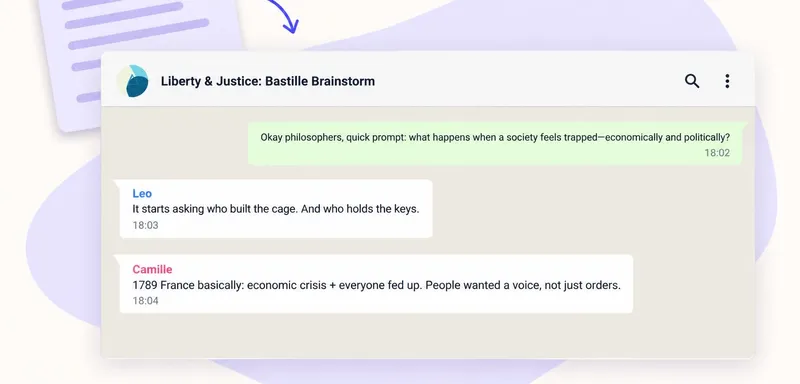
Create a fictional classroom chat with AI
Turn your classroom text into a conversation with to teach. The Whatsapp Chat format creates a fictional exchange between several speakers. Add your material and describe the question, participants and language level. Pu
WhatsApp chatTurn a PDF reading into a classroom chat pupils can check against the source
A short PDF reading can become a conversation that gives pupils something to question. In to teach, add the document as a source, choose the Whatsapp Chat format and ask for a discussion around one important idea. Keep t
WhatsApp chat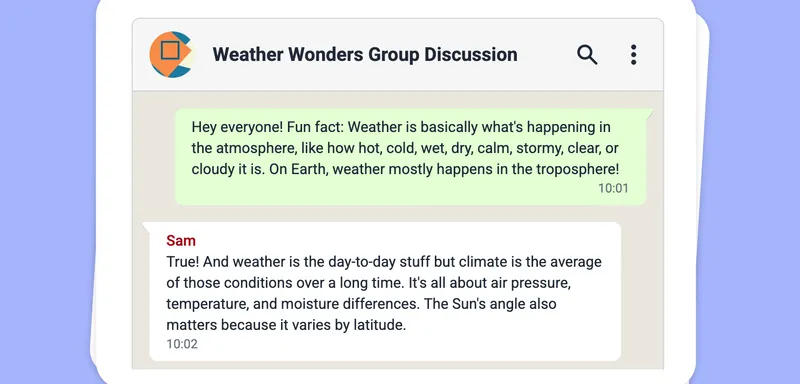
Turn Your Audio into an Interactive WhatsApp Chat
Transform your audio files into a fun and engaging WhatsApp-style chat conversation, making your lesson content more dynamic and interactive.
WhatsApp chat