Multiple choice quiz2 min read
Use YouTube Video to Generate a Multiple Choice Quiz
Leverage your favorite YouTube video to generate a targeted multiple choice quiz, promoting active listening and improved retention.
Create it with to teach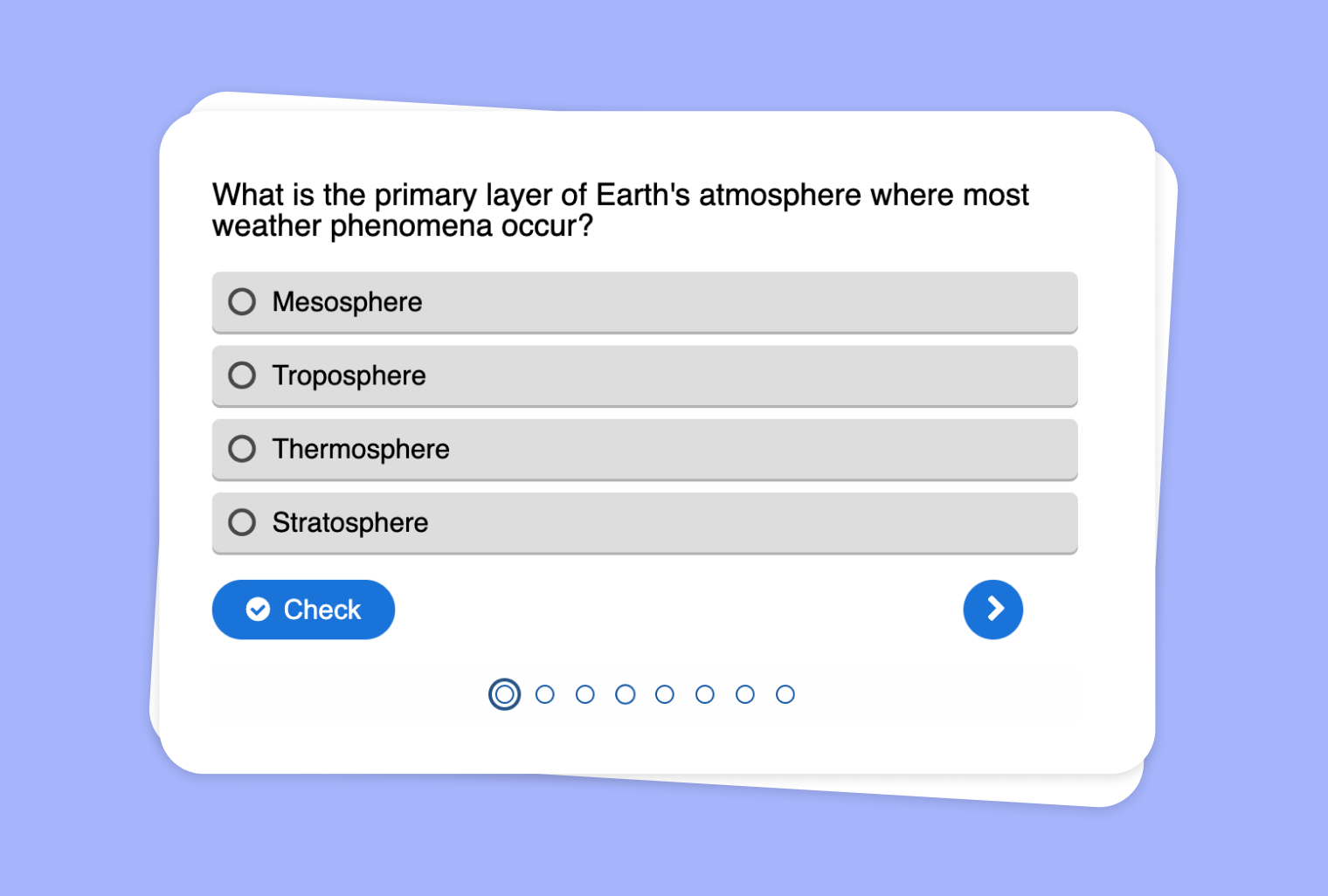
In this article
Are you looking for a way to tap into your students’ love of videos while ensuring they absorb key concepts? With to-teach.ai, you can seamlessly transform any YouTube video into an interactive multiple choice quiz. Say goodbye to passive viewing—turn your classroom into a dynamic environment where video-based learning meets hands-on engagement.
Why Turn YouTube Videos into a Multiple Choice Quiz?
Enhance Engagement
Students are more likely to pay attention if they know a quick quiz is coming. This fosters active listening and accountability.Immediate Feedback
Once students submit their answers, they can immediately see how well they comprehended the video content.Track Progress
Educators can track which parts of the video were misunderstood, providing valuable insights for targeted follow-up.Adaptable Across Subjects
From science documentaries to historical reenactments, any video content can be turned into a multi-level quiz.Boost Learning Retention
Memory recall improves when learners interact with the material, rather than passively consuming it.
Getting Started
Curious about how to do it? In the to-teach.ai platform, simply paste the video link, specify your quiz requirements, and generate a comprehensive multiple choice quiz in seconds. Our AI helps you draft questions—while you remain in total control of editing and difficulty settings.
Frequently Asked Questions (FAQ)
How do I transform a YouTube video into a multiple choice quiz?
Just paste your YouTube link into the to-teach.ai interface and select the quiz option. The AI will analyze the video topics and craft relevant multiple choice questions.Can I adjust the difficulty level of questions?
Absolutely. You can modify question complexity, alter answer choices, and even add hints to accommodate students of different proficiency levels.What if I want to add custom visuals or links to the quiz?
to-teach.ai supports various media options. You can embed images, attach extra resources, or hyperlink to external references to enrich the quiz.Can the quiz be used in different learning environments?
Definitely. Whether you teach in-school, online, or in a hybrid setting, your quiz is accessible and flexible for diverse educational contexts.Is it suitable for all grade levels and subjects?
Yes. The tool lets you tailor question types and difficulty levels, making it perfect for everything from elementary classes to advanced university lectures.
Multiple choice quiz
From your own text, a PDF, a YouTube video, a website or an image.
Create it with to teachMore guides
Create a multiple-choice quiz that checks pupils’ understanding
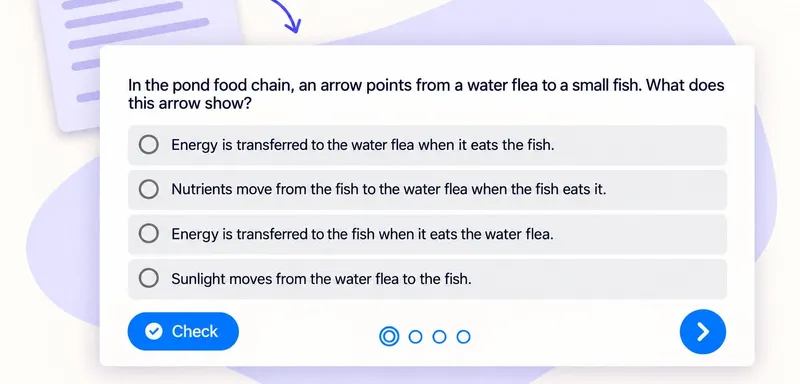
A useful classroom quiz tells you which idea to revisit. With to teach, you can create a multiple-choice quiz from the text your pupils are reading, then refine the questions and answer options before sharing it. Here we
Multiple choice quizTurn a PDF reading into a classroom multiple-choice quiz
Turn a PDF reading into a short comprehension check with one clear purpose per question. Our school pond example checks four ideas: energy transfer, producers, nutrient uptake and food webs. The source and finished quiz
Multiple choice quiz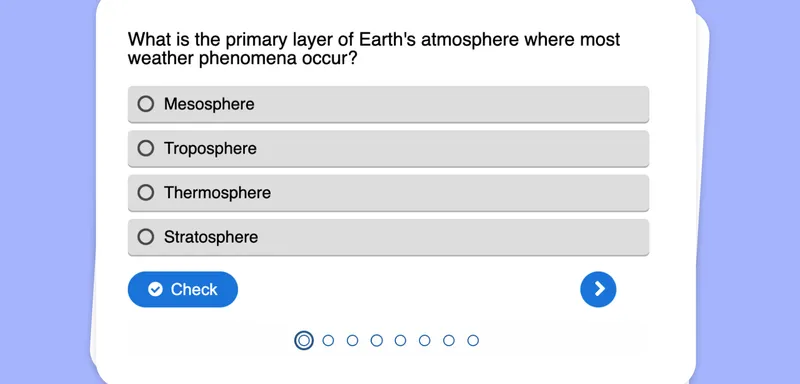
Transform Your Audio File into a Multiple Choice Quiz
Convert any audio file into a dynamic multiple choice quiz to enhance listening comprehension and reinforce key concepts in an interactive format.
Multiple choice quiz