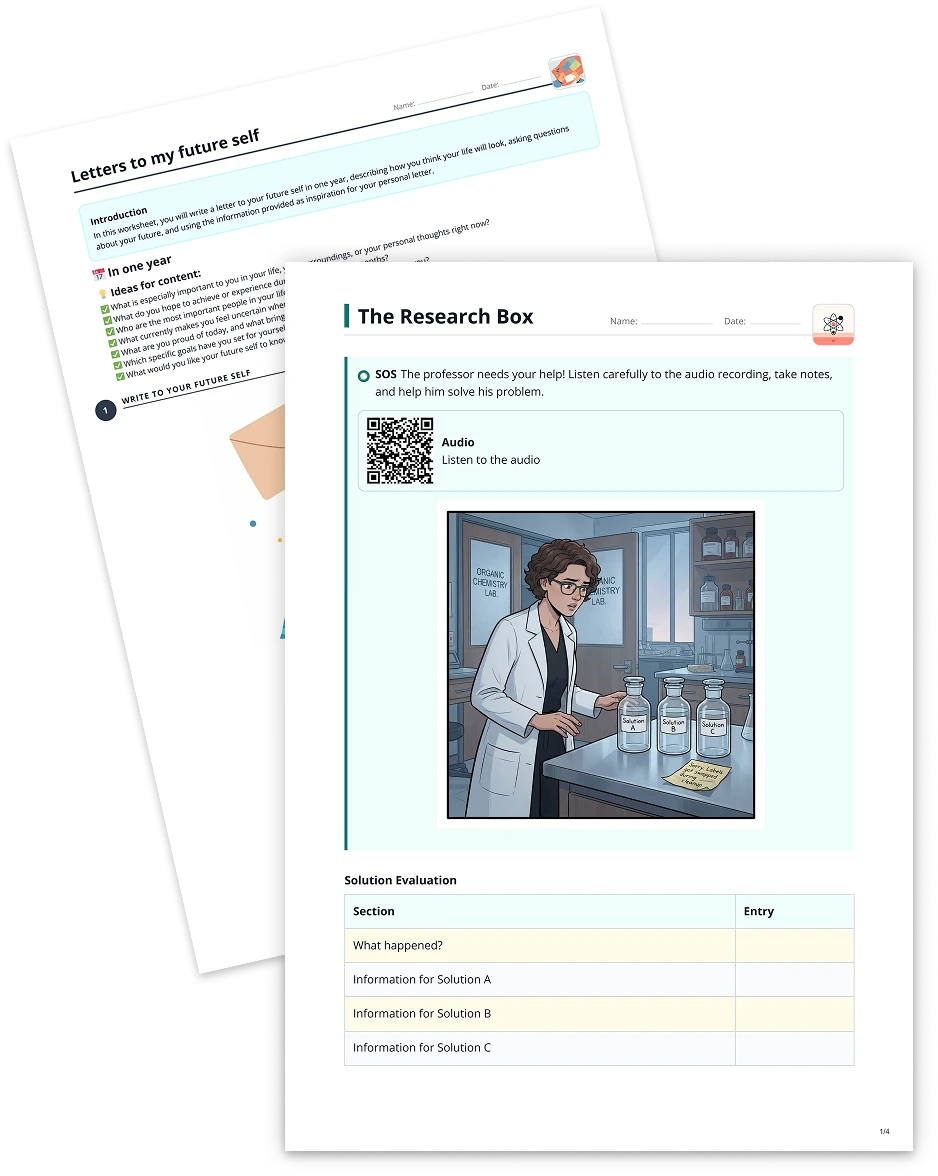
Instruction verbs2 min read
Working with Instruction Verbs from a PDF
Create customized questions with sample solutions by using instruction verbs extracted from any PDF document, enabling teachers to design dynamic and targeted learning experiences.
Create it with to teach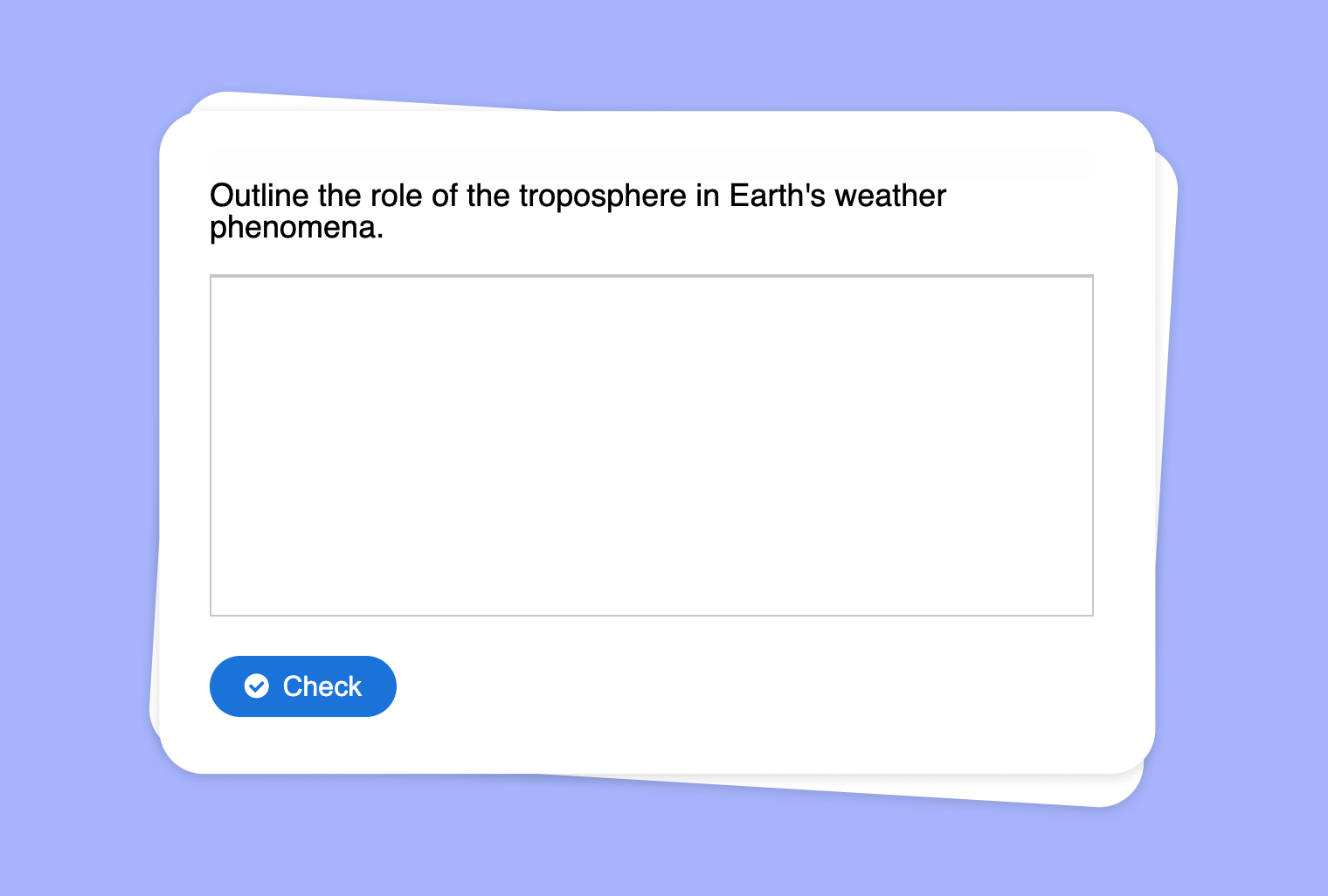
Do you have PDF materials filled with key content that you’d like to transform into targeted questions emphasizing instruction verbs (e.g., define, explain, evaluate)? With to-teach.ai, you can easily generate questions that use those instruction verbs, complete with sample solutions, all directly from your PDF files.
Why Focus on Instruction Verbs?
Deepen Understanding
Questions driven by action words like analyze or compare push students to engage with the material more thoroughly.Promote Higher-Order Thinking
Encouraging students to evaluate or synthesize fosters critical thinking and problem-solving skills.Clarity in Expected Outcomes
Students know exactly what is expected of them when the task is anchored by precise instruction verbs.Customizable Difficulty
Tailor questions to your students’ level by selecting simpler verbs (like identify) or more complex tasks (like critique).Easy Automated Evaluation
Sample solutions guide both teachers and students, offering structure for feedback and simplifying grading.
Getting Started
- Upload or Import Your PDF
Drag and drop your PDF text into to-teach.ai, or upload it through the dashboard. - Select Instruction Verbs
Choose from a list of suggested verbs or add your own to align with specific lesson goals. - Generate Questions & Sample Solutions
Let our AI interpret your PDF’s content, shaping targeted questions and offering ready-to-use solutions. - Review & Customize
Adjust question difficulty, refine the phrasing, or add more detailed sample solutions. - Share with Students
Export your new question set or integrate it into your existing digital learning platform.
By transforming PDF documents into actionable prompts, you empower your students with clear instruction verbs and the guidance they need to succeed. From analyzing historical documents to critically evaluating scientific data, to-teach.ai streamlines the process so you can dedicate more time to meaningful teaching interactions.
Frequently Asked Questions (FAQ)
How does to-teach.ai handle PDF imports?
Our platform automatically extracts the text content from your PDF, allowing you to choose instruction verbs for question generation.Can I add custom instruction verbs?
Yes. You can input your preferred verbs—like illustrate, outline, or discuss—to align with your curriculum requirements.What if my PDF has multiple chapters or sections?
Simply select the relevant sections you want to turn into questions. You have full control over how many questions you generate.Are the sample solutions automatically generated?
Absolutely! Our AI scans the PDF’s content and offers concise sample solutions that you can edit or expand.How does this integrate into my lesson plan?
You can export the generated questions and solutions into quizzes, worksheets, or presentations—making it easy to incorporate into your existing course structure.
Instruction verbs
From your own text, a PDF, a YouTube video, a website or an image.
Create it with to teachMore guides
Working with Instruction Verbs
Transform any YouTube video into a practice exercise centered around instruction verbs, enabling enriched comprehension and targeted skill development.
Instruction verbsWorking with Instruction Verbs
Create questions with sample solutions using the instruction verbs of your choice, enabling an interactive way to study and practice key educational commands.
Instruction verbsUse an Image as the Basis for a Task: Working with Instruction Verbs
Use an image as the foundation for tasks that incorporate specific instruction verbs, helping educators craft questions with sample answers based on visual content.
Instruction verbs