Fill the gap2 min read
Turn Your Audio into a Fill-the-gap Text
Transform any audio file into a fill-the-gap text, allowing teachers to provide an interactive, listening-based exercise for enhanced comprehension.
Create it with to teach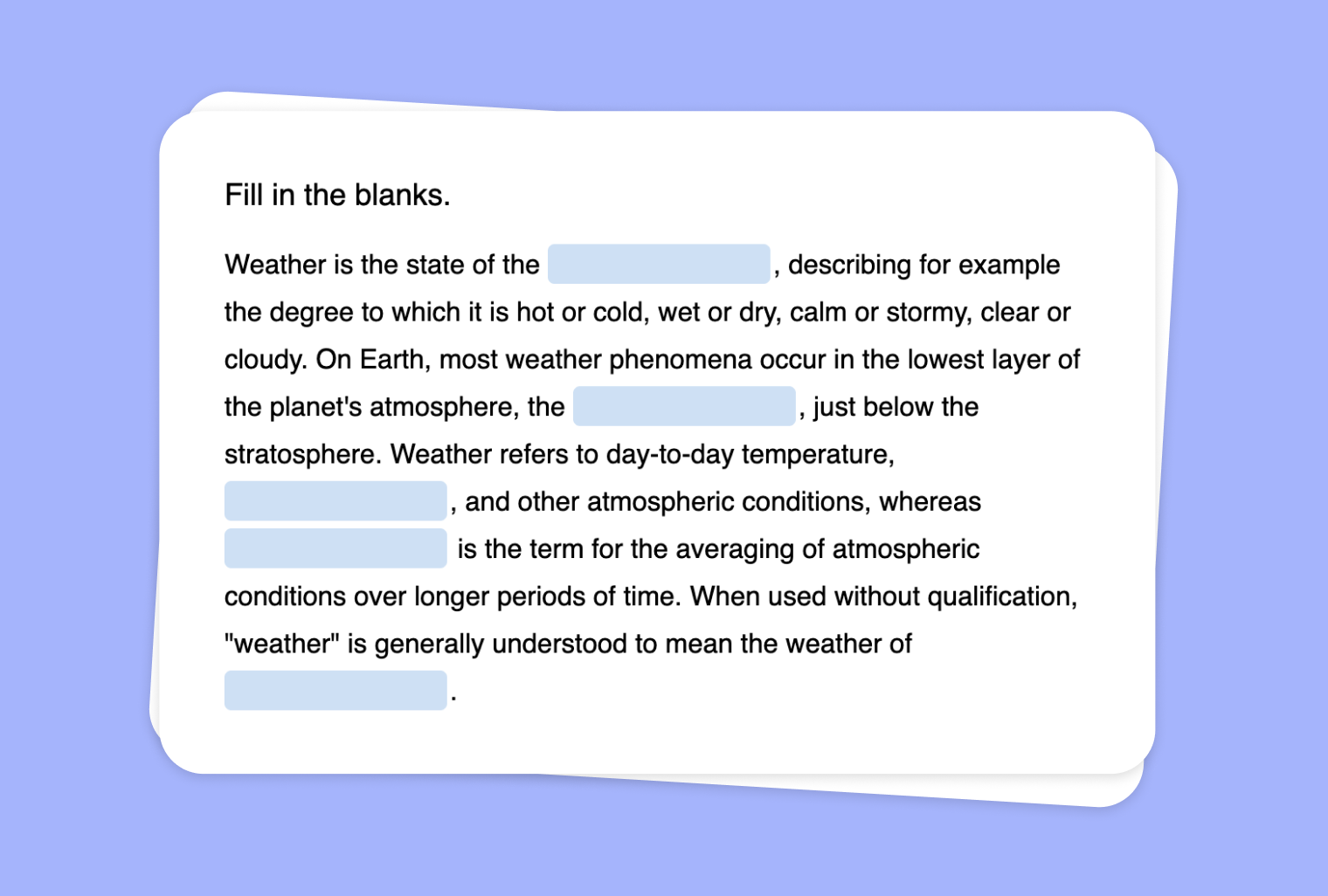
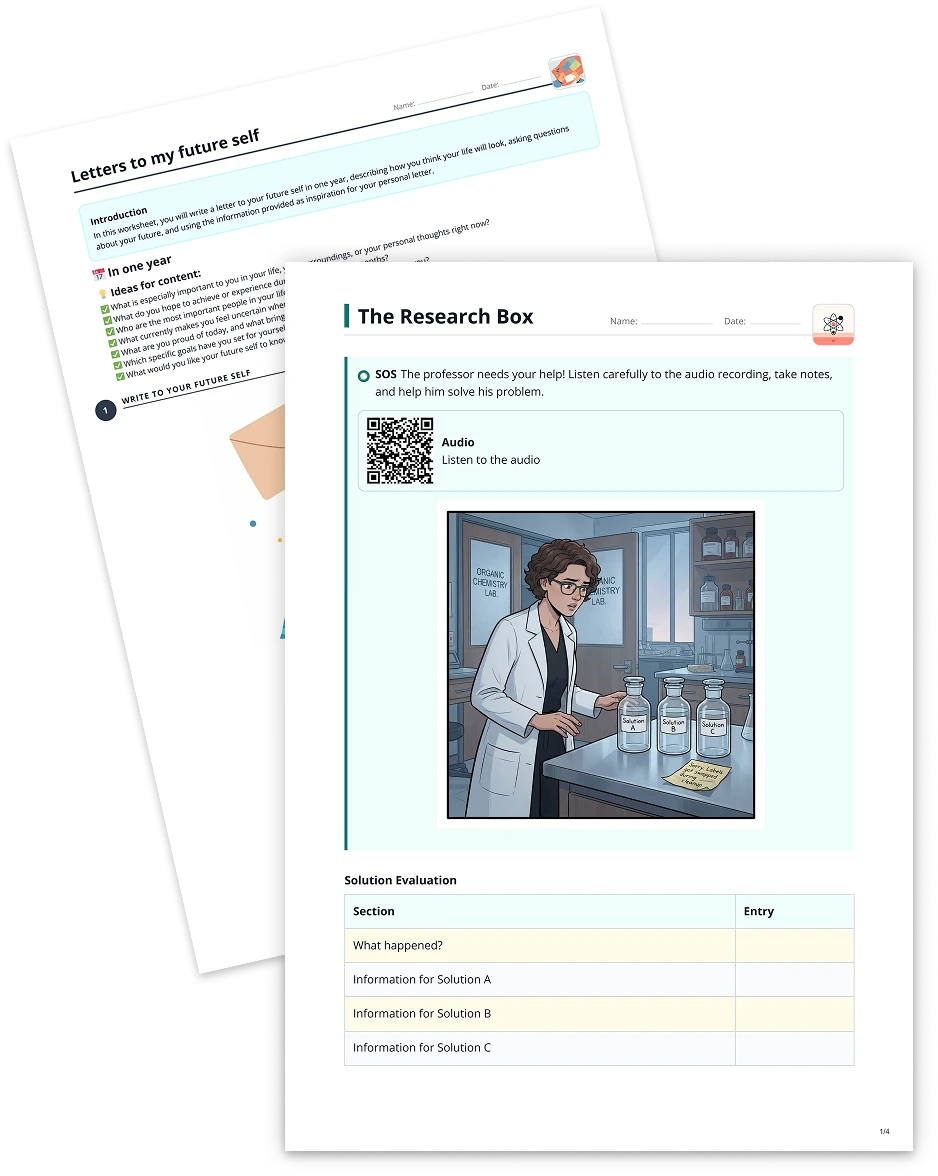
Listening practice plays a crucial role in language learning. With to-teach.ai, you can now upload any audio file and instantly transform it into a Fill-the-Gap Task. This activity encourages students to actively engage with the content, boost their comprehension, and refine their vocabulary in a hands-on manner. Whether it's a short monologue, an interview clip, or a dialogue, creating gap-fill exercises helps solidify key terms and phrases.
Why Create a Fill-the-Gap Task from Audio?
Enhance Listening Uptake
Students tune in more carefully when they know they'll have to fill in missing parts from the audio.Build Vocabulary Skills
By focusing on specific words or phrases omitted from the transcript, learners can sharpen their vocabulary.Engaging Format
Transforming audio into a fun, puzzle-like task keeps students motivated and attentive.Instant Customization
Tailor the difficulty level—cover basic words for beginners or advanced expressions for proficient learners.Boost Comprehension
Ensuring students follow along with the audio fosters better understanding of tone, context, and pronunciation.
Getting Started
In just a few clicks, you can upload your audio clip onto to-teach.ai. Our AI will generate a transcript, identify possible gaps (like key vocabulary or phrases), and produce a fill-the-gap text ready for your online or printed classroom materials. You can further refine which words to omit and even add hints or feedback.
Frequently Asked Questions (FAQ)
How do I convert my audio file into a fill-the-gap exercise?
Simply upload your audio file in to-teach.ai, select the 'Fill-the-gap' option, and the platform will generate a transcript with gaps for students to complete.Can I choose the specific words or phrases to remove?
Yes, you can fully customize which phrases are omitted. You can highlight key terms or difficult words that you want your students to focus on.What if some students need extra support?
Adjust the difficulty by adding hints or displaying partially completed gaps. This ensures you cater to various language proficiency levels.How can I use this in a blended classroom?
You can share the fill-the-gap activity digitally for remote learners, or print out worksheets for in-class exercises.Is it possible to create fill-the-gap tasks for non-language subjects?
Absolutely. Any subject where students can strengthen listening skills—like history, science talks, or interviews—can benefit from this technique.
Fill the gap
From your own text, a PDF, a YouTube video, a website or an image.
Create it with to teachMore guides
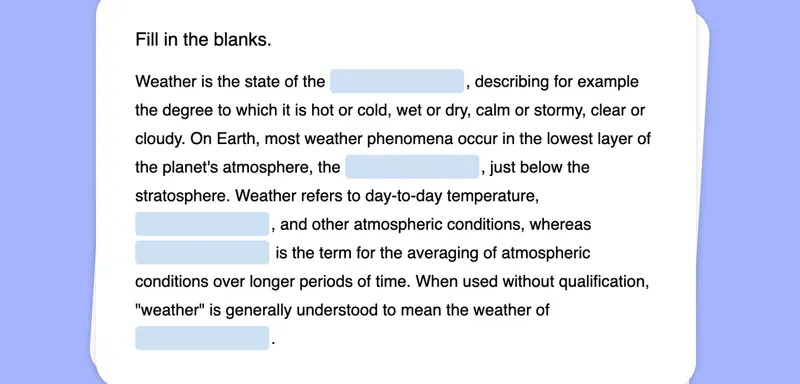
Create a Fill-the-Gap Task from Your Image
Generate a unique fill-the-gap activity from any image, transforming visual clues into engaging text exercises for your students.
Fill the gapTurn Your PDF into a Fill-the-gap Text
Create a fill-the-gap task from your PDF document, inviting learners to actively engage and recall key concepts through structured text interactions. Perfect for vocabulary building, comprehension checks, and test prep.
Fill the gapCreate a Fill-the-Gap Task Based on Your YouTube Video
Leverage any YouTube video to create an interactive fill-the-gap exercise and enhance listening comprehension, vocabulary, and student engagement with to-teach.ai.
Fill the gap