Fill the gap2 min read
Create a Fill-the-Gap Task from Your Image
Generate a unique fill-the-gap activity from any image, transforming visual clues into engaging text exercises for your students.
Create it with to teach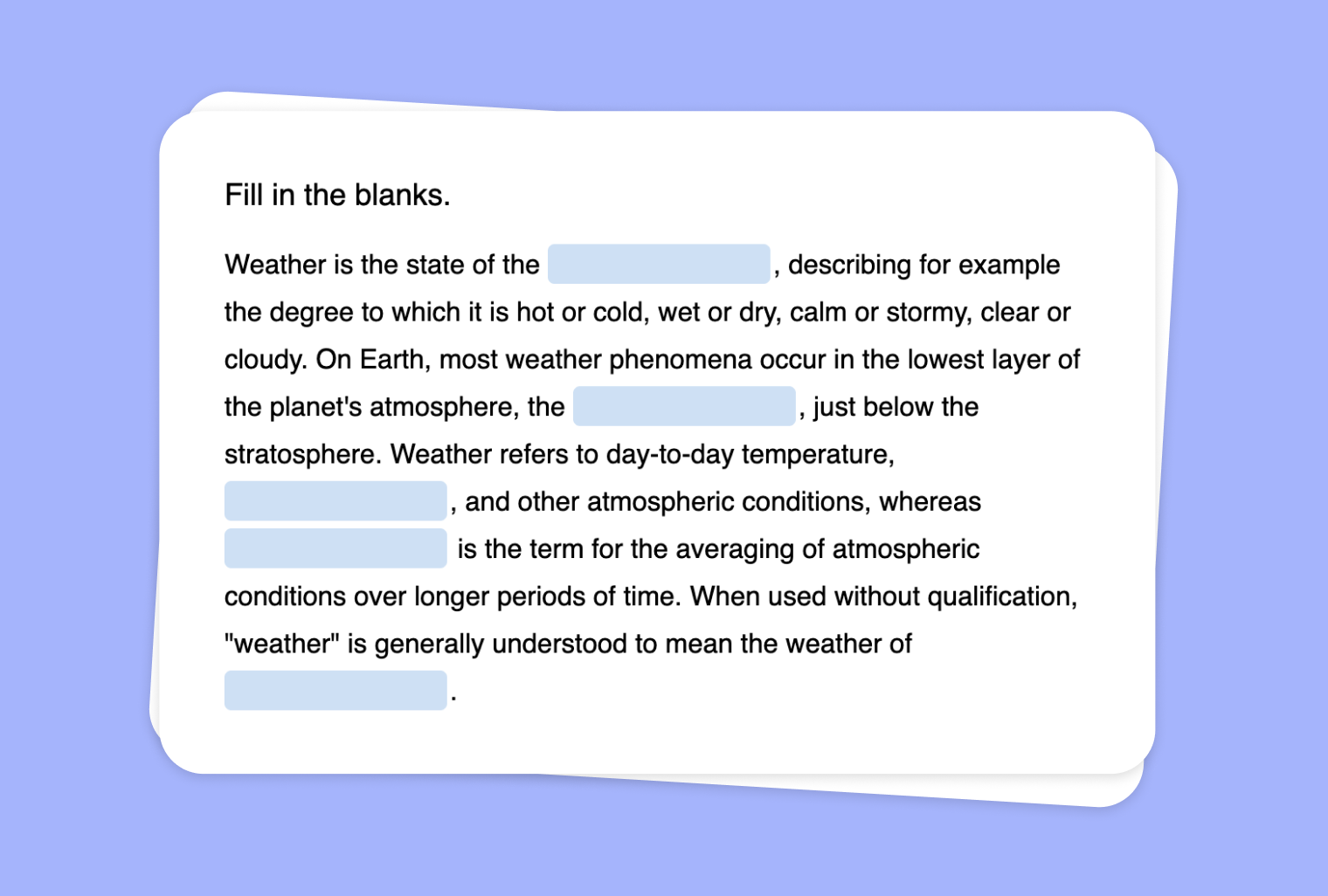
In this article
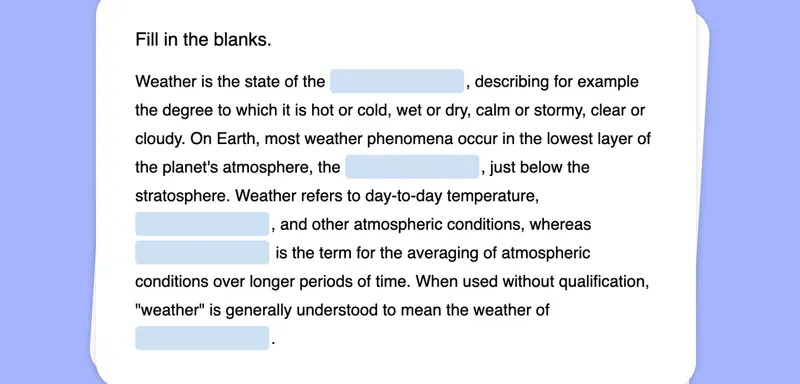
Do you want to spark your students’ imagination using a simple photograph or illustration? With to-teach.ai, you can now transform any image into an interactive Fill-the-Gap Text exercise. Whether you’re teaching vocabulary, grammar, or reading comprehension, turning an image into a fill-in-the-blank challenge adds both context and fun to the learning process.
Why Use an Image for a Fill-the-Gap Task?
Visual Context
Images set the stage for your lesson, giving students a clearer picture of the content they’re learning.Boost Engagement
Visual prompts capture attention and encourage participation, making lessons more appealing.Reinforce Vocabulary
Incorporate new words directly related to the image, reinforcing spelling, usage, and understanding.Simple Setup
Just upload an image, provide a descriptive text with missing words, and let the AI create a fill-the-gap exercise.Customizable Difficulty
Adjust the number of blank spaces, vocabulary complexity, and hints to match diverse student needs.
Getting Started
Begin by uploading an image into to-teach.ai. Write or paste the accompanying descriptive text related to the image. Identify the words or phrases you want your students to fill in. The platform will automatically generate an interactive fill-the-gap text exercise, which you can easily share or integrate into your lesson plans.
Frequently Asked Questions (FAQ)
Can I use any type of image for this activity?
Absolutely! Feel free to upload photos, illustrations, or charts. The AI can handle a variety of images to help you create a contextual fill-the-gap exercise.How does the AI know where to insert the gaps?
You decide which words to remove for the fill-the-gap format. The AI then transforms your chosen text into an engaging, interactive exercise.What if my students have different proficiency levels?
You can adjust difficulty by selecting simpler or more challenging vocabulary, and by providing optional hints or clues.Are images particularly helpful for language learners?
Yes! Combining visuals with text helps language learners associate words with images, making new vocabulary more memorable and context-rich.How do I share the Fill-the-Gap Text with my class?
After generating your activity, simply share the generated link or embed the exercise in your online learning platform—no extra software or plugins required.
Fill the gap
From your own text, a PDF, a YouTube video, a website or an image.
Create it with to teachMore guides
Turn Your PDF into a Fill-the-gap Text
Create a fill-the-gap task from your PDF document, inviting learners to actively engage and recall key concepts through structured text interactions. Perfect for vocabulary building, comprehension checks, and test prep.
Fill the gapCreate a Fill-the-Gap Task Based on Your YouTube Video
Leverage any YouTube video to create an interactive fill-the-gap exercise and enhance listening comprehension, vocabulary, and student engagement with to-teach.ai.
Fill the gapExtract Text from Images and Create Fill-the-Gap Activities
Transform scanned or photographed documents into engaging fill-the-gap tasks, providing a highly interactive and flexible learning experience.
Fill the gap