MagicSchool vs to teach: worksheets, lesson planning and free plans
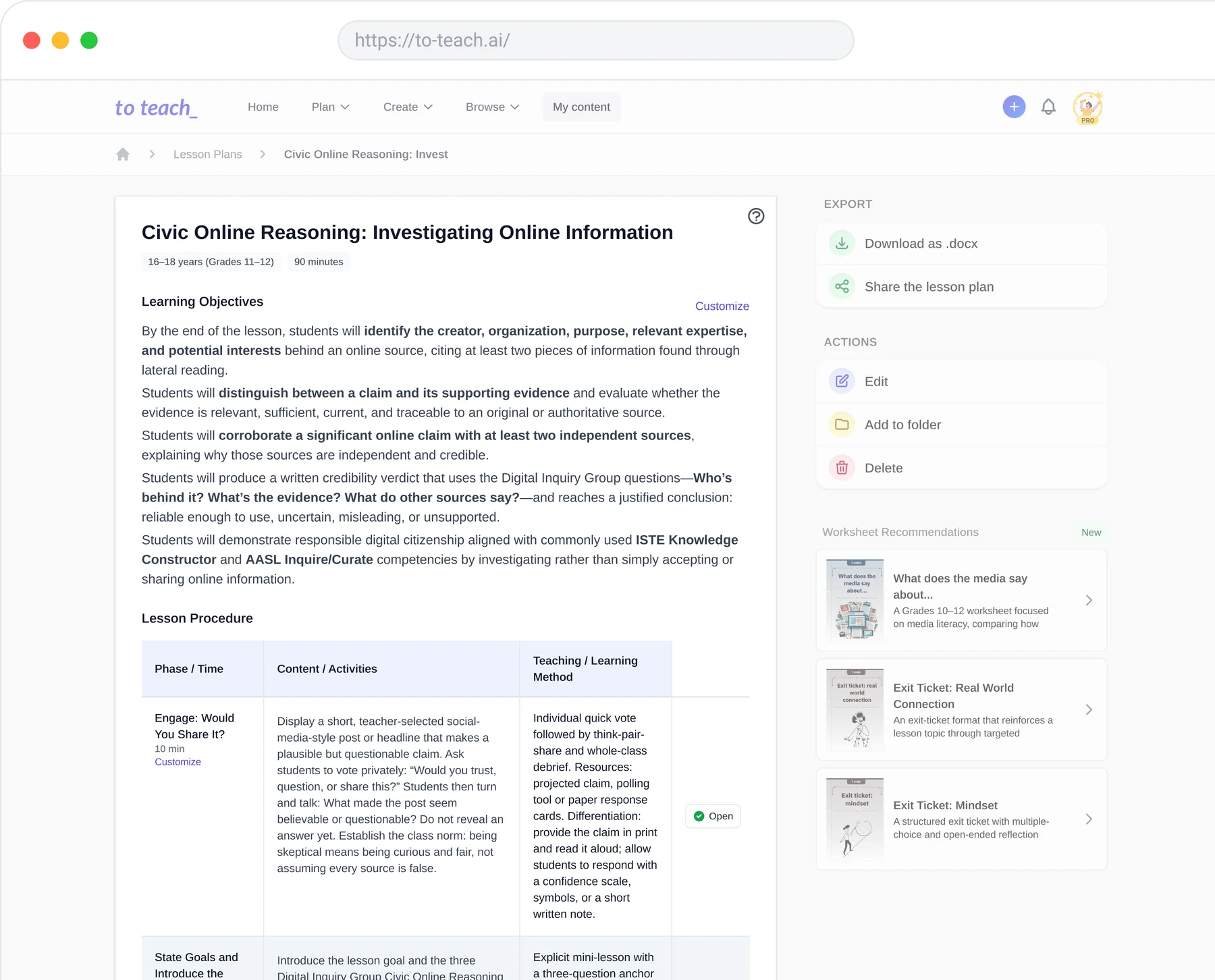
Looking for a MagicSchool alternative that follows the way you prepare lessons? With to teach, you can build a teaching unit from your lesson plans and create the materials needed for each lesson phase in a few clicks. The plan becomes the starting point for the work you bring into class: worksheets, presentations and interactive activities, ready to adapt for your students.
By the to teach team · Reviewed: 8 October 2026
MagicSchool vs to teach: the differences that affect your choice
Your requirement | MagicSchool | to teach |
|---|---|---|
Create worksheets | An editable worksheet generator with controls for level and question types. | Worksheet creation from a topic or your own source, with editing and material export. |
Plan a lesson | A dedicated lesson-plan tool. | Build a teaching unit from lesson plans and create materials for each lesson phase |
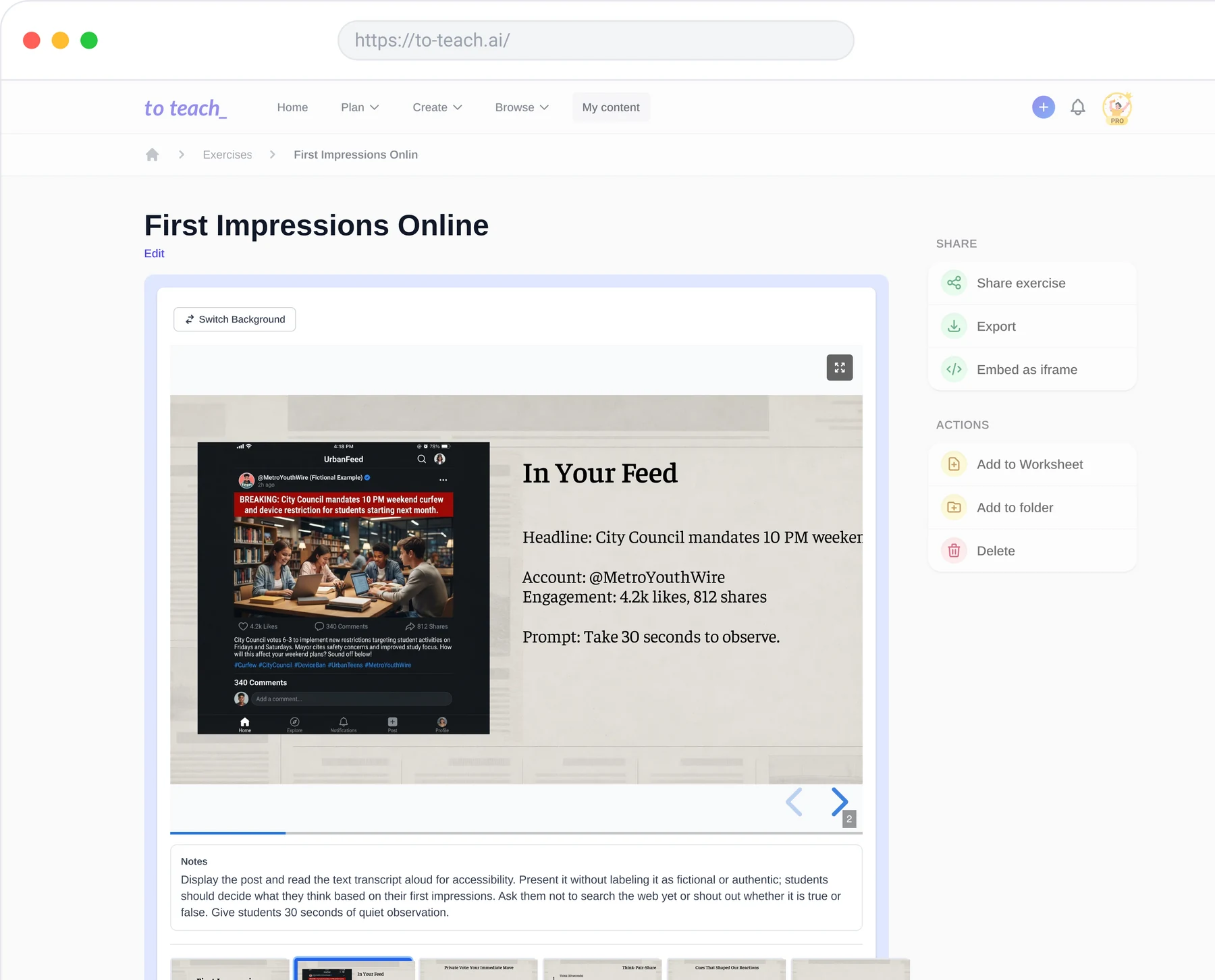
Let students interact with AI | MagicStudent offers teacher-managed Student Rooms. | Shared interactive exercises let students use prepared material without a to teach account; that is a different activity from a student AI conversation. |
Take materials elsewhere | The pricing page lists Google and Microsoft exports. | Print with PDF, edit in Word with DOCX, or use H5P for interactive activities. |
Choose a free plan | A free tier; Plus adds unlimited generations and other expanded access. | Monthly creation allowances: 5 exercises, 3 worksheets and 2 lesson plans. |
Sources: MagicSchool’s worksheet generator, lesson-plan tool, Student Rooms, plans and exports, and to teach’s product and pricing overview.
For worksheet preparation, look past the feature checkbox
Both platforms create editable worksheets. MagicSchool offers controls for reading level and question types. With to teach, you can build your preparation around the materials you want to use: a printed handout, an editable document or an interactive activity.
For to teach, the more useful question is whether the material fits the way you distribute work. A teacher who prints a class set needs a different output from someone who wants an interactive activity in an LMS. The worksheet overview covers PDF, Word and H5P output. Pick the format you actually use before comparing plans.
See what your students could work with. This English video worksheet has vocabulary activities and open questions, with a student PDF and separate answers. It uses Emma Bryce’s TED-Ed video. Open the worksheet, download the answers and see how the activities fit your lesson.
Student AI rooms and shared exercises solve different problems
If the lesson calls for students to talk to AI, investigate MagicStudent. Its documented workflow includes creating rooms, choosing tools and monitoring student activity. That is a concrete reason to put MagicSchool on your shortlist.
If students need to complete material you have prepared, inspect the shared worksheet above. They are working through selected activities rather than holding an open-ended AI conversation. With to teach, you choose the material and students can get straight to the activities.
Compare the allowance, not just the monthly headline
MagicSchool lists Plus at US$12.99 billed monthly or US$8.33 per user per month billed annually. Unlimited generations are a Plus feature. Check MagicSchool’s current plans.
to teach lists Starter at €5 per month billed yearly, with 20 worksheets and 5 lesson plans per month; Pro at €10 per month billed yearly, with 50 worksheets and 25 lesson plans. Both paid tiers include answer keys and lesson plans with materials. Check to teach’s current allowances.
For weekly worksheet preparation, to teach Starter includes 20 worksheets a month. If you plan lessons across several classes, Pro raises that to 50 worksheets and 25 lesson plans. Choose the allowance that fits your teaching week.
Is to teach the right MagicSchool alternative for you?
MagicSchool’s Student Rooms are relevant if students will be talking directly to AI. For preparing and sharing your own teaching materials, start with to teach’s lesson and worksheet workflows.
to teach connects planning with the material you bring into class. Explore the worksheet above or open this complete lesson plan with linked materials. Ready to prepare your own materials? explore to teach’s worksheet tool or lesson planner.
Start with a free to teach account: create up to three worksheets and two lesson plans a month, and build from the resources you already teach with.
Prepare your next lesson, step by step