Monsha vs to teach: from unit planning to lesson materials
Choose to teach when you want to build a lesson unit, work through its lesson plans and create the materials for each phase in a few clicks. Monsha is also built around connected planning: its curriculum planner links courses, units, lessons and resources. The useful comparison is how you want to organise your preparation.
By the to teach team · Reviewed: 8 October 2026
How the planning fits together
Preparation task | Monsha | to teach |
|---|---|---|
Organise several lessons | Course → units → lessons, with resources at each level. | Build lesson units from lesson plans, then prepare the materials for individual phases. |
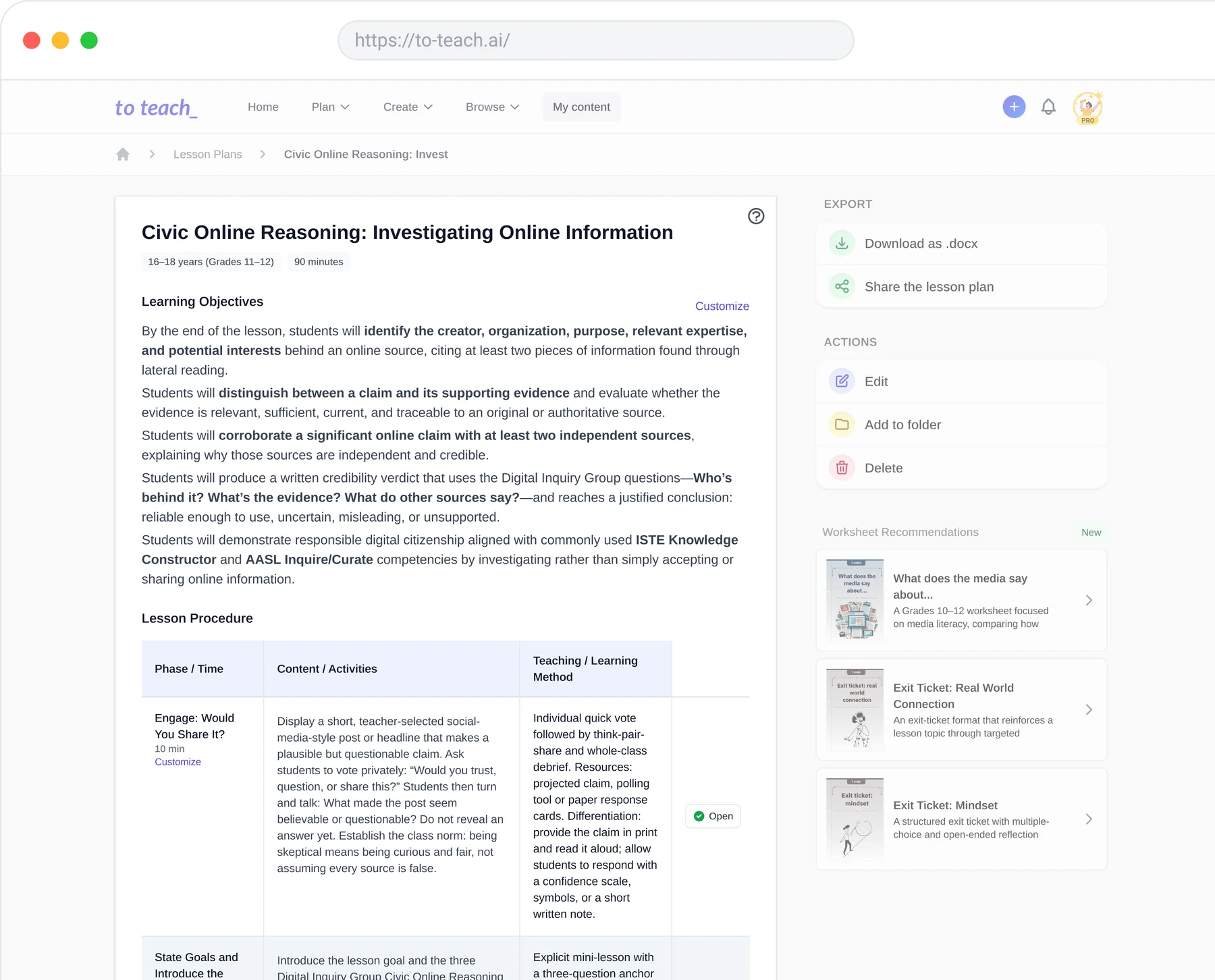
Prepare a lesson | Customisable planning blocks for objectives, instruction, activities and assessment. | A lesson flow with phases, timings, activities and methods. |
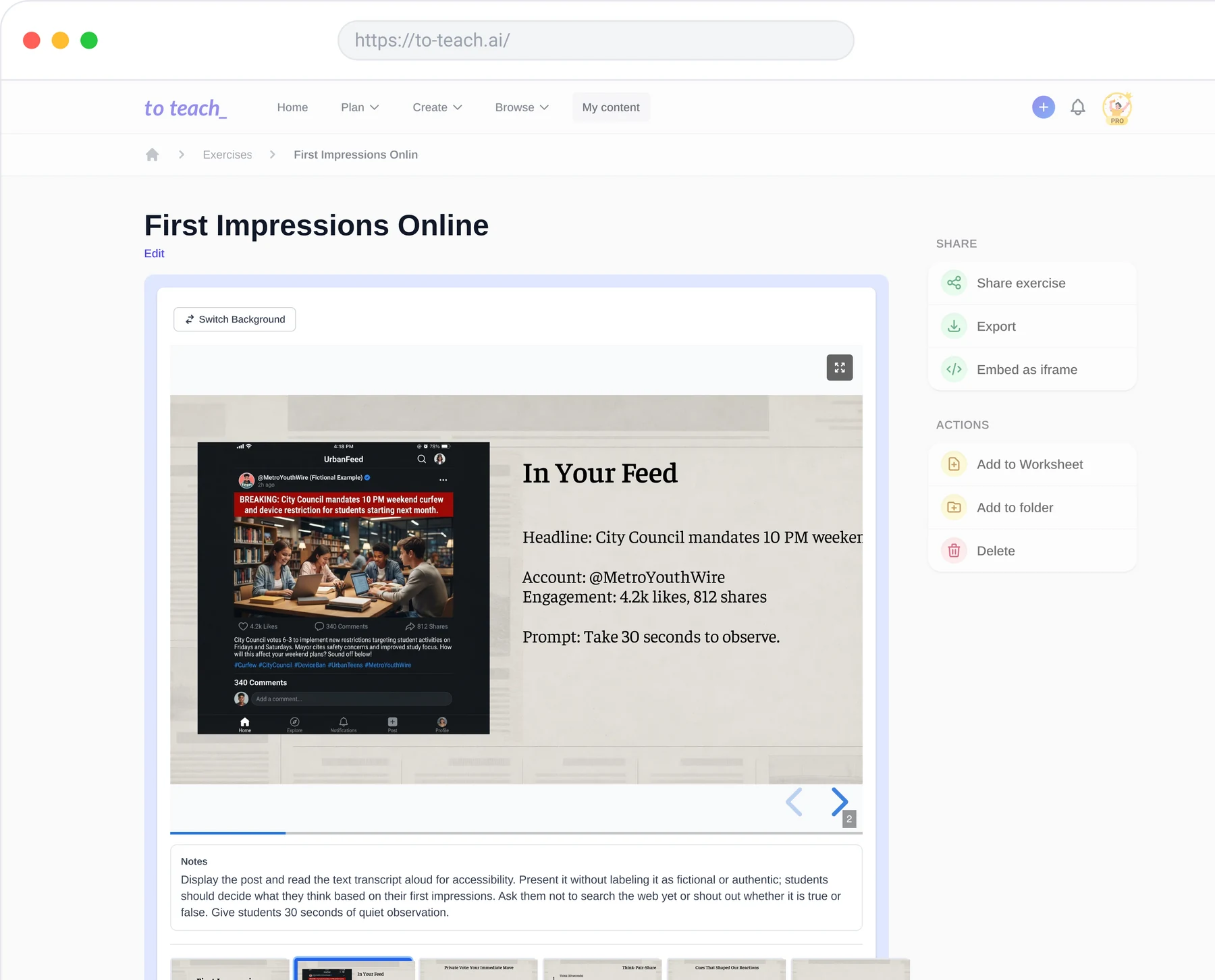
Add the teaching materials | Attach or create worksheets, slides, links and videos within lesson segments. | Generate matching worksheets and materials directly from a lesson phase. |
Revise the sequence | Reorder units and lessons; move resources between them. | Edit the phases, objectives and content of the lesson plan. |
Monsha’s curriculum-planner documentation describes its course structure and resource organisation. Our lesson-planning walkthrough shows the editable lesson flow and material generation.
Why choose to teach for daily preparation?
The lesson sequence is your working surface. Set the topic, age group and duration, decide how the lesson opens, and work with the resulting phases. When a phase needs pupil-facing material, create it from that part of the plan. You can develop the wider unit while keeping the work for the next lesson concrete.
This suits preparation that moves between two scales: what the class should achieve across several lessons, and what pupils will actually use in the next activity. Our interface brings those decisions together. You can also export the lesson plan as an editable Word document to use alongside your other planning.
When Monsha belongs on your shortlist
Monsha is particularly relevant if you want a course-level workspace with standards and objectives visible across units and lessons. Its planner also lets you reassign resources as the sequence changes. Those are meaningful organisational features, especially when a course structure is central to your planning.
Both products connect plans and materials. For teachers drawn to to teach, the reason to switch is the experience of preparing from the lesson flow: unit, lesson, phase, material. Explore lesson planning with to teach and start with a lesson you already need to prepare.
Prepare your next lesson, step by step