QuestionWell vs to teach: video quizzes or lesson worksheets?
Choose the workflow around the work your students will do: questions inside a video, or an editable worksheet and the lesson materials around it.
By the to teach team · Reviewed: 12 October 2026
QuestionWell vs to teach: start with what students will do
A video quiz asks students to respond while they watch. A worksheet gives them space to work with the ideas afterwards: connect vocabulary, explain a process and write a reasoned answer. That choice matters more than how many questions an AI can generate.
QuestionWell is worth considering when you want an interactive video assignment or question sets for an existing quiz platform. Choose to teach when you want the video to become part of your lesson preparation: differentiated worksheets with solutions, lesson plans and the materials for each phase.
What happens after you paste the video link?
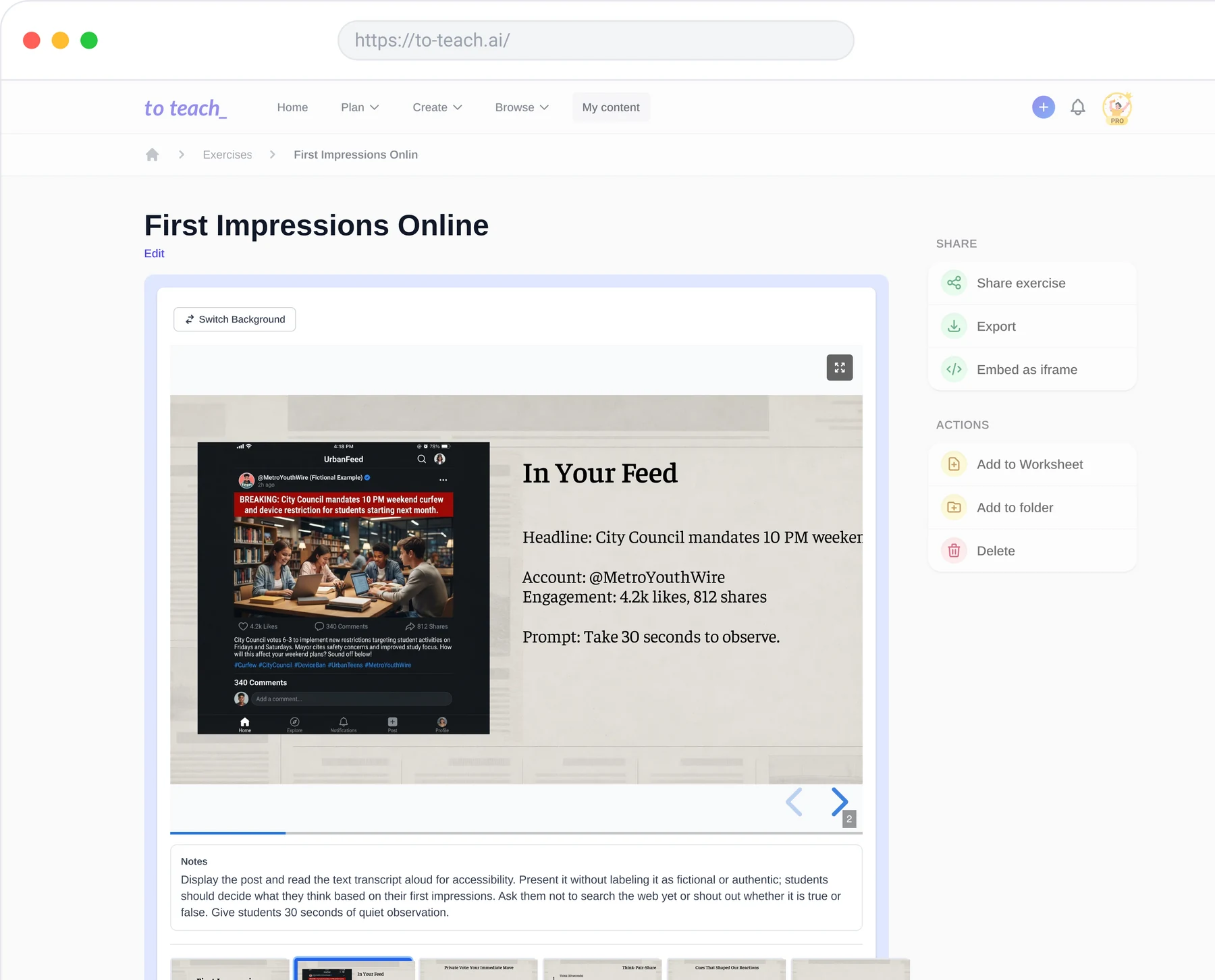
QuestionWell’s video editor works from a YouTube transcript. You select questions, inspect their positions in the video and can generate another question from a highlighted passage. Students open the assignment through a link, QR code or access code. This makes the timing of a question part of the activity.
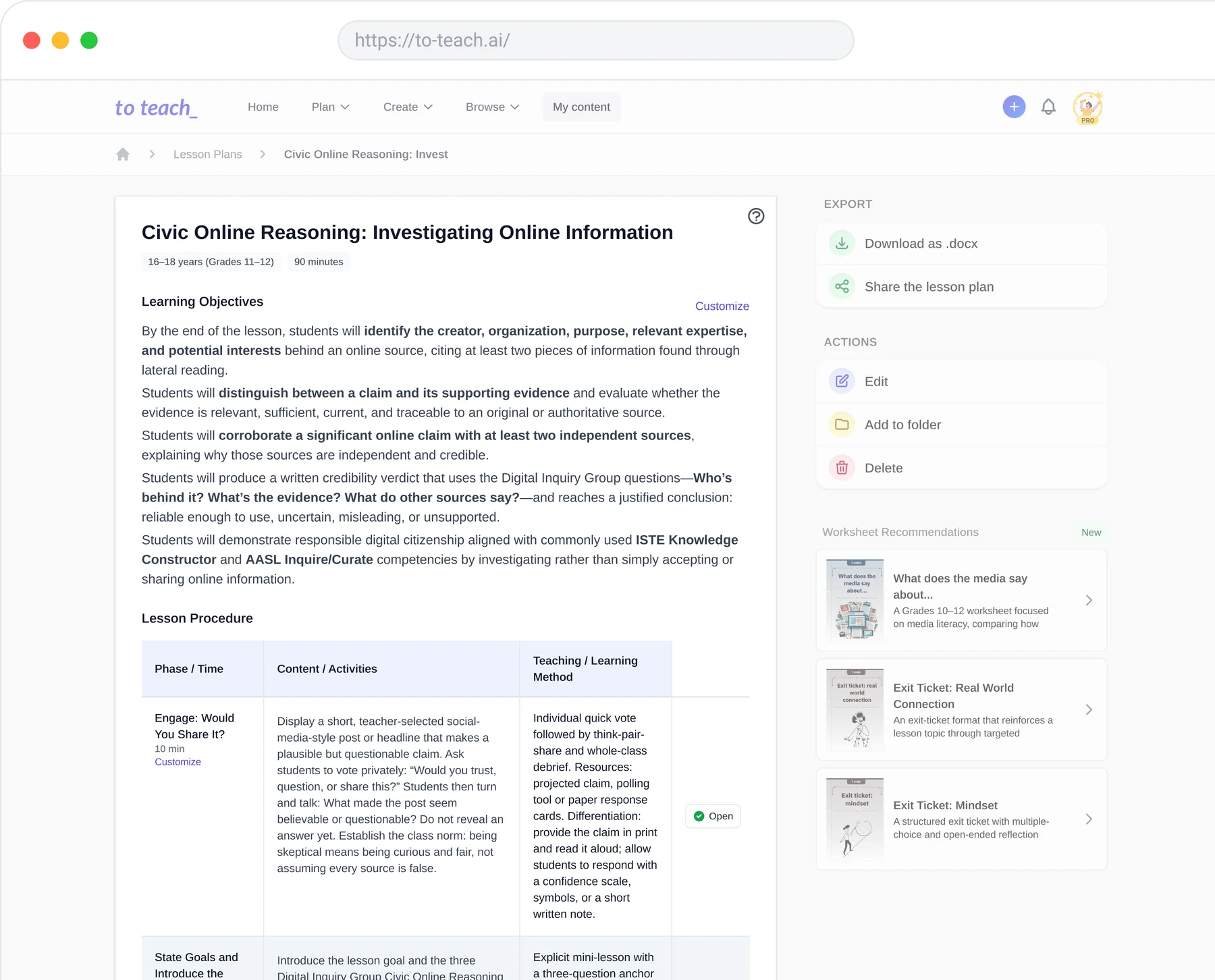
In to teach’s YouTube worksheet workflow, you select the class level, subject and learning goals, then edit the resulting tasks and solutions. PDF and Word suit a printed handout; H5P gives you an interactive option. If you want students to explain their thinking after watching together, start here.
to teach’s YouTube worksheet workflow
See the worksheet before choosing
Open the existing What really happens to the plastic you throw away worksheet alongside Emma Bryce’s original TED-Ed video. The English material includes vocabulary matching and open questions about landfill, pollution and recycling. You can inspect the student PDF and its answer key.
What really happens to the plastic you throw away worksheet
Emma Bryce’s original TED-Ed video
The matching task checks whether students connect terms with meanings. The open recycling question asks them to explain a different outcome for the same bottle. Those are different demands: getting the vocabulary right does not yet show that a student can explain the process. This is why the final activity, rather than the source video alone, should drive your choice.
QuestionWell also makes materials beyond quizzes
QuestionWell is not limited to multiple-choice questions. Its Teacher Tool Box includes unit plans, guided notes and exit tickets. Its reading exports include editable Google Slides worksheets for reading notes and paragraph main ideas.
The reason to choose to teach is the connected preparation workflow. Build a lesson unit from lesson plans, then create the materials needed for individual phases. The lesson planner keeps objectives, timings, methods and material creation together. You can begin with the whole sequence when that is the work on your desk, or enter through the video tool when you already have a lesson planned.
Choose for the next lesson you actually need to prepare
If your priority is an assignment with questions positioned inside a video, look at QuestionWell’s interactive video editor. If you need a printable student task, a separate solution sheet and a route into planning the surrounding lesson, start with to teach. The linked plastic example lets you judge the format before creating your own version.
Create a worksheet from your own video, or prepare the lesson and its materials together.
Prepare your next lesson, step by step