
Make Learning Fun and Engaging
Discover Fresh Tools and Engaging Content for Creative Ideas to Make Learning Fun
Material creation
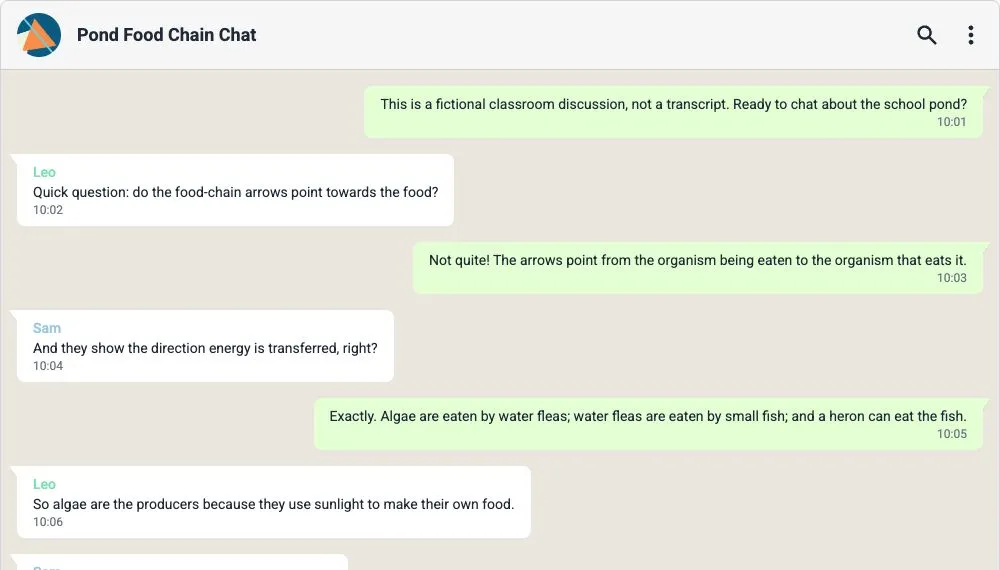
Turn a PDF reading into a classroom chat pupils can check against the source
A short PDF reading can become a conversation that gives pupils something to question. In to teach, add the document as a source, choose the Whatsapp Chat format and ask for a discussion around one important idea. Keep t
Material creation
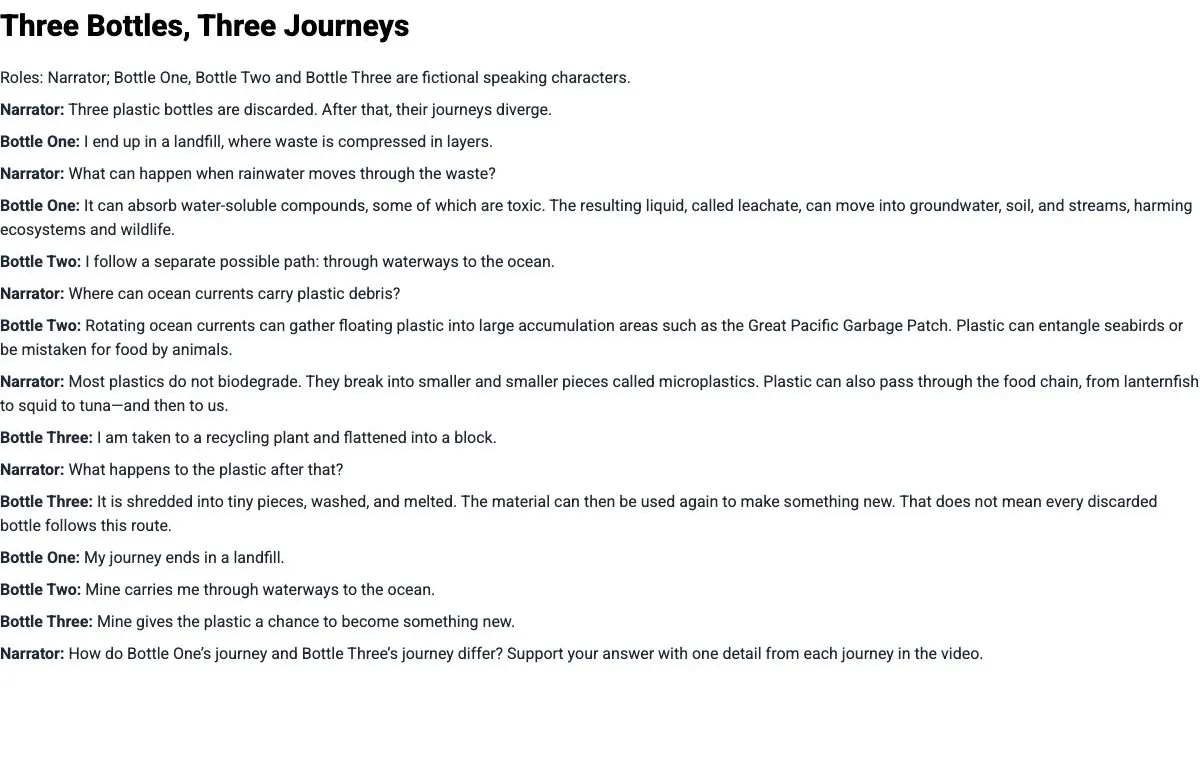
Turn a YouTube video into a classroom script for post-viewing discussion
To turn a YouTube video into a classroom script, add the video as a source in to teach, choose a written format and describe what pupils should explain after watching. The script gives small groups a reason to revisit th
Material creation
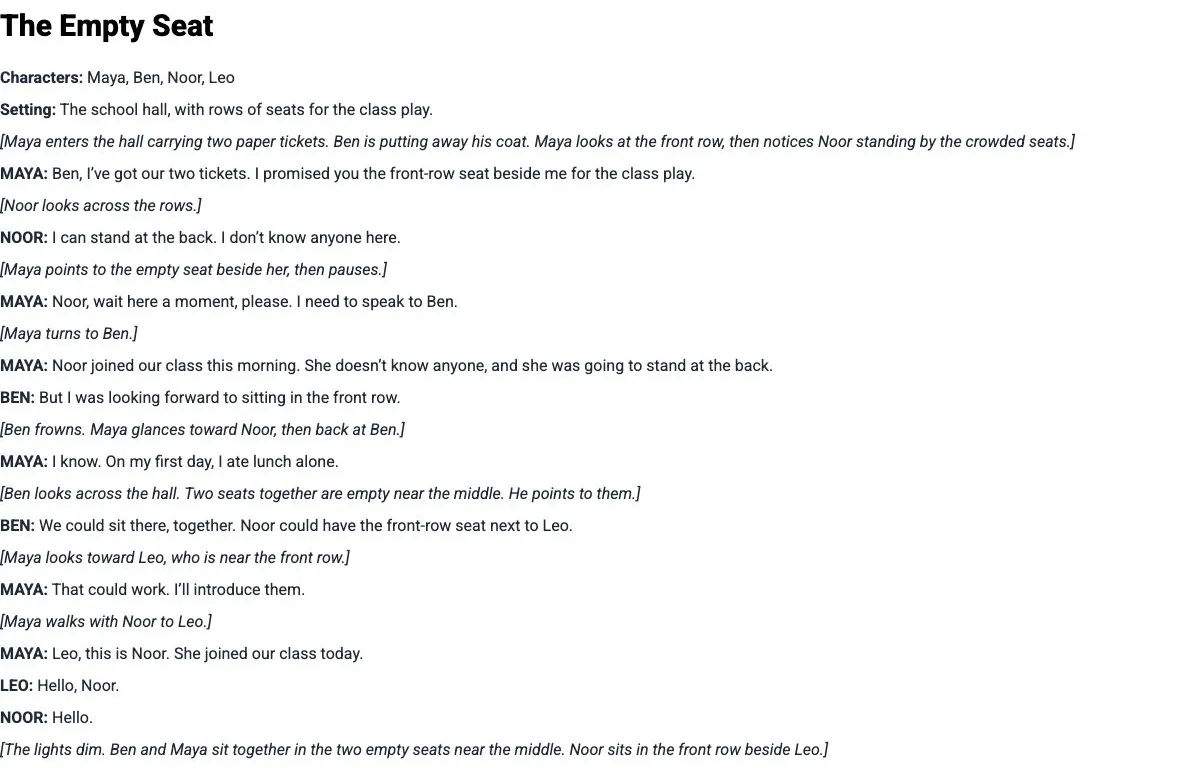
Turn a text into a classroom script: keep the story, change how it is told
To turn a reading into a classroom script, keep its events and decisions, then express them through spoken lines and actions. In to teach, add the reading, choose the script format and specify the roles. The worked examp
Material creation
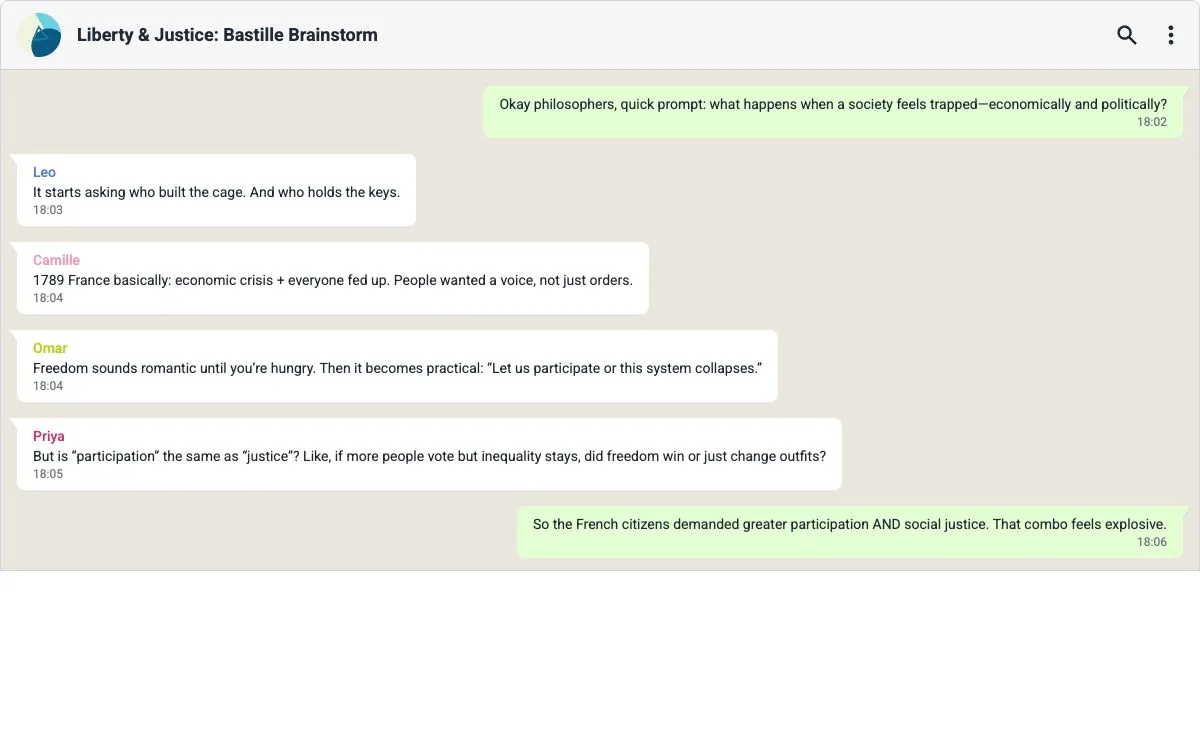
Create a classroom chat from a text: turn reading into a discussion
A simulated group chat turns a passage into short contributions from different speakers. In to teach, choose the Whatsapp Chat format, add your text and describe the discussion you want. Use the result after a first read
Material creation
Create flashcards from text in an image: a classroom OCR workflow
To create flashcards from text in a picture, add the image through Text from image in to teach, then choose Flashcards. Text extraction, also called optical character recognition (OCR), reads the words in an image. This
Material creation
Create flashcards from a YouTube video for a post-viewing lesson
To make flashcards from a YouTube video, add the video link as a source in to teach, choose Flashcards and specify the ideas pupils should recall. Use the cards after viewing to check the explanation, then return to the
Material creation
Create flashcards from a PDF: turn a class reading into focused revision
A PDF reading already contains the material your class needs to revisit. In to teach, add the document as your source, choose Flashcards, then set the language, explanation level and number of cards. Specify the concepts
Material creation
Create flashcards from a text: build a set your class can actually use
Start with what students should be able to explain, then turn the relevant terms from your text into a short flashcard set. In to teach, you can supply the source, choose the explanation style and specify the number of c
Material creation
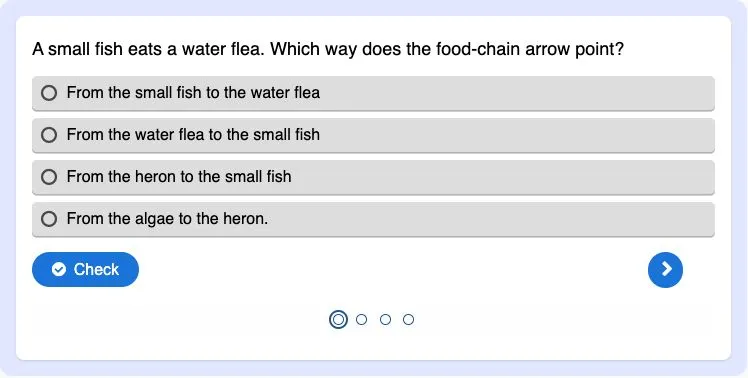
Turn a PDF reading into a classroom multiple-choice quiz
Turn a PDF reading into a short comprehension check with one clear purpose per question. Our school pond example checks four ideas: energy transfer, producers, nutrient uptake and food webs. The source and finished quiz
Material creation
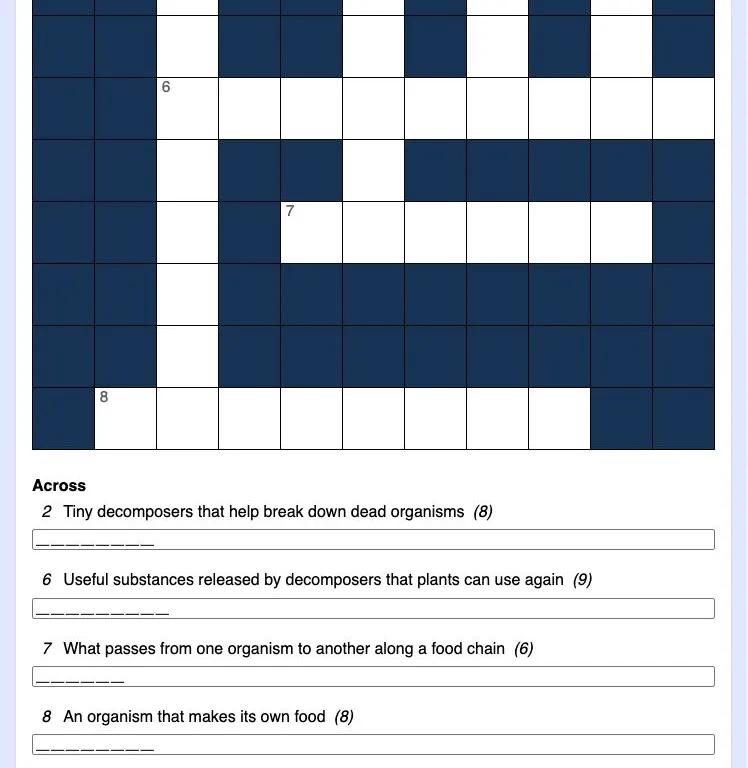
Turn a PDF reading into a classroom crossword
Turn the key vocabulary in a PDF reading into a crossword pupils can solve after reading. This example uses a one-page school pond text and eight terms, including PRODUCER, CONSUMER and NUTRIENTS. Download the source bel
Material creation
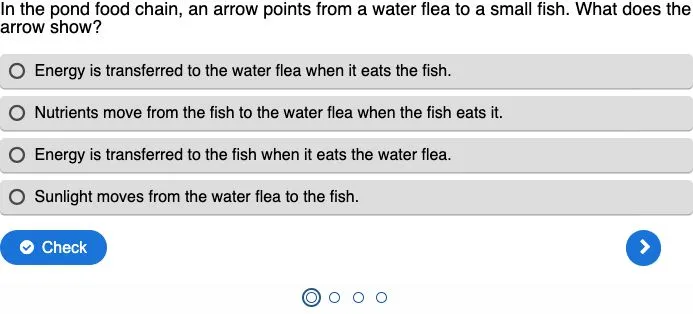
Create a multiple-choice quiz that checks pupils’ understanding
A useful classroom quiz tells you which idea to revisit. With to teach, you can create a multiple-choice quiz from the text your pupils are reading, then refine the questions and answer options before sharing it. Here we
Material creation
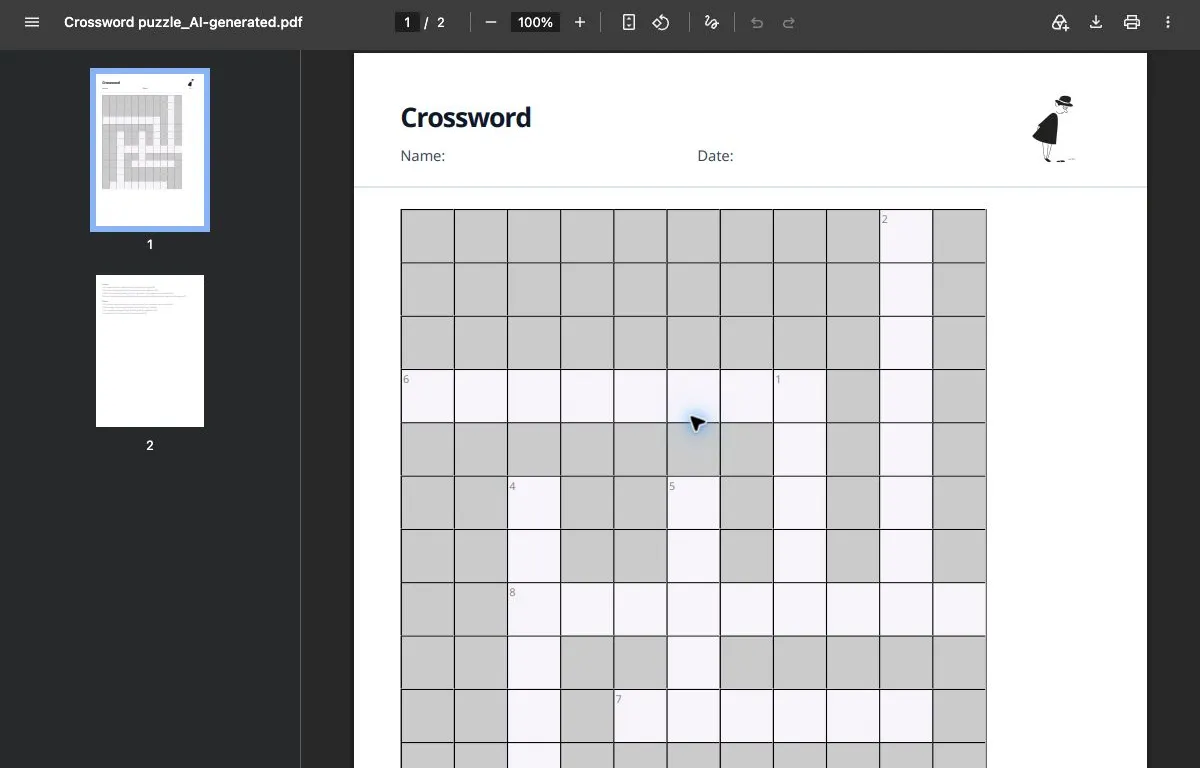
Create a classroom crossword from your own text
A classroom crossword works best when its clues bring pupils back to the meaning of words they have just met. Start with a short source, choose the vocabulary worth revisiting, and use to teach to turn it into an editabl